claitz/claits-chatgpt-gui
Archived
An all-in-one solution to interact with ChatGPT APIs with a nice GUI
Image
0
232
claitz/claits-chatgpt-gui repository overview
clait's ChatGPT API GUI
The code for this image is available on GitHub
Simple GUI to interact with various ChatGPT models via API.
This was created to provide an alternative to the amazing PatrikZeros ChatGPT API UI and to be easily deployable via Docker.
Features
- Model selection
- Multiple chat sessions
- Chat history stored to MongoDB
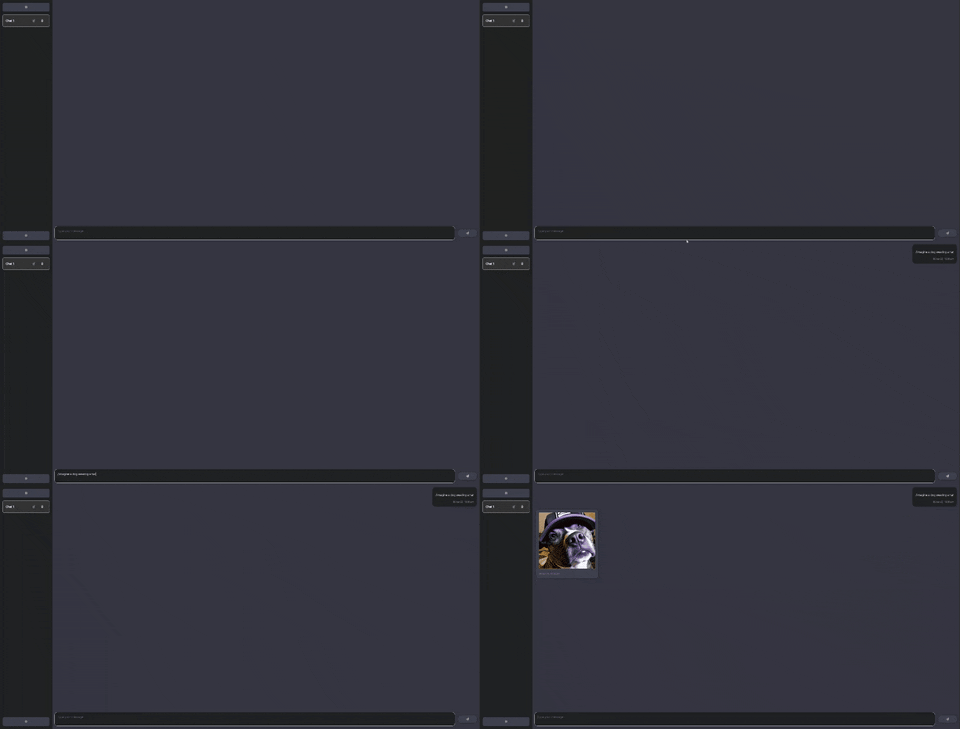
- Image generation with persistent local storage to MongoDB
- Double click to copy code blocks
- Toast notifications
- Websocket server & streamed bot responses
Screenshots

Text request with response streaming:
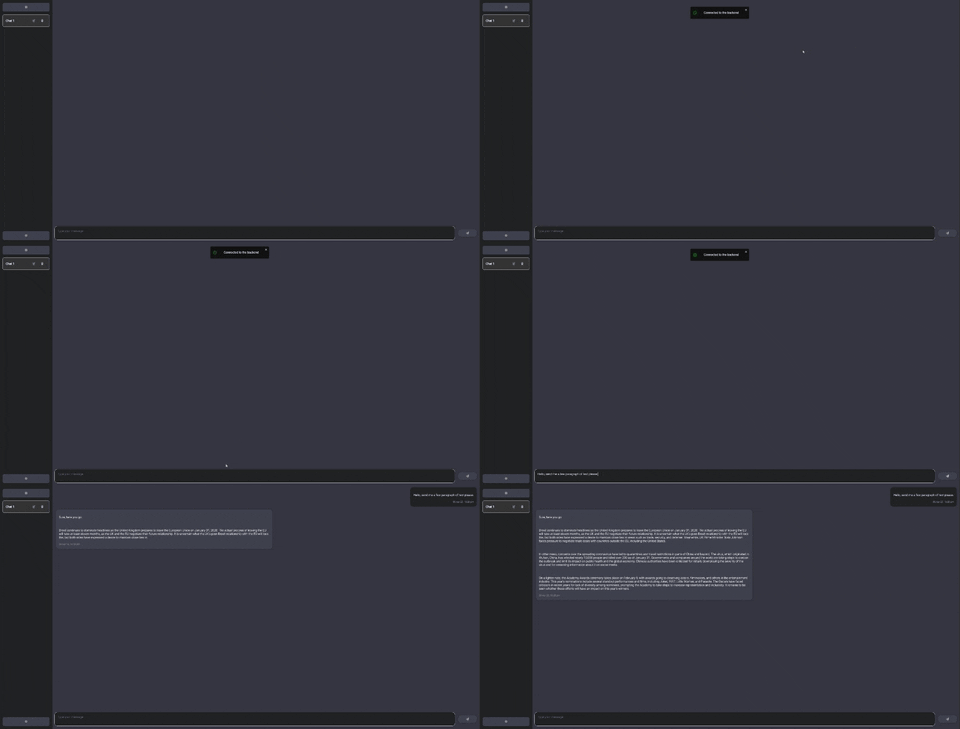
Image request:
How to run
Docker (recommended)



A prebuilt Docker image is available on Docker Hub and a docker-compose file is available as example in this repository.
- Install Docker
- Run
docker compose up -din the root directory of this repository or wherever you have thedocker-compose.ymlfile - Open
localhost:5000in your browser
This will start the stack (app + MongoDB) and expose the app on port 5000. You can change the configuration in the docker-compose.yml file.
Example docker-compose.yml
version: '3.3'

services:
  claits-chatgpt-gui:
    image: claitz/claits-chatgpt-gui:latest
    container_name: claits-chatgpt-gui
    ports:
      - "3001:3001"
      - "5000:5000"
    environment:
      - REACT_APP_FRONTEND_HOST=http://claits-chatgpt-gui:5000
      - REACT_APP_BACKEND_LISTEN_PORT=3001
      - REACT_APP_BACKEND_HOST=http://claits-chatgpt-gui:3001
      - REACT_APP_IMAGE_REQUEST=/i
      - REACT_APP_TIMEOUT_INTERVAL=10000
      - MONGO_USERNAME=chatgpt
      - MONGO_PASSWORD=chatgpt
      - MONGO_HOST=mongo
      - MONGO_PORT=27017
      - MONGO_DB_NAME=chagpt-db

  mongo:
    image: mongo:5.0
    container_name: claits-chatgpt-gui-mongo
    volumes:
      - chatgpt-gui-persistence:/data/db
      - chatgpt-gui-persistence:/data/configdb
    ports:
      - "27017:27017"
    environment:
      - MONGO_INITDB_ROOT_USERNAME=chatgpt
      - MONGO_INITDB_ROOT_PASSWORD=chatgpt

volumes:
  chatgpt-gui-persistence:
Tag summary
Content type
Image
Digest
sha256:fe1251148…
Size
67.4 MB
Last updated
over 3 years ago
docker pull claitz/claits-chatgpt-gui