fenglc/pgadmin4
pgAdmin is an open source administration and management tool for the PostgreSQL database.
Image
47
1M+
fenglc/pgadmin4 repository overview
Supported tags and respective Dockerfile links
2.1-python2.7-alpine,2-python2.7-alpine,python2.7-alpine(python2.7/alpine/Dockerfile)2.1-python2.7-jessie,2-python2.7-jessie,python2.7-jessie,2.1-python2.7,2-python2.7(python2.7/jessie/Dockerfile)2.1-python2.7-slim,2-python2.7-slim,python2.7-slim(python2.7/slim/Dockerfile)2.1-python2.7-stretch,2-python2.7-stretch,python2.7-stretch(python2.7/stretch/Dockerfile)2.1-python3.6-alpine,2-python3.6-alpine,python3.6-alpine,2.1-alpine,2-alpine,alpine(python3.6/alpine/Dockerfile)2.1-python3.6-jessie,2-python3.6-jessie,python3.6-jessie,2.1-python3.6,2-python3.6,2.1-jessie,2-jessie,jessie,2.1,2,latest, (python3.6/jessie/Dockerfile)2.1-python3.6-slim,2-python3.6-slim,python3.6-slim,2.1-slim,2-slim,slim(python3.6/slim/Dockerfile)2.1-python3.6-stretch,2-python3.6-stretch,python3.6-stretch,2.1-stretch,2-stretch,stretch(python3.6/stretch/Dockerfile)



What is pgAdmin?
pgAdmin is an open source administration and management tool for the PostgreSQL database.
It is Free Software released under the PostgreSQL License.
How to use this image
In order to run a container with our image, execute:
docker run --name some-pgadmin4 \
           --link some-postgres:postgres \
           -p 5050:5050 \
           -d fenglc/pgadmin4
Then you can hit http://localhost:5050 or http://host-ip:5050 in your browser.
Use default administrator account to log in:
- user: [email protected]
- password: admin
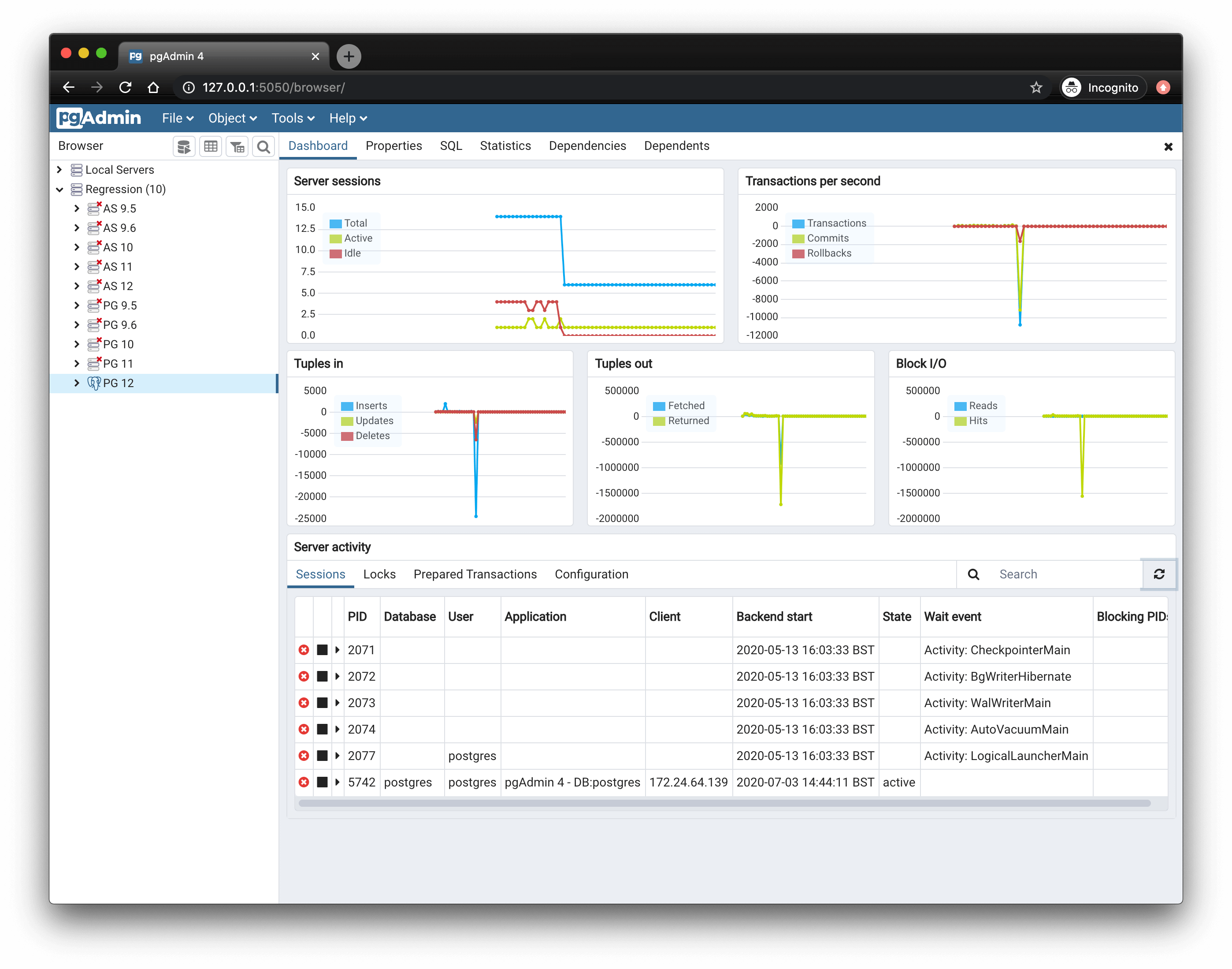
Screenshot
Environment Variables
-
DEFAULT_USER
default '[email protected]'
-
DEFAULT_PASSWORD
default 'admin'
-
MAIL_SERVER
default 'localhost'
-
MAIL_PORT
default 25
-
MAIL_USE_SSL
default False
-
MAIL_USE_TLS
default False
-
MAIL_USERNAME
default None
-
MAIL_PASSWORD
default None
Open source
Building from source
If you want to build and run your own version locally:
- Clone this repository.
- Build your own version of the Docker image.
License
Refer to the LICENSE file (MIT License).
Tag summary
Content type
Image
Digest
Size
346.2 MB
Last updated
over 8 years ago
docker pull fenglc/pgadmin4