gz1903/roonserver
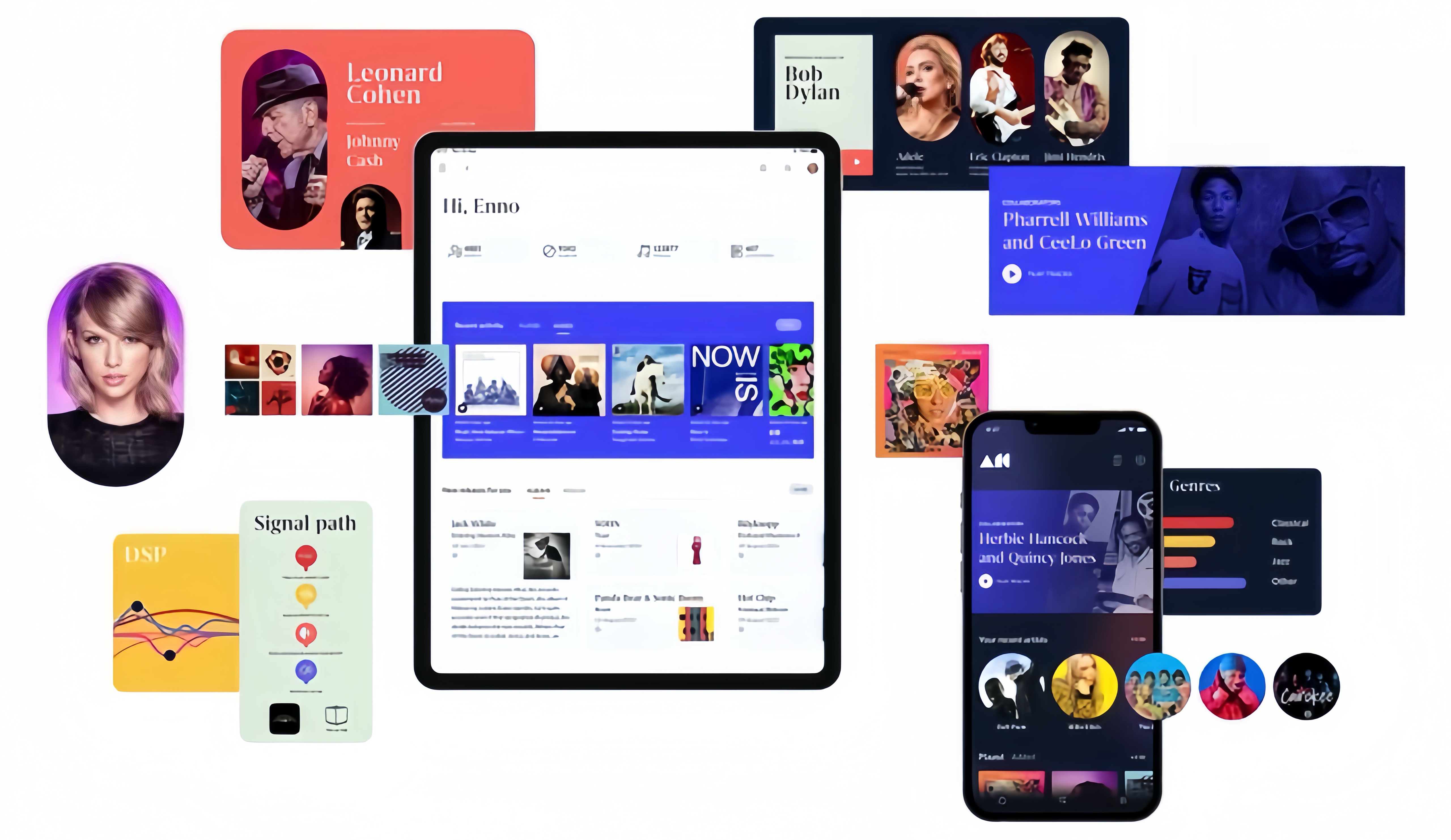
Any device,Roon plays your audio everywhere, at the highest possible sound quality.
10M+
gz1903/roonserver repository overview






| Environment | Version |
|---|---|
| Debian | 13.4 |
| Roon | latest |
| libicu76 | 76.1-4 |
| cifs-utils | 7.4-1 |
| ffmpeg | 7.0.2 |
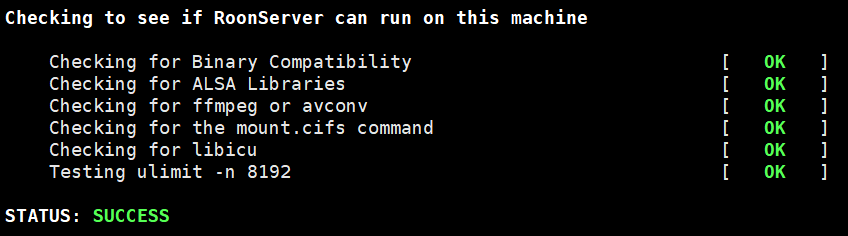
RoonServer downloading Roon on first run.This little project configures a docker image for running RoonServer. It downloads RoonServer if not found on an external volume.
Official documents:https://roon.app
Update log:https://community.roonlabs.com/c/roon/software-release-notes/18
How to use this image
Example start:
docker run -d \
--name=roonserver \
--restart always \
--net=host \
--privileged \
-e TZ="Asia/Shanghai" \
-v roon-app:/app \
-v roon-data:/data \
-v roon-music:/music \
-v roon-backups:/backup \
gz1903/roonserver:latest
- You should set
TZto your timezone. - You can change the volume mappings to local file system paths if you like.
- You must use different folders for
/appand/data. The app will not start if they both point to the same folder or volume on your host. - You should set up your library root to
/musicand configure backups to/backupon first run.
Docker-compose
If you deploy in a docker-compose environment, create a docker-compose.yaml file and run docker-compose run <service>.
Example docker-compose.yaml (adapt to your environment):
version: "3.7"
services:
  roon:
    image: gz1903/roonserver:latest
    container_name: roonserver
    network_mode: host
    privileged: true
    environment:
      TZ: "Asia/Shanghai"
    volumes:
      - roon-app:/app
      - roon-data:/data
      - roon-music:/music
      - roon-backups:/backup
    restart: always
volumes:
  roon-app:
  roon-data:
  roon-music:
  roon-backups:
Systemd
If you deploy on a host with systemd, you should use a systemd service to start the Roon service.
Example systemd service (adapt to your environment):
[Unit]
Description=Roon
After=docker.service
Requires=docker.service

[Service]
TimeoutStartSec=0
TimeoutStopSec=180
ExecStartPre=-/usr/bin/docker kill %n
ExecStartPre=-/usr/bin/docker rm -f %n
ExecStartPre=/usr/bin/docker pull gz1903/roonserver:latest
ExecStart=/usr/bin/docker \
  run --name %n \
  --net=host \
  -e TZ="Asia/Shanghai" \
  -v roon-app:/app \
  -v roon-data:/data \
  -v roon-music:/music \
  -v roon-backups:/backup \
  gz1903/roonserver:latest
ExecStop=/usr/bin/docker stop %n
Restart=always
RestartSec=10s

[Install]
WantedBy=multi-user.target
Network shares
If you find yourself in trouble using remote SMB/CIFS shares, you probably need some additional privileges on the container. You have two options here :
Run the Roon container in privileged mode
# standalone or from systemd service:
docker run --privileged --name roonserver ...

# docker-compose.yaml (inside service section):
privileged: true
Run the Roon container with the right privileges. Some of these are docker-related, but depending on your host distribution and security settings you may need additional privileges.
# standalone or from systemd service:
docker run --cap-add SYS_ADMIN --cap-add DAC_READ_SEARCH --security-opt apparmor:unconfined ...

# docker-compose.yaml (inside service section):
cap_add:
  - SYS_ADMIN
  - DAC_READ_SEARCH
security_opt:
  - apparmor:unconfined
Network issues
If your docker host has multiple networks attached and your core has trouble finding audio sinks/endpoints, you can try using a specific docker network setup as described in issue #1:
docker network create -d macvlan \
   --subnet 192.168.1.0/24 --gateway 192.168.1.1 \
   --ip-range 192.168.1.240/28 -o parent=enp4s0 roon-lan
docker run --network roon-lan --name roonserver ...
Use the subnet and corresponding gateway that your audio sinks/endpoints are connected to. Use an ip-range for docker that is not conflicting with other devices on your network and outside of the DHCP range on that subnet if applicable.
Happy Listening! 🎧
If you love music, you want it to sound as big and lifelike as possible. Roon’s audio engine is designed to audiophile standards, and gives you the best performance while still being easy to use.
Tag summary
Content type
Image
Digest
sha256:80e44388d…
Size
90.5 MB
Last updated
2 months ago
docker pull gz1903/roonserver