hteppl/remnawave-webhook-bot
Notification system for state changes and data updates in Remnawave (https://docs.rw) panels.
314
hteppl/remnawave-webhook-bot repository overview
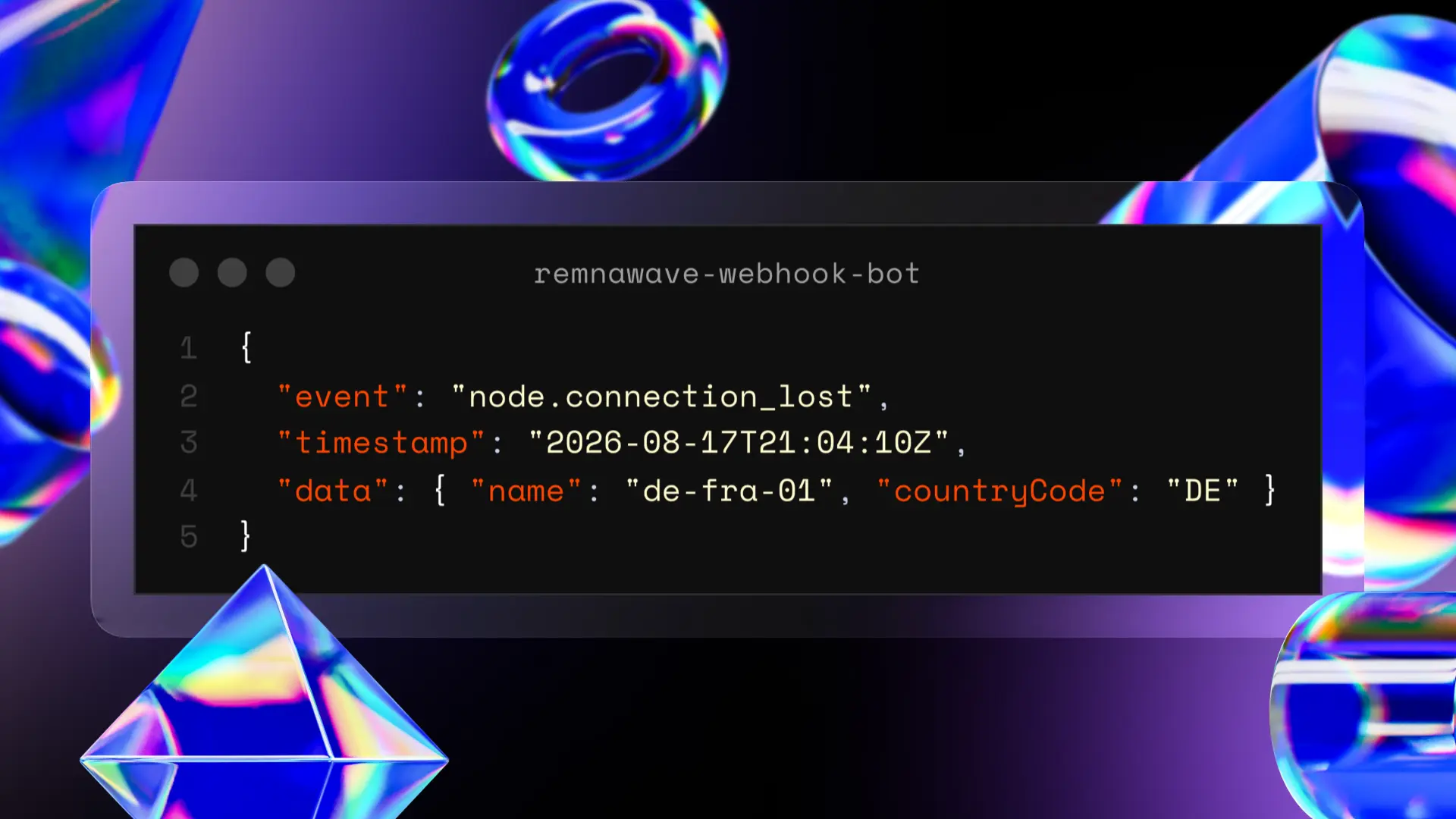
remnawave-webhook-bot
English | Русский





A notification system for state changes and data updates in Remnawave panels.
📋 Features
- Can be installed next to the Remnawave panel or on a separate server
- Telegram topics support for separating event types
- Configurable texts, formatting and the list of handled events
- Periodic infrastructure status reports
- Notifications about panel logins and failed authorization attempts
- Additional data handlers, including event metrics collection
- Verification of incoming requests via Remnawave security headers
🚀 Installation
Requirements
- A server with Docker installed: either the one running the Remnawave panel or a standalone one
Step 1: Place the files on the server
On a server with the panel, the recommended directory is /opt/remnawave/webhook.
Production scenarios use a prebuilt image, so copying the source code to the server is not required.
Two files are enough: docker-compose.yml and .env.
Available compose configurations:
| File in the repository | Purpose | Details |
|---|---|---|
docker-compose.prod.yml | Server with the Remnawave panel | Prebuilt image, remnawave-network network, port is not published |
docker-compose.external.yml | Standalone (external) server, no panel | Prebuilt image, remnawave-webhook-bot network, port not published |
docker-compose.dev.yml | Development | Built from source, mounts ./src and ./locales |
Create a docker-compose.yml file on the server and copy the contents of the chosen variant into it. All
further commands use plain docker compose:
cd /opt/remnawave/webhook && sudo nano docker-compose.yml
Step 2: Configuration
Create an .env file next to docker-compose.yml and copy the contents of .env.example into it:
cd /opt/remnawave/webhook && sudo nano .env
Please note:
- The chat must be converted into a supergroup with topics before adding the bot, otherwise https://t.me/username_to_id_bot will return an incorrect chat ID.
- The
WEBHOOK_SECRET_HEADERvalue comes from the Remnawave environment:sudo nano /opt/remnawave/.env.
The bottom part of the configuration contains the event filtering options. The list of events is given in the "Supported events" section and in the documentation at https://docs.rw/docs/features/webhooks.
# Telegram bot settings
# To get the chat ID you can use: https://t.me/username_to_id_bot
TELEGRAM_BOT_TOKEN=your_bot_token_here
TELEGRAM_CHAT_ID=your_chat_id_here

# Telegram topics used to route notifications
# To get a topic ID, copy a link to any message in it.
# Example: https://t.me/c/123123123/[2]/21 - 2 is the topic ID.

# Users: created, modified, renewed, expired, traffic limit
TOPIC_USER=
# Nodes: created, enabled/disabled, connection lost/restored, traffic
TOPIC_NODE=
# Service: panel start, panel logins, API tokens
TOPIC_SERVICE=
# Errors: notification limit exceeded and other failures (falls back to TOPIC_SERVICE if empty)
TOPIC_ERRORS=
# Bot system statuses: node failure summaries, daily user statistics
TOPIC_STATUS=
# Torrent blocker reports: torrent traffic detected (falls back to TOPIC_NODE if empty)
TOPIC_TORRENT_BLOCKER=
# HWID devices: device added/removed (falls back to TOPIC_USER if empty)
TOPIC_USER_HWID_DEVICES=
# Node billing: payment and overdue reminders
TOPIC_CRM=

# Webhook settings
WEBHOOK_SECRET_HEADER=your_webhook_secret_here
WEBHOOK_HOST=0.0.0.0
WEBHOOK_PORT=8089
WEBHOOK_PATH=/

# Language selection (ru, en)
LANGUAGE=ru
LOCALES_DIR=locales

# Timezone used for displaying time (UTC, Europe/Moscow, Europe/Samara, Asia/Yekaterinburg, etc.)
# Zones: https://en.wikipedia.org/wiki/List_of_tz_database_time_zones
TIMEZONE=Europe/Moscow

# Time display format (default: %d.%m.%Y %H:%M:%S)
# %d.%m.%Y %H:%M:%S = 01.11.2025 23:04:10
# %Y-%m-%d %H:%M:%S = 2025-11-01 23:04:10
TIME_FORMAT="%d.%m.%Y %H:%M:%S"

# Service that counts and reports recently failed nodes (posted to TOPIC_STATUS)
ENABLE_CONNECTION_LOSS_STATS=false
# Retention of failure metrics, in hours (default: 24)
CONNECTION_LOSS_STATS_HOURS=24
# Interval between connection loss reports, in hours (default: 3)
CONNECTION_LOSS_REPORT_INTERVAL_HOURS=3

# Daily statistics service for user.created and user.first_connected (posted to TOPIC_STATUS)
ENABLE_USER_DAILY_STATS=false
# Report time in HH:MM format (default: 00:00)
USER_DAILY_STATS_TIME=00:00
🚀 Updating
Updating is done by pulling the current image:
cd /opt/remnawave/webhook && sudo docker compose pull && sudo docker compose up -d
When updating, it is recommended to compare your .env with the current .env.example and add any new
variables if needed: cd /opt/remnawave/webhook && sudo nano .env.
▶️ Running
All commands assume installation into the /opt/remnawave/webhook directory.
Start:
cd /opt/remnawave/webhook && sudo docker compose up -d
Restart:
cd /opt/remnawave/webhook && sudo docker compose down && sudo docker compose up -d
View logs:
sudo docker logs remnawave-webhook-bot
Building from source is only used for development, with the docker-compose.dev.yml configuration:
sudo docker compose up -d --build
🔐 Connecting to Remnawave
Option A: handler on the server with the panel
A reverse proxy and TLS are not required. The panel and the handler are in the same Docker network
(remnawave-network), so events are delivered directly over the internal address, bypassing the external network.
Set the panel environment variables: sudo nano /opt/remnawave/.env
### WEBHOOK ###
WEBHOOK_ENABLED=true
WEBHOOK_URL=http://remnawave-webhook-bot:8089/
WEBHOOK_SECRET_HEADER=a12m7ca8h...
Restart Remnawave:
cd /opt/remnawave && sudo docker compose down && sudo docker compose up -d
Health check from the server with the panel:
sudo docker exec remnawave-webhook-bot python -c "import urllib.request; print(urllib.request.urlopen('http://127.0.0.1:8089/health').read())"
Option B: handler on a separate server
The panel reaches the handler over the external network, so a public domain, TLS and a reverse proxy are mandatory. Ready-to-use configuration examples are located in the examples directory:
| Reverse proxy | Example file |
|---|---|
| Caddy | examples/Caddyfile |
| nginx | examples/nginx.conf |
| Traefik | examples/traefik-dynamic.yml |
The port is not published externally, so the reverse proxy must run in Docker and be connected to the
remnawave-webhook-bot network: it reaches the handler at the internal address http://remnawave-webhook-bot:8089.
After changing the reverse proxy configuration, the corresponding service must be restarted.
Availability check:
curl https://webhook.your_address.com/health # expected response: OK
Panel environment variables:
### WEBHOOK ###
WEBHOOK_ENABLED=true
WEBHOOK_URL=https://webhook.your_address.com/
WEBHOOK_SECRET_HEADER=a12m7ca8h...
The WEBHOOK_SECRET_HEADER value must match in the panel and handler configurations: this key is used to
sign and verify incoming requests.
🌐 Installing on an external server
Scenario: the Remnawave panel is hosted on one server and the webhook handler on another. The panel sends events to the handler's public HTTPS address.
Required: a server with Docker, a domain (for example webhook.your_address.com) with an A record
pointing to that server, and a reverse proxy with TLS.
-
Create a working directory, for example
/opt/webhook, and place adocker-compose.ymlin it with the contents ofdocker-compose.external.ymlfrom the repository:sudo mkdir -p /opt/webhook && cd /opt/webhook && sudo nano docker-compose.yml -
Create an
.envwith the contents of.env.exampleand fill it in:cd /opt/webhook && sudo nano .envRequired parameters:
TELEGRAM_BOT_TOKEN,TELEGRAM_CHAT_IDandWEBHOOK_SECRET_HEADER, matching the value in the panel configuration. TheWEBHOOK_HOST=0.0.0.0andWEBHOOK_PORT=8089parameters must not be changed: they define the address inside the container. -
Start the service:
cd /opt/webhook && sudo docker compose up -dThe port is not published externally: the container is only reachable inside the
remnawave-webhook-botnetwork. -
Configure the reverse proxy using the examples from the examples directory and check availability:
curl https://webhook.your_address.com/health # expected response: OK -
On the server with the panel, set the handler address and restart Remnawave:
### WEBHOOK ### WEBHOOK_ENABLED=true WEBHOOK_URL=https://webhook.your_address.com/ WEBHOOK_SECRET_HEADER=a12m7ca8h...cd /opt/remnawave && sudo docker compose down && sudo docker compose up -d -
Check the logs: after the panel restarts, a
service.panel_startedevent arrives.sudo docker logs -f remnawave-webhook-bot
Troubleshooting
| Symptom | Cause and solution |
|---|---|
403 in the handler logs | The WEBHOOK_SECRET_HEADER value does not match the one in the panel configuration |
404 in the handler logs | The path in WEBHOOK_URL does not match WEBHOOK_PATH (default /) |
| No events arriving | When installed next to the panel - the containers are in different Docker networks; when installed on a separate server - the panel cannot reach the domain: check DNS, the TLS certificate and firewall rules |
📊 Supported events
User events (user.*)
user.created- User createduser.modified- User modifieduser.deleted- User deleteduser.disabled- User disableduser.enabled- User enableduser.limited- User limiteduser.expired- User subscription expireduser.revoked- User access revokeduser.traffic_reset- Traffic resetuser.first_connected- First connectionuser.bandwidth_usage_threshold_reached- Traffic threshold reacheduser.not_connected- User has not connected for a long time (requiresNOT_CONNECTED_USERS_NOTIFICATIONS_ENABLED=truein the panel)user.expiration- Expiration notifications (requiresEXPIRATION_NOTIFICATIONS_ENABLED=truein the panel)
Deprecated events, removed in panel v2.8.0 and replaced by user.expiration. Still handled for compatibility
with previous panel versions:
user.expires_in_72_hours,user.expires_in_48_hours,user.expires_in_24_hours,user.expired_24_hours_ago
HWID device events (user_hwid_devices.*)
user_hwid_devices.added- Device addeduser_hwid_devices.deleted- Device removed
Node events (node.*)
node.created- Node creatednode.modified- Node modifiednode.disabled- Node disablednode.enabled- Node enablednode.deleted- Node deletednode.connection_lost- Connection lostnode.connection_restored- Connection restorednode.traffic_notify- Traffic notification
Billing events (crm.infra_billing_*)
crm.infra_billing_node_payment_in_7_days- Payment due in 7 dayscrm.infra_billing_node_payment_in_48hrs- Payment due in 48 hourscrm.infra_billing_node_payment_in_24hrs- Payment due in 24 hourscrm.infra_billing_node_payment_due_today- Payment due todaycrm.infra_billing_node_payment_overdue_24hrs- Overdue by 24 hourscrm.infra_billing_node_payment_overdue_48hrs- Overdue by 48 hourscrm.infra_billing_node_payment_overdue_7_days- Overdue by 7 days
Billing events are aggregated: if several notifications arrive within 3 seconds, a single summary message is sent.
Service events (service.*)
service.panel_started- Panel startedservice.login_attempt_success- Successful loginservice.login_attempt_failed- Failed login attemptservice.subpage_config_changed- Subscription page configuration changedservice.api_token_created- API token createdservice.api_token_deleted- API token deleted
Torrent blocker events (torrent_blocker.*)
Requires Remnawave panel version 2.7.0 or newer.
torrent_blocker.report- Torrent activity report (node, user, blocking status, IP, protocol/network, source and destination)
Error events (errors.*)
errors.bandwidth_usage_threshold_reached_max_notifications- Traffic threshold notification limit reached
📄 License
This project is licensed under the GNU General Public License v3.0. See LICENSE for details.
Tag summary
Content type
Image
Digest
sha256:d8fc74822…
Size
40.3 MB
Last updated
about 1 month ago
docker pull hteppl/remnawave-webhook-bot