jinaai/dalle-flow
A Human-in-the-Loop workflow for creating HD images from text
3.4K
jinaai/dalle-flow repository overview
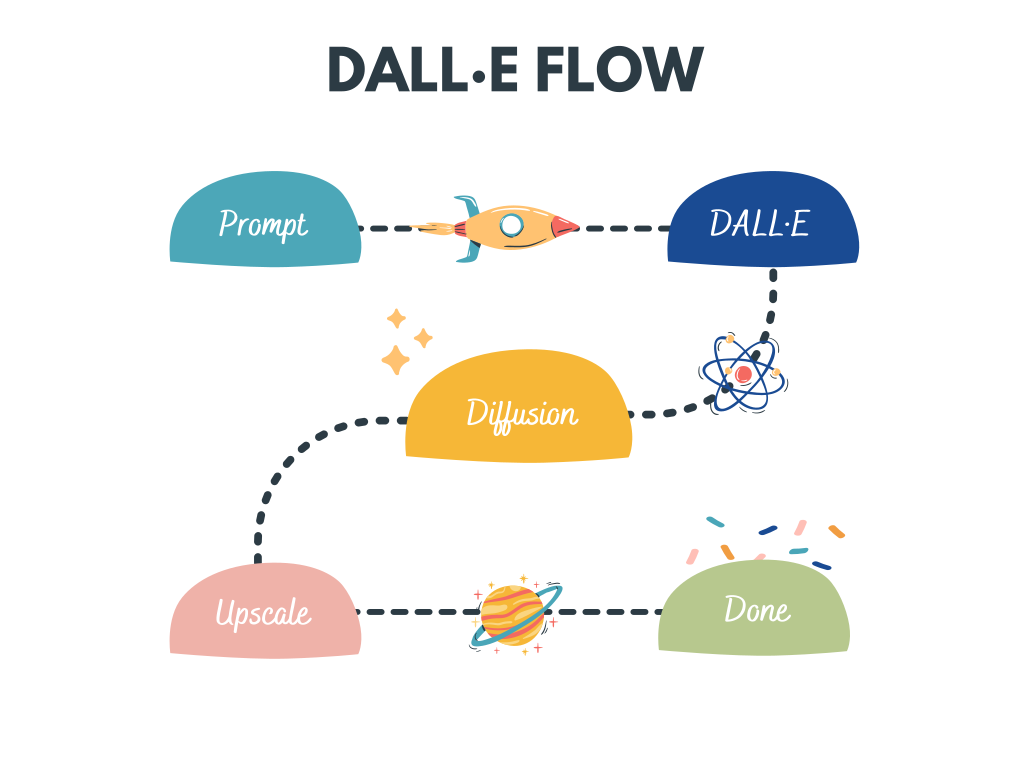
A Human-in-the-loop? workflow for creating HD images from text



DALL·E Flow is an interactive workflow for generating high-definition images from text prompt. First, it leverages DALL·E-Mega, GLID-3 XL, and Stable Diffusion to generate image candidates, and then calls CLIP-as-service to rank the candidates w.r.t. the prompt. The preferred candidate is fed to GLID-3 XL for diffusion, which often enriches the texture and background. Finally, the candidate is upscaled to 1024x1024 via SwinIR.
DALL·E Flow is built with Jina in a client-server architecture, which gives it high scalability, non-blocking streaming, and a modern Pythonic interface. Client can interact with the server via gRPC/Websocket/HTTP with TLS.
Why Human-in-the-loop? Generative art is a creative process. While recent advances of DALL·E unleash people's creativity, having a single-prompt-single-output UX/UI locks the imagination to a single possibility, which is bad no matter how fine this single result is. DALL·E Flow is an alternative to the one-liner, by formalizing the generative art as an iterative procedure.
Usage
DALL·E Flow is in client-server architecture.
Updates
- ⚠️ 2022/10/26 To use CLIP-as-service available at
grpcs://api.clip.jina.ai:2096(requiresjina >= v3.11.0), you need first get an access token from here. See Use the CLIP-as-service for more details. - 🌟 2022/9/25 Automated CLIP-based segmentation from a prompt has been added.
- 🌟 2022/8/17 Text to image for Stable Diffusion has been added. In order to use it you will need to agree to their ToS, download the weights, then enable the flag in docker or
flow_parser.py. - ⚠️ 2022/8/8 Started using CLIP-as-service as an external executor. Now you can easily deploy your own CLIP executor if you want. There is a small breaking change as a result of this improvement, so please reopen the notebook in Google Colab.
- ⚠️ 2022/7/6 Demo server migration to AWS EKS for better availability and robustness, server URL is now changing to
grpcs://dalle-flow.dev.jina.ai. All connections are now with TLS encryption, please reopen the notebook in Google Colab. - ⚠️ 2022/6/25 Unexpected downtime between 6/25 0:00 - 12:00 CET due to out of GPU quotas. The new server now has 2 GPUs, add healthcheck in client notebook.
- 2022/6/3 Reduce default number of images to 2 per pathway, 4 for diffusion.
- 🐳 2022/6/21 A prebuilt image is now available on Docker Hub! This image can be run out-of-the-box on CUDA 11.6. Fix an upstream bug in CLIP-as-service.
- ⚠️ 2022/5/23 Fix an upstream bug in CLIP-as-service. This bug makes the 2nd diffusion step irrelevant to the given texts. New Dockerfile proved to be reproducible on a AWS EC2
p2.x8largeinstance. - 2022/5/13b Removing TLS as Cloudflare gives 100s timeout, making DALLE Flow in usable Please reopen the notebook in Google Colab!.
- 🔐 2022/5/13 New Mega checkpoint! All connections are now with TLS, Please reopen the notebook in Google Colab!.
- 🐳 2022/5/10 A Dockerfile is added! Now you can easily deploy your own DALL·E Flow. New Mega checkpoint! Smaller memory-footprint, the whole Flow can now fit into one GPU with 21GB memory.
- 🌟 2022/5/7 New Mega checkpoint & multiple optimization on GLID3: less memory-footprint, use
ViT-L/14@336pxfrom CLIP-as-service,steps 100->200. - 🌟 2022/5/6 DALL·E Flow just got updated! Please reopen the notebook in Google Colab!
- Revised the first step: 16 candidates are generated, 8 from DALL·E Mega, 8 from GLID3-XL; then ranked by CLIP-as-service.
- Improved the flow efficiency: the overall speed, including diffusion and upscaling are much faster now!
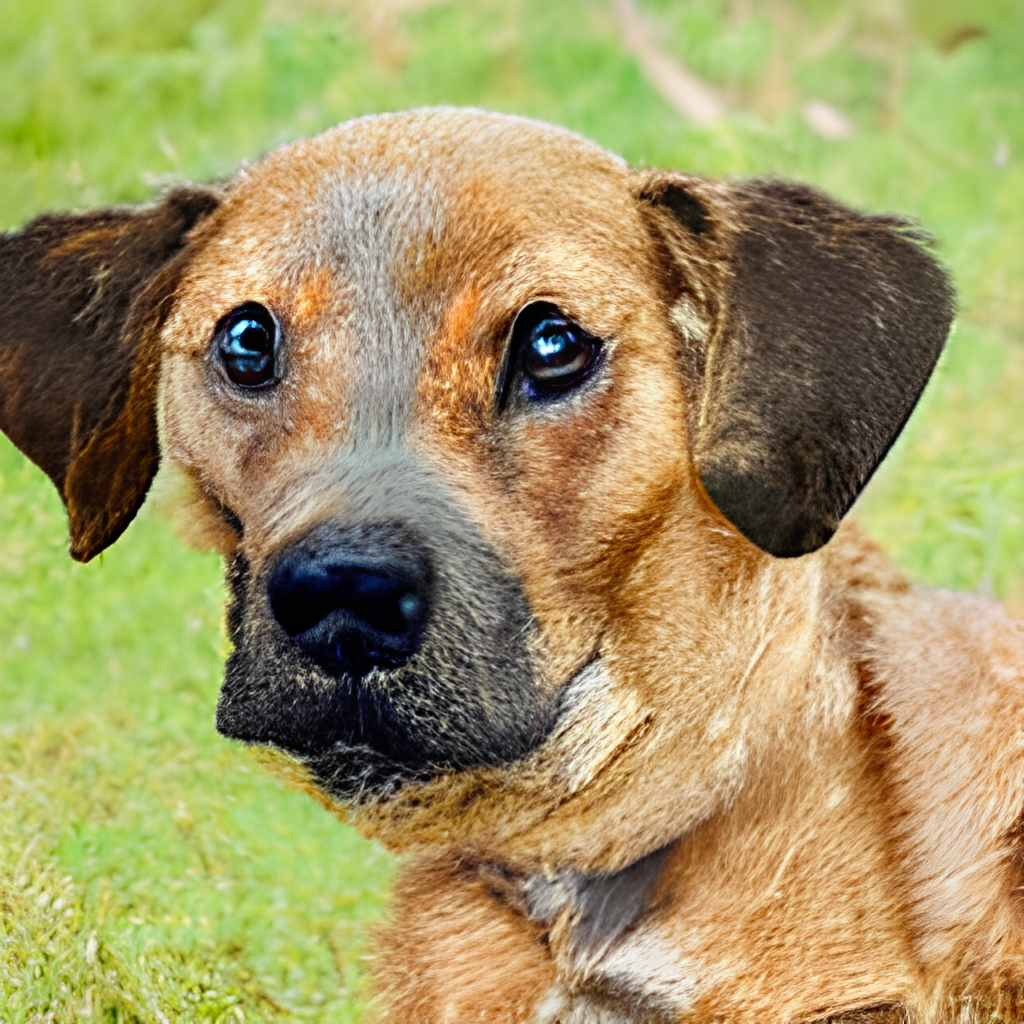
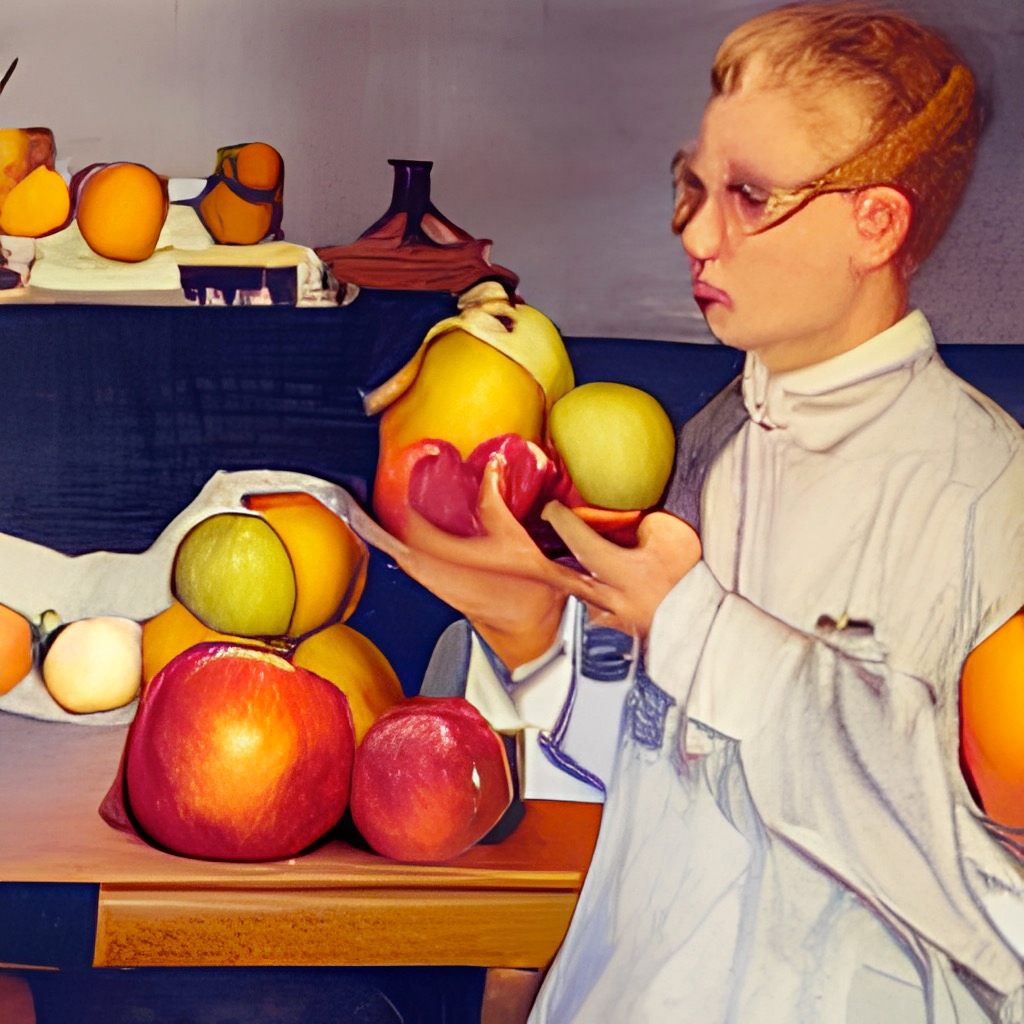
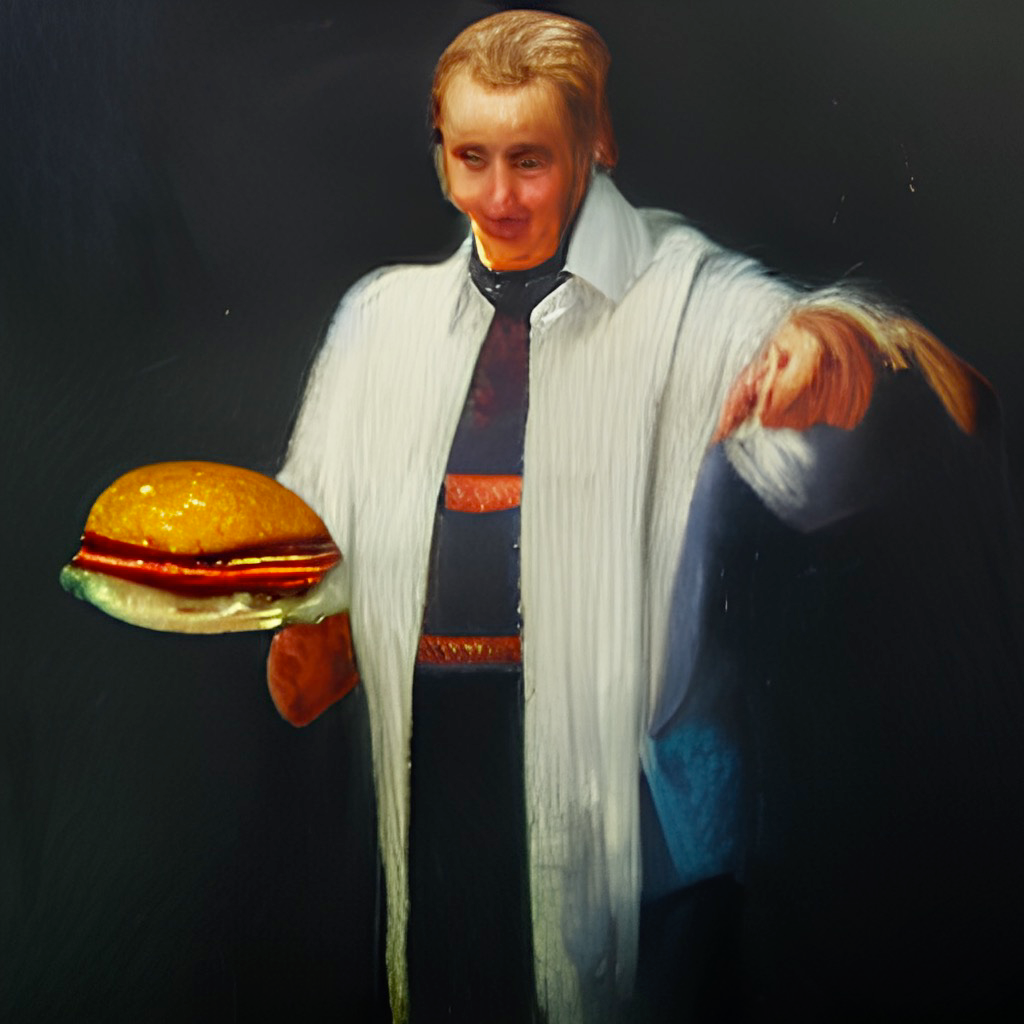
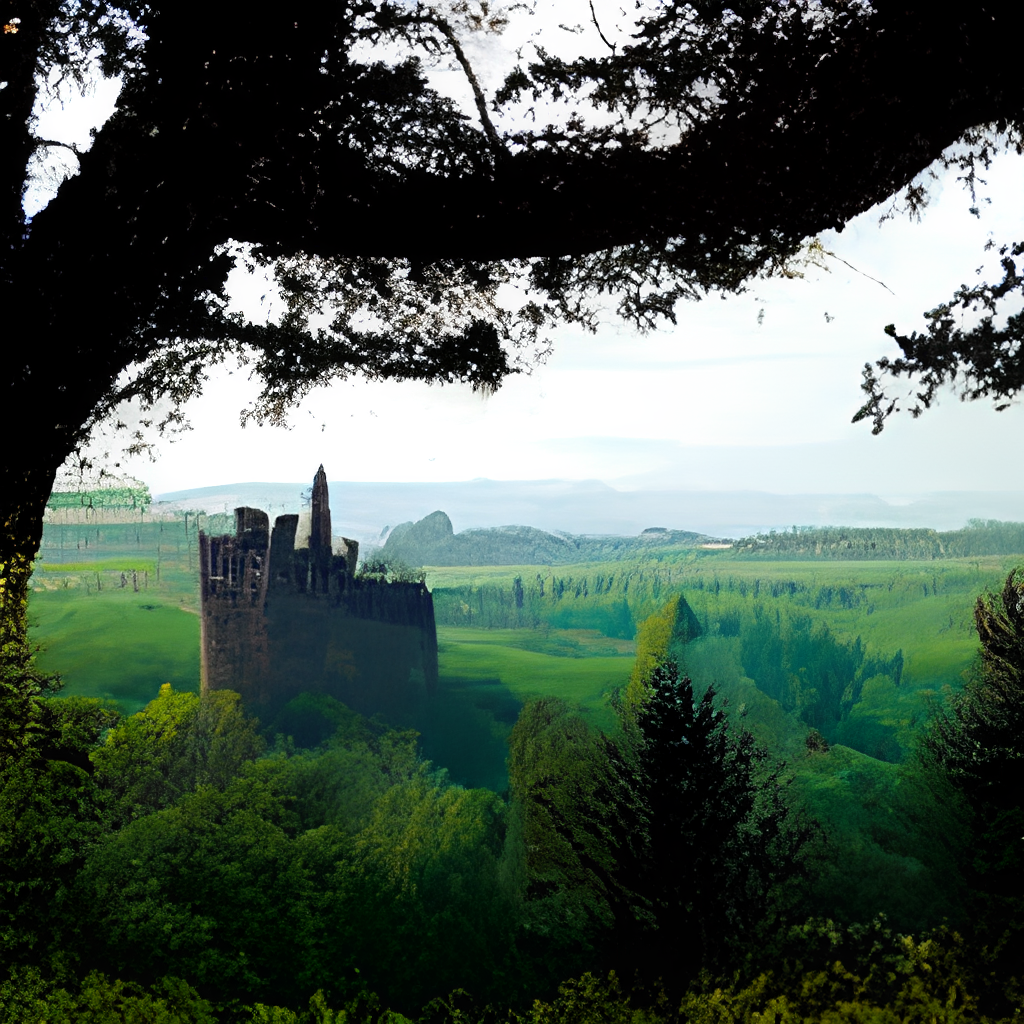
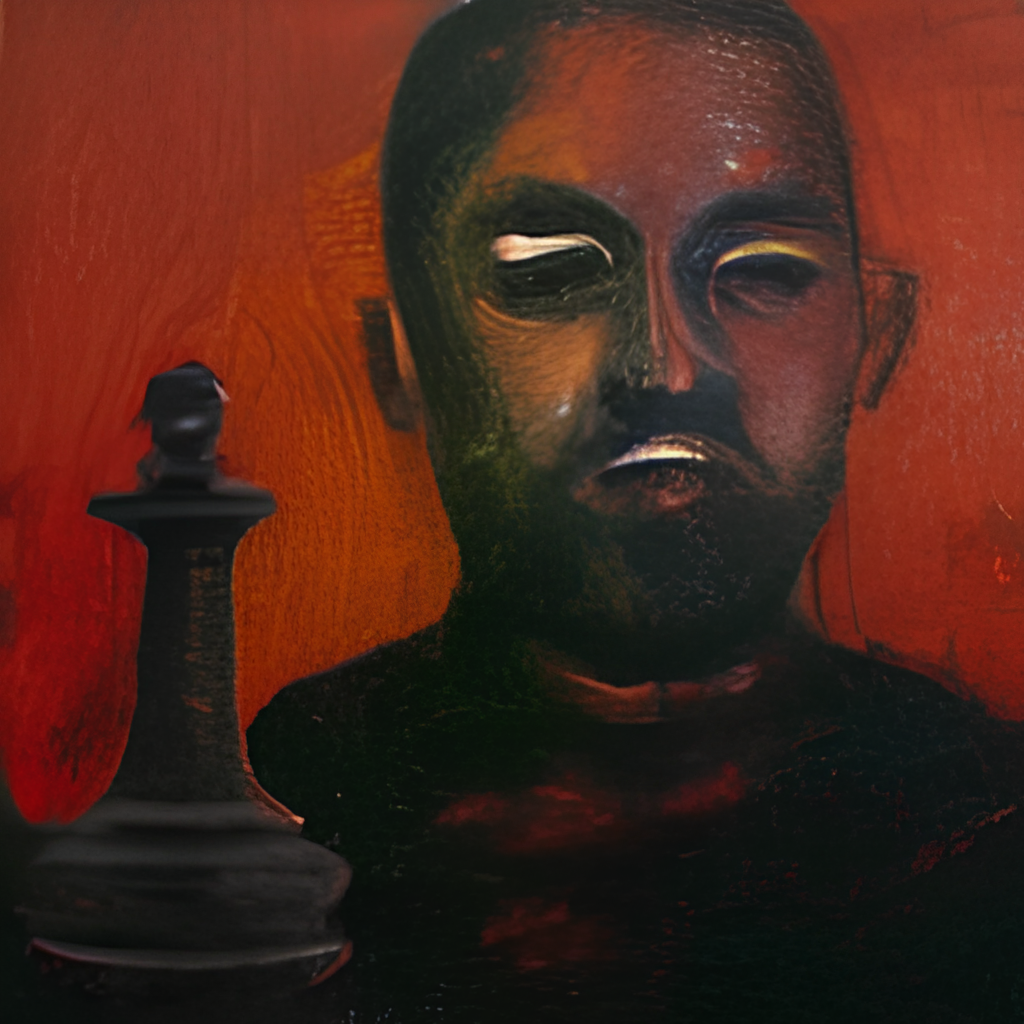
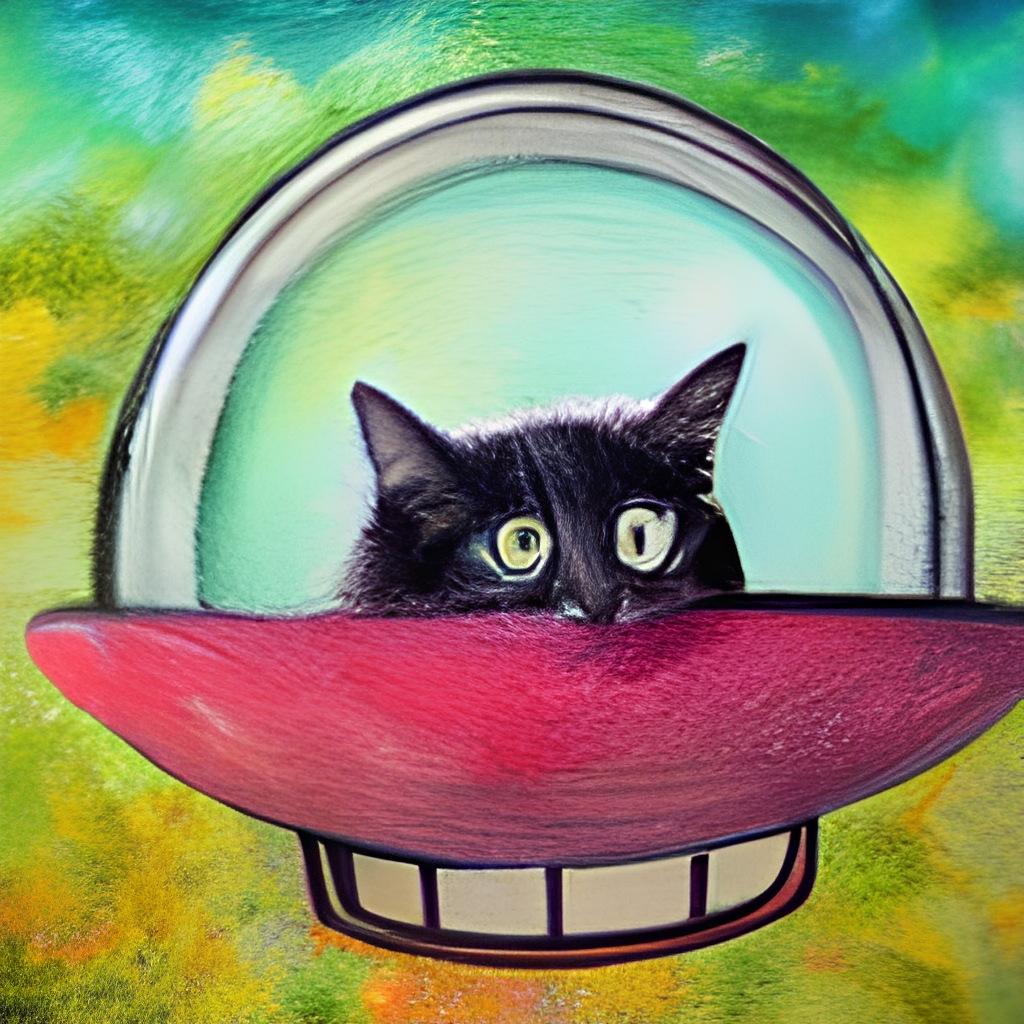
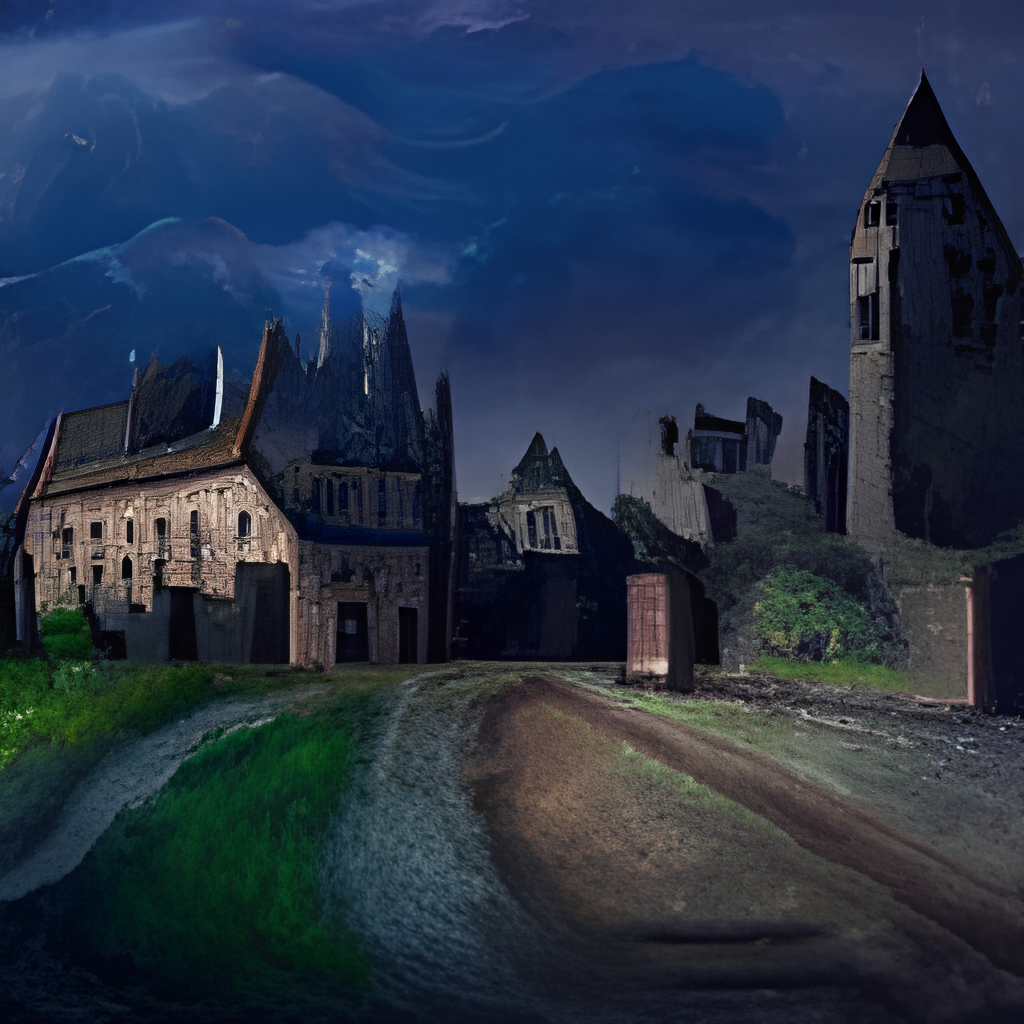
Gallery
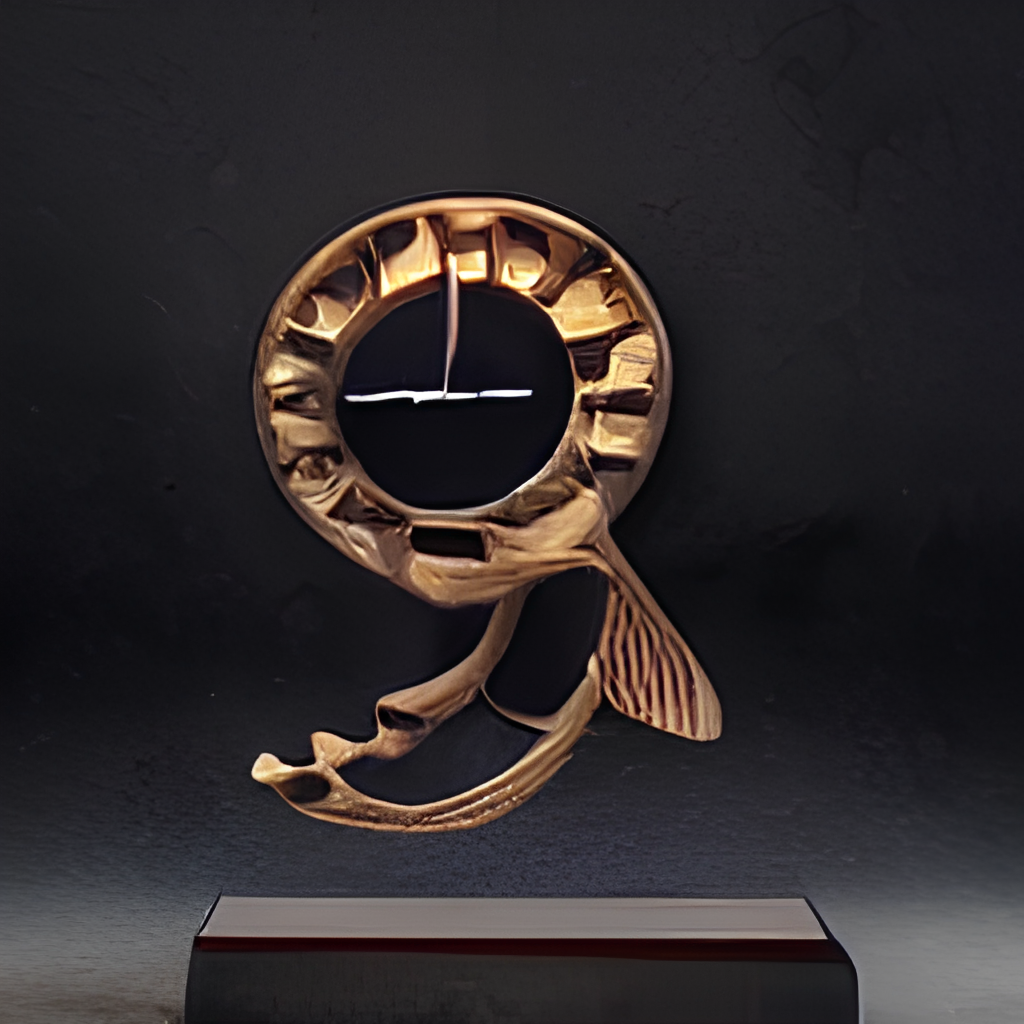
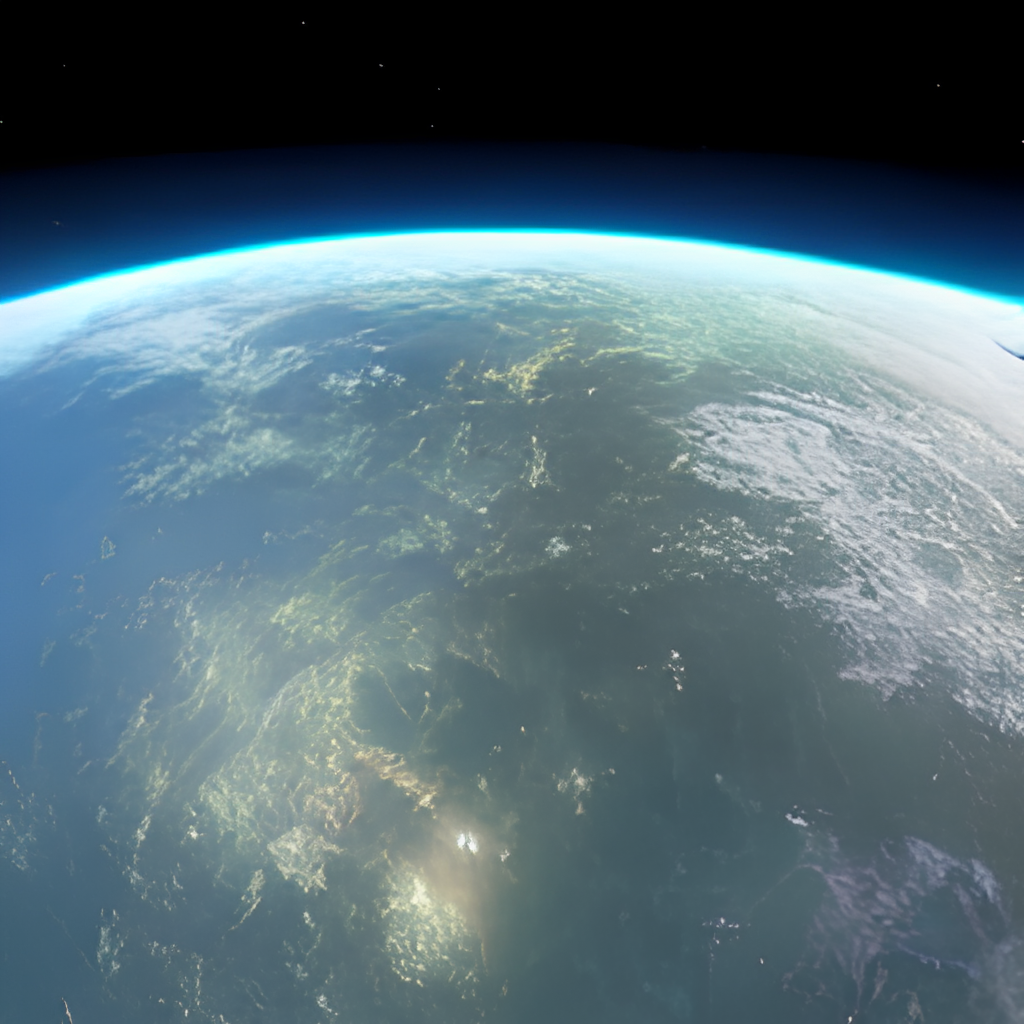


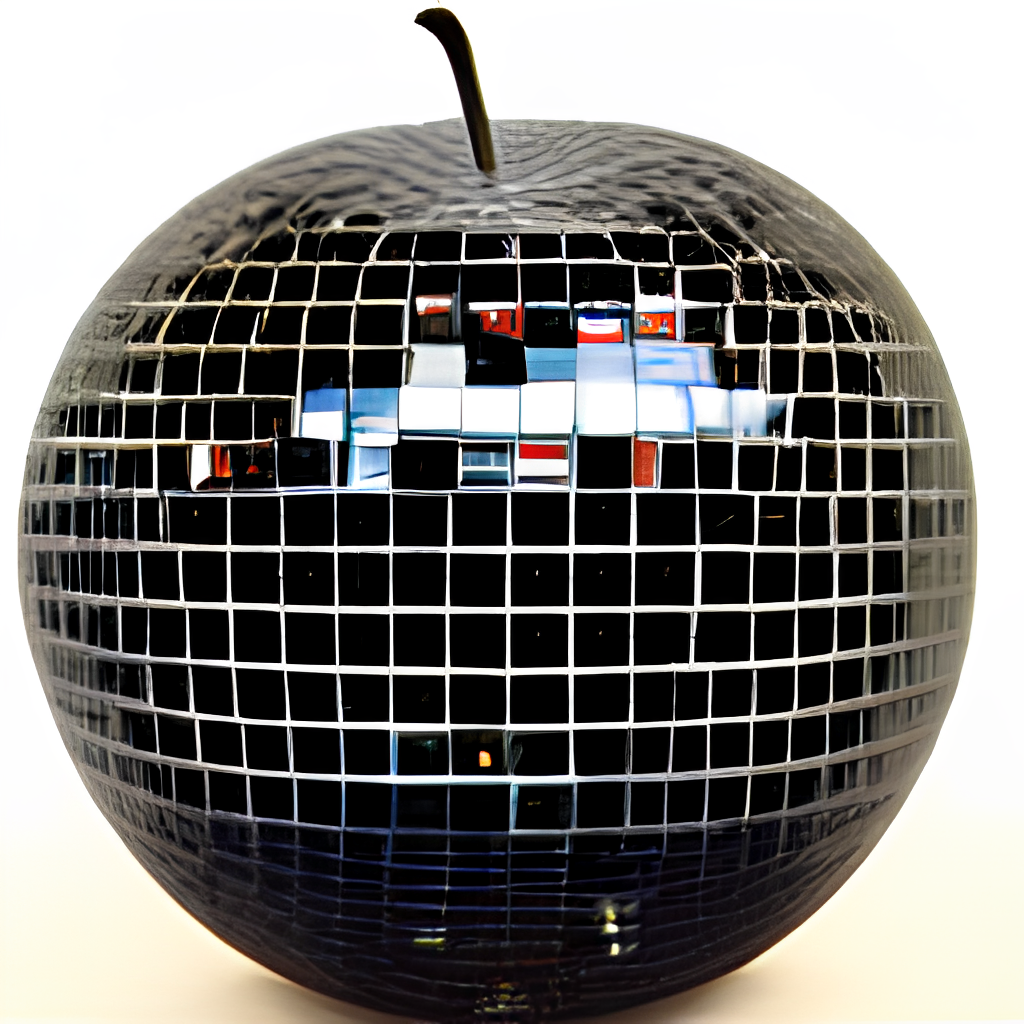


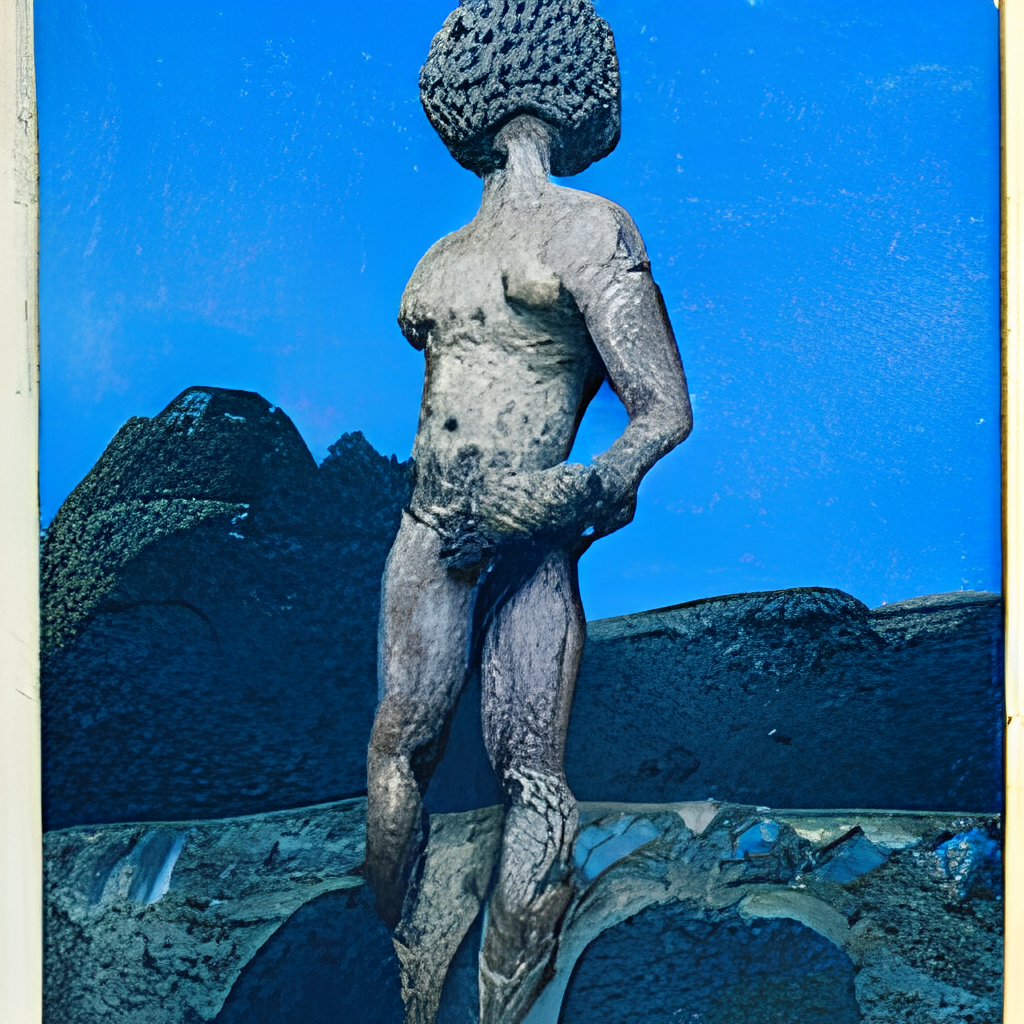

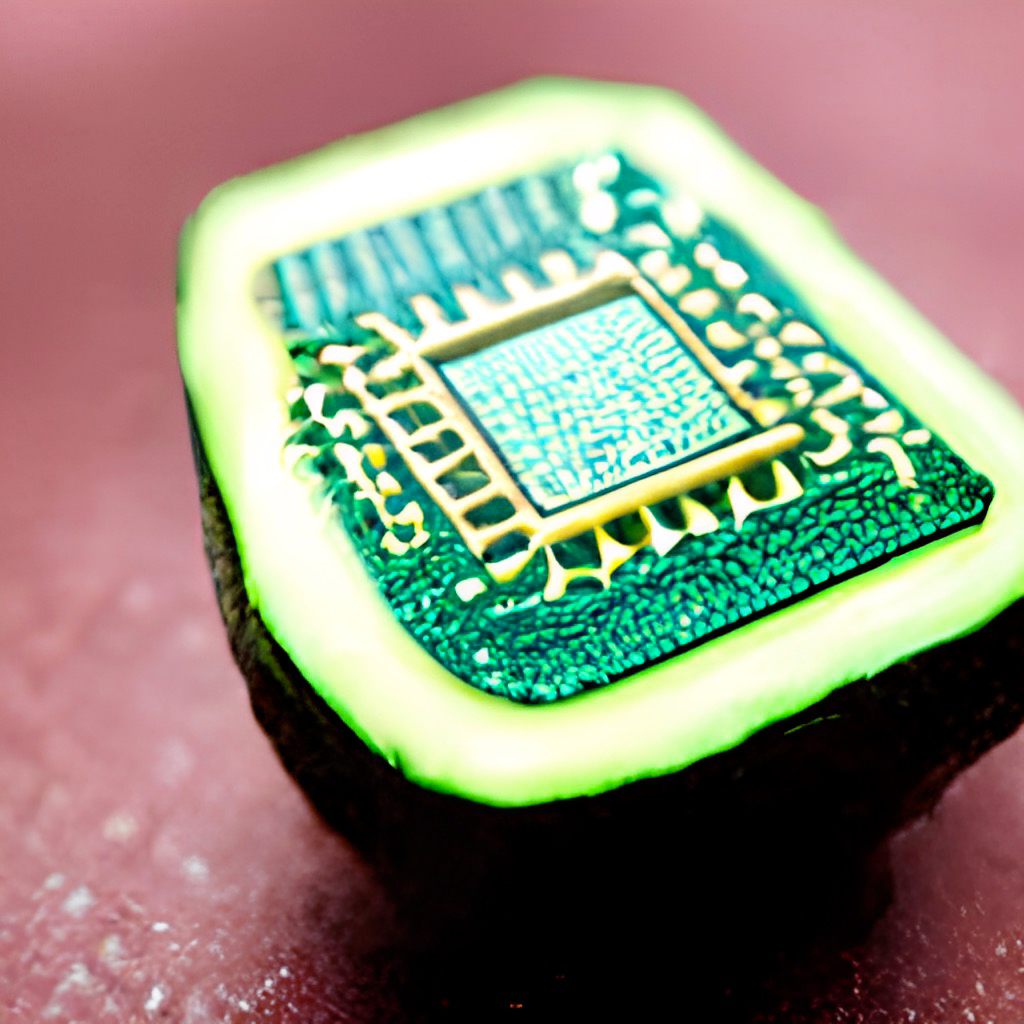
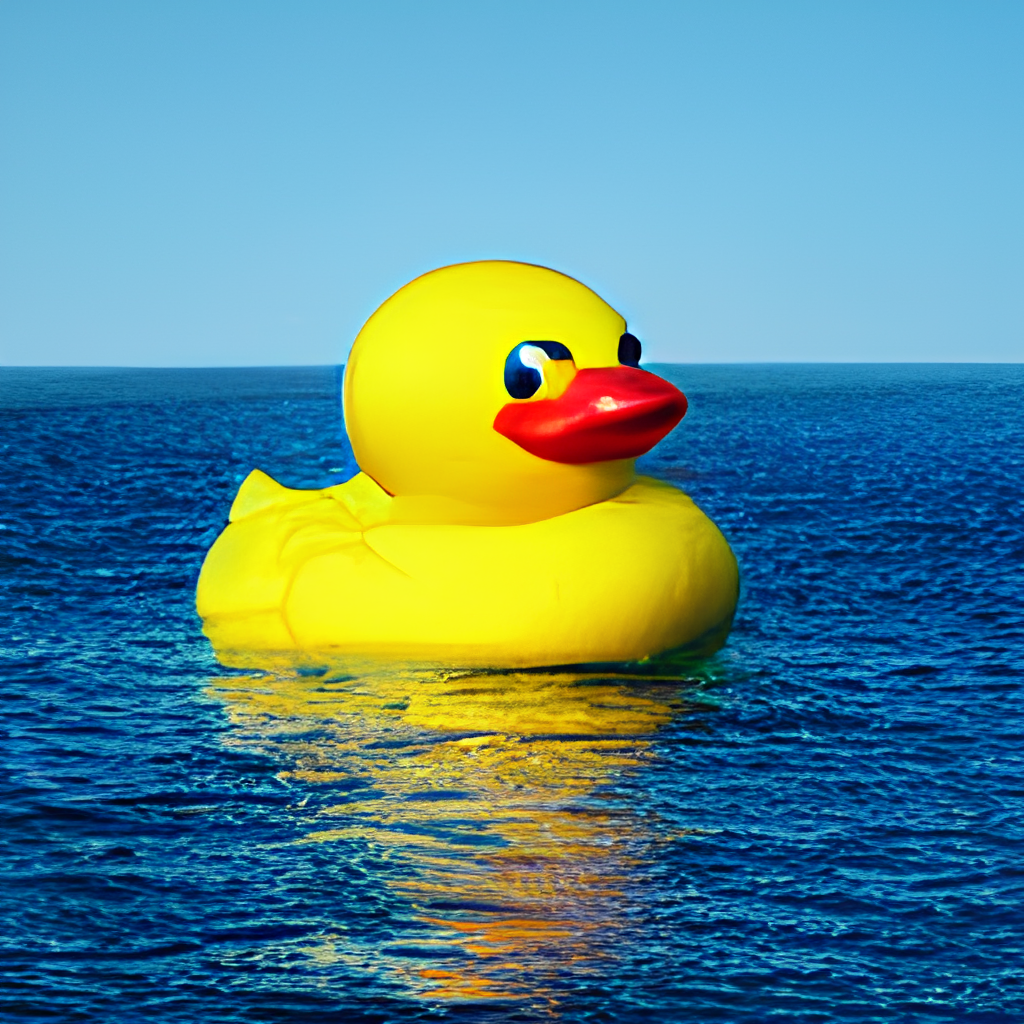
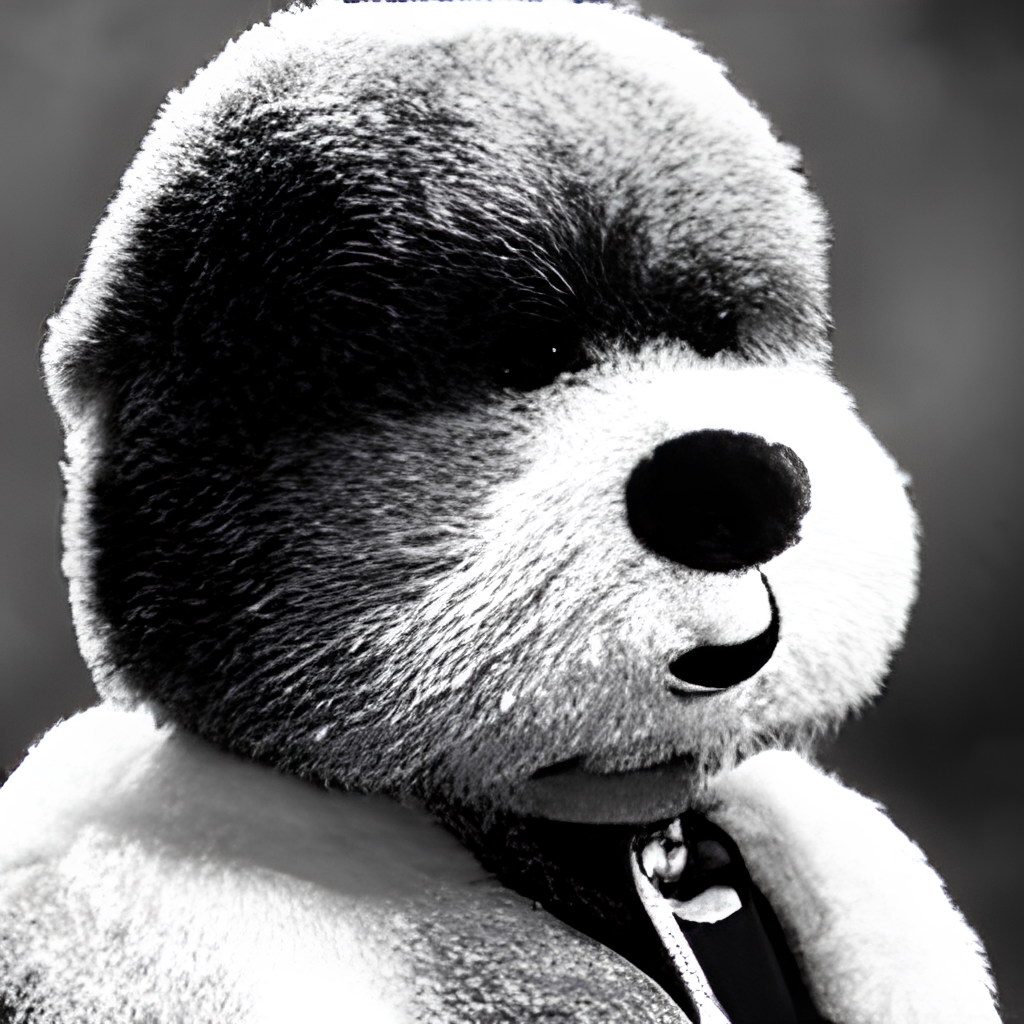
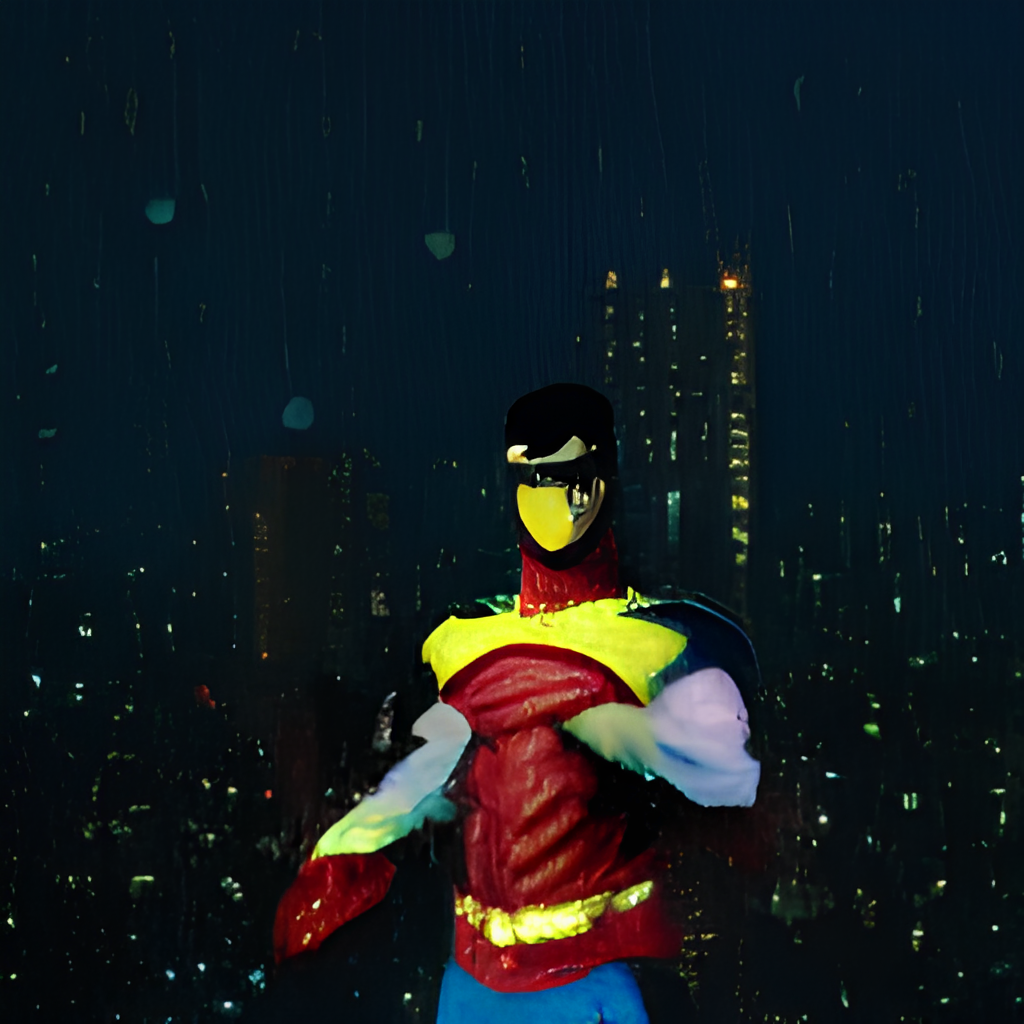

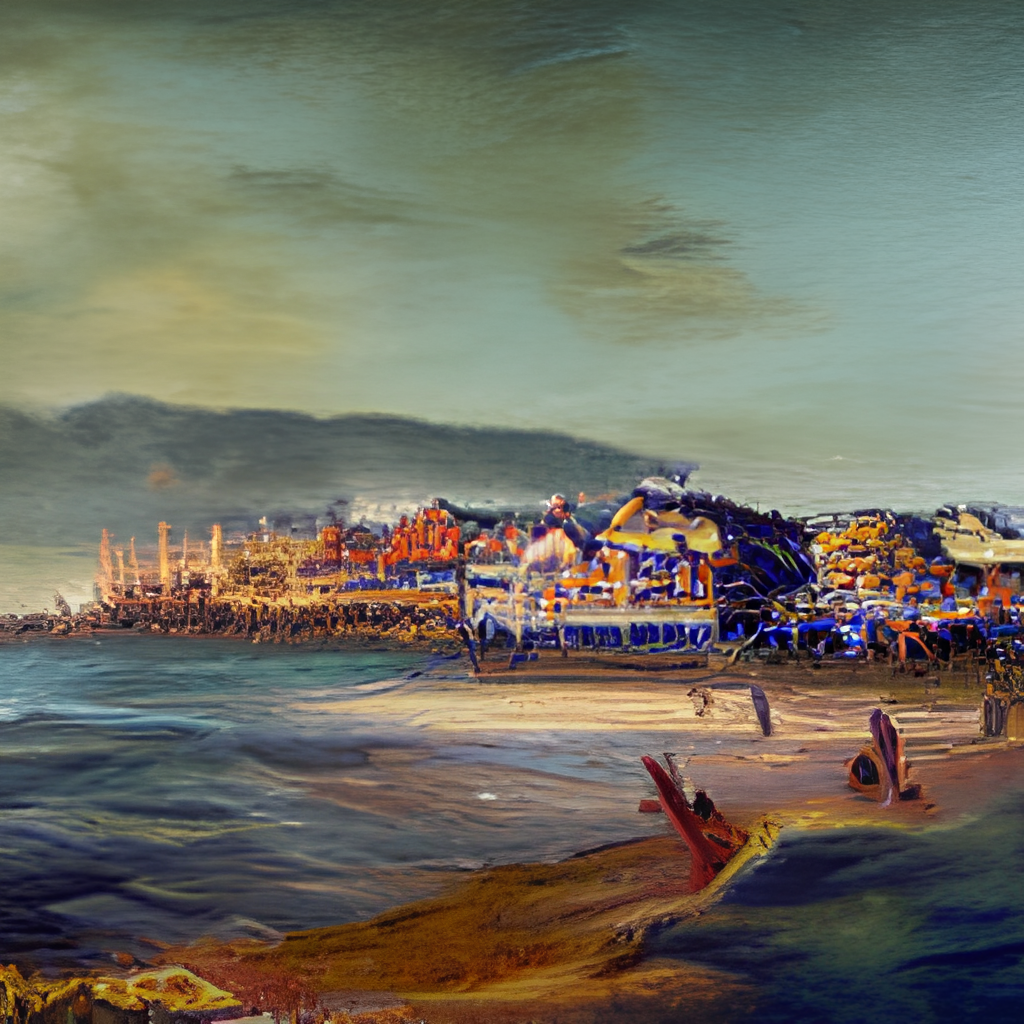
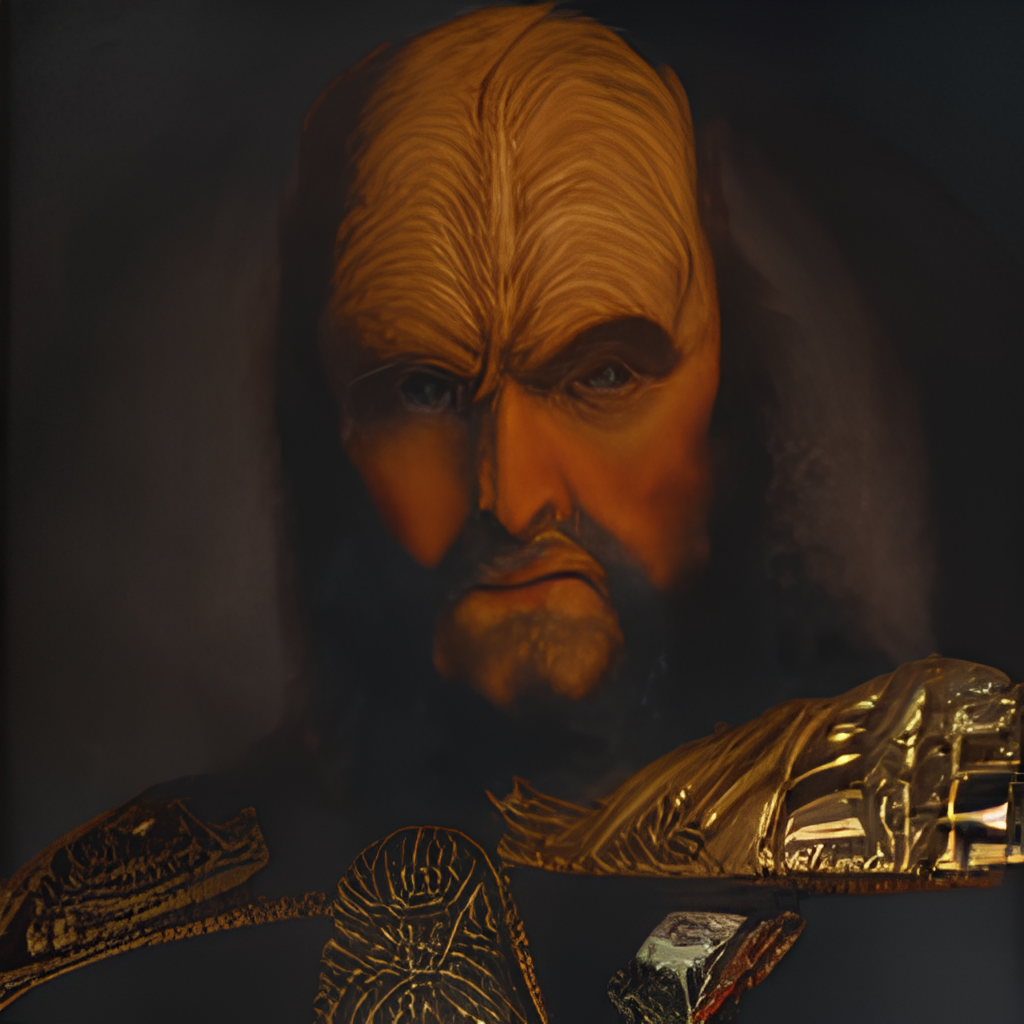


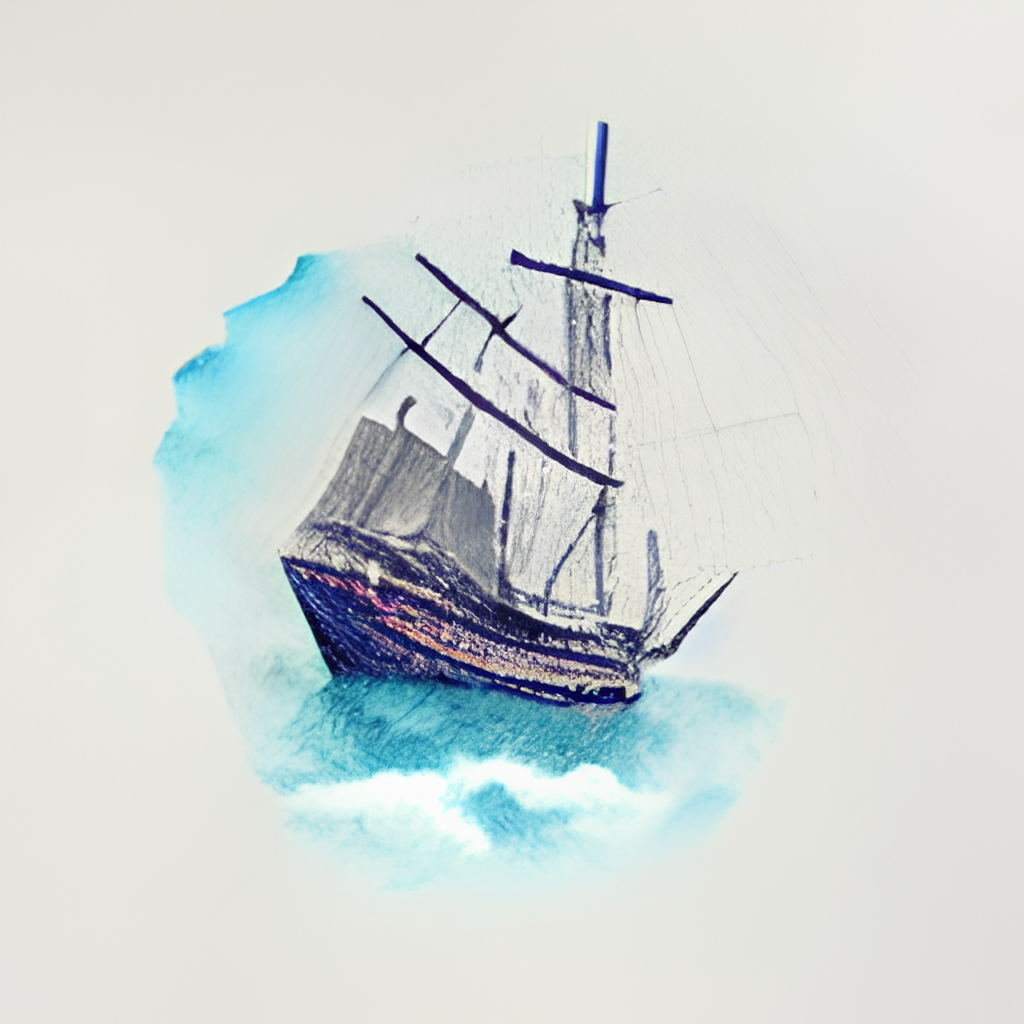
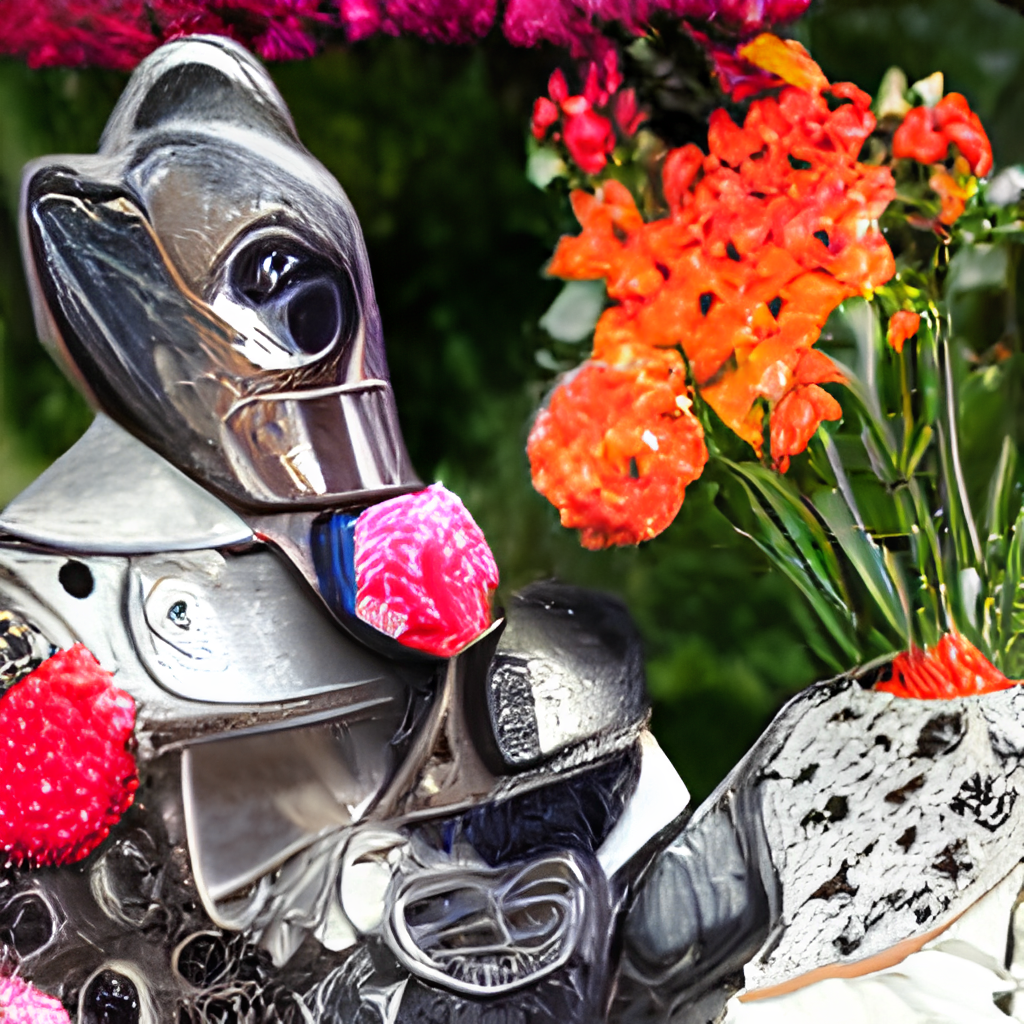

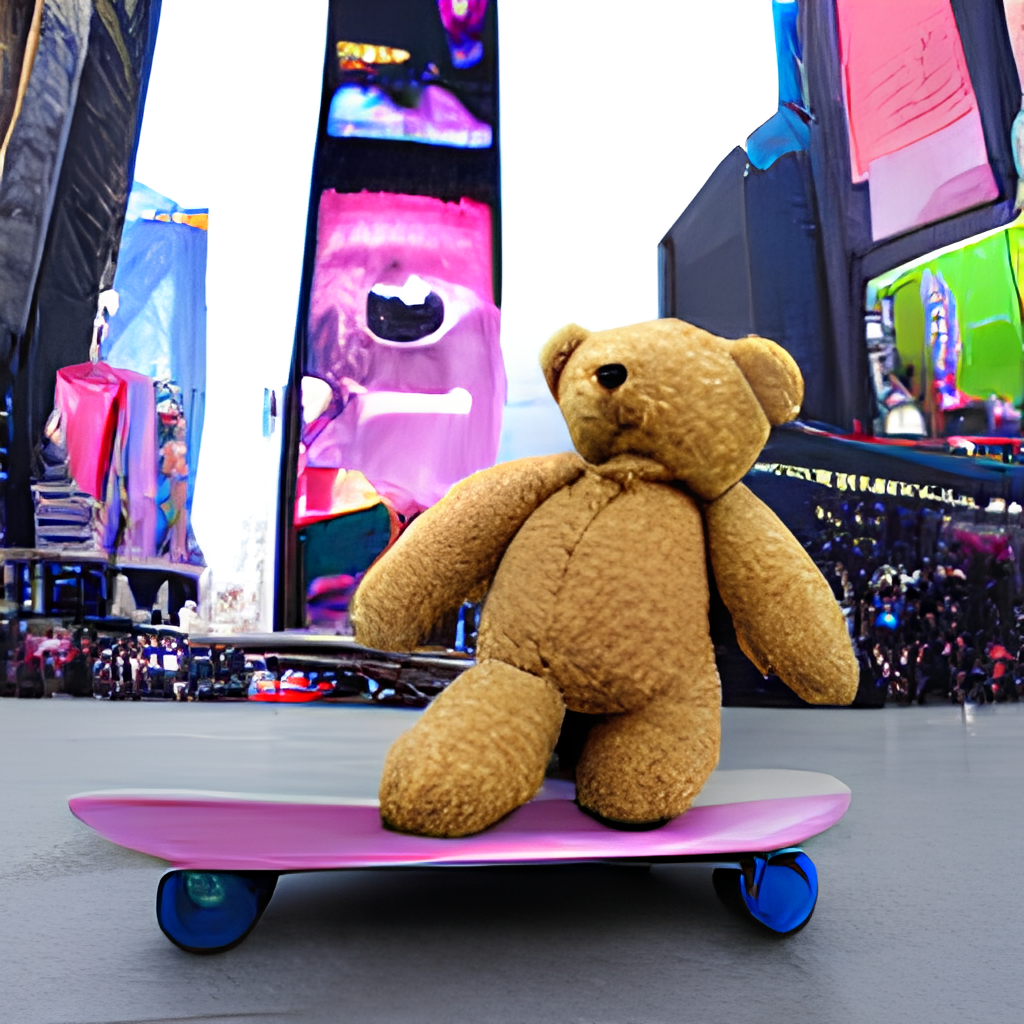
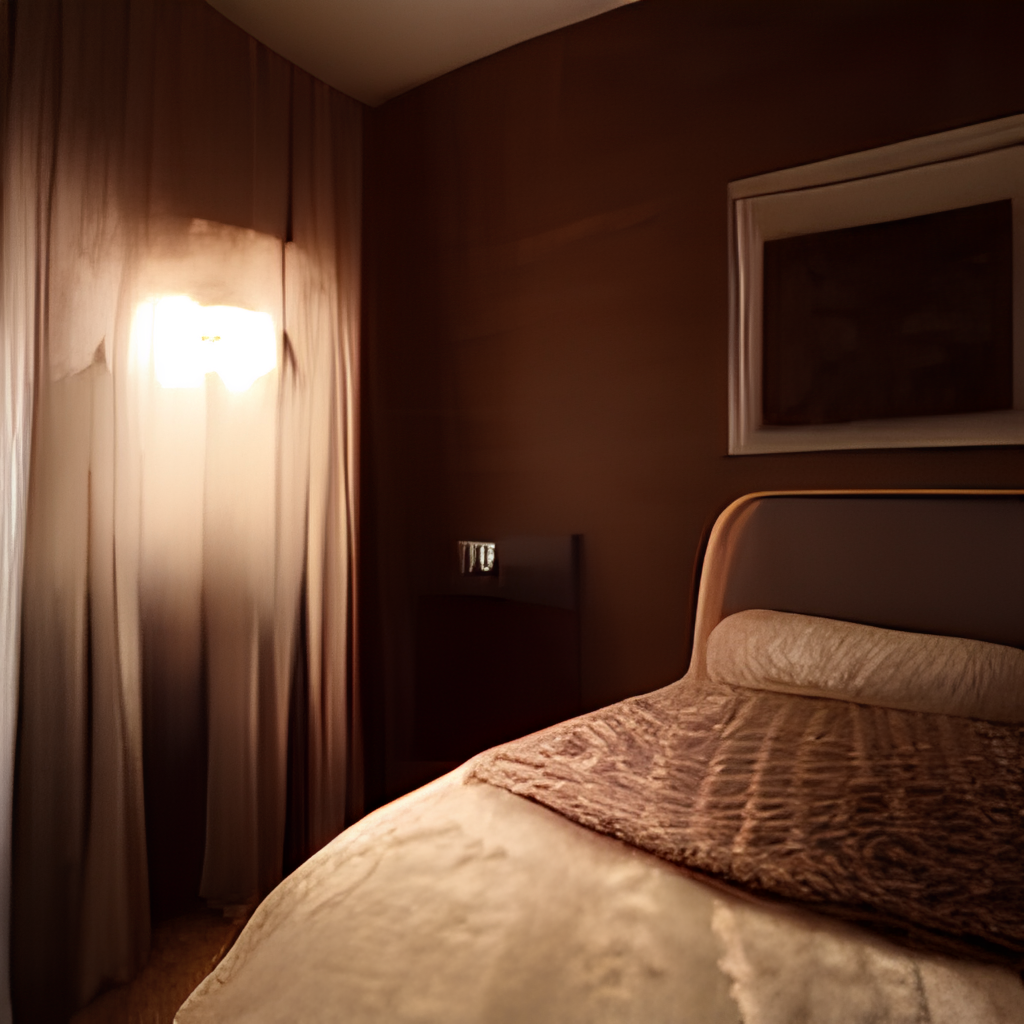

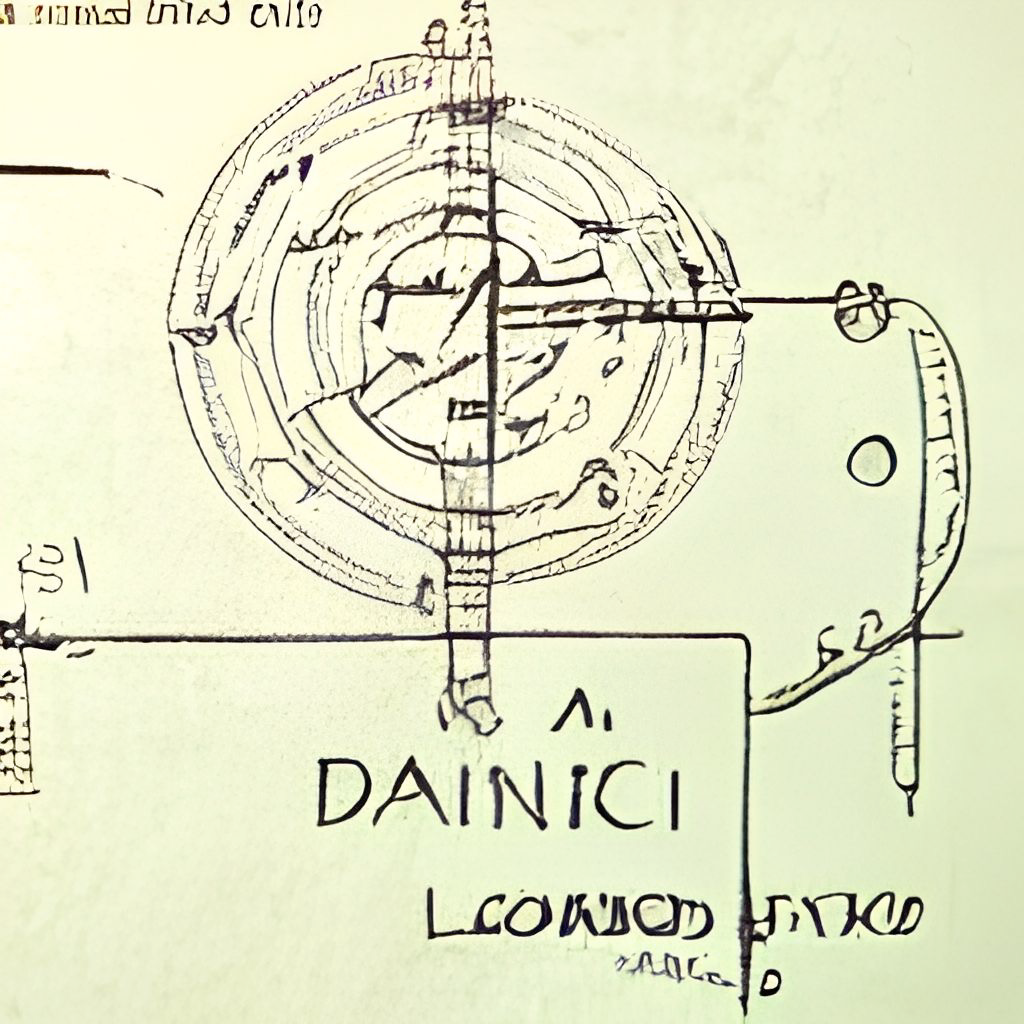
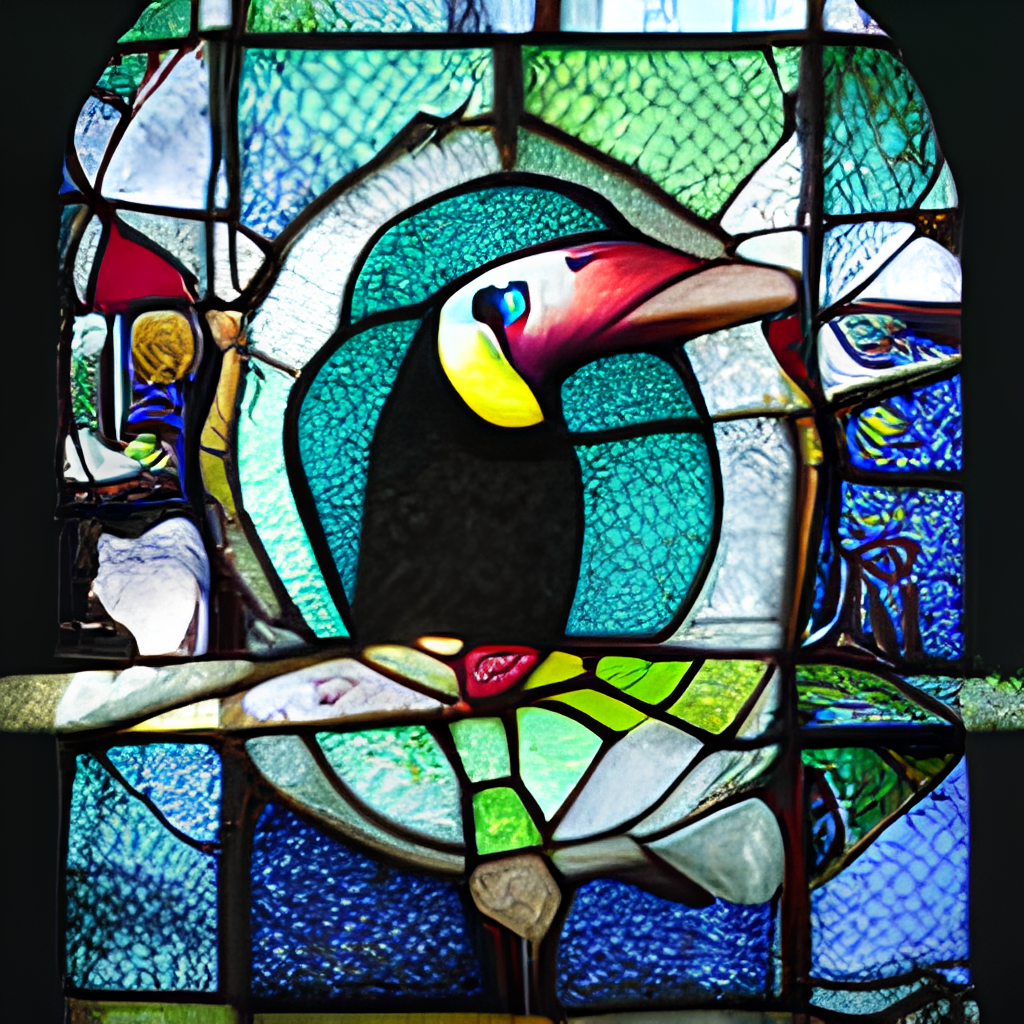
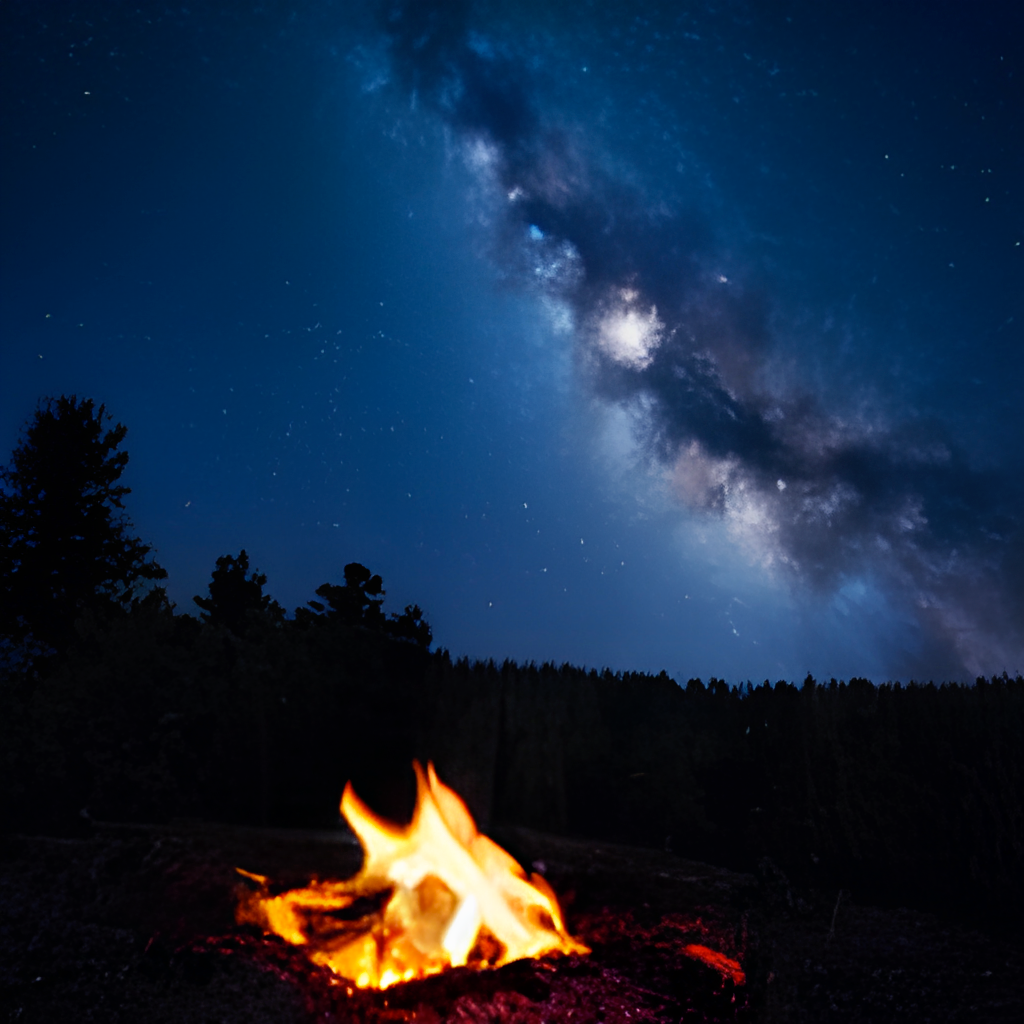
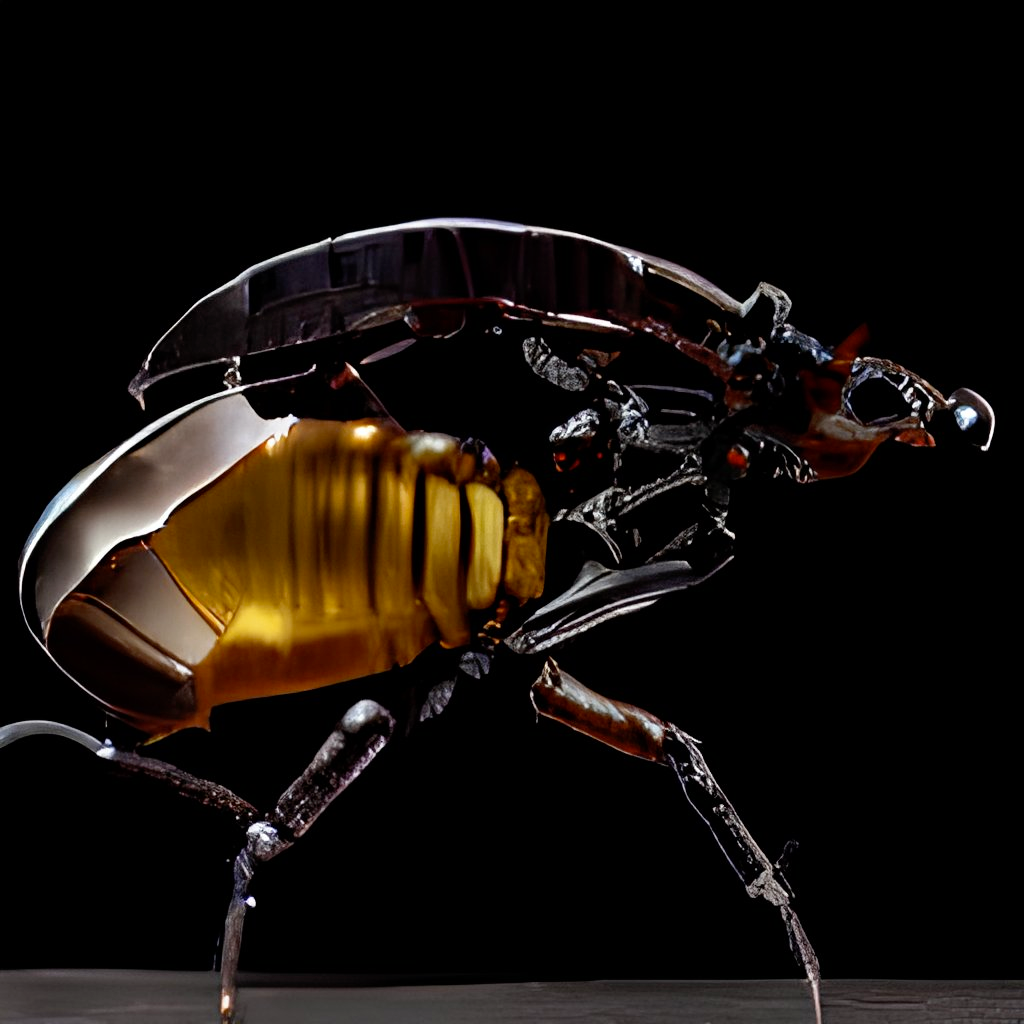
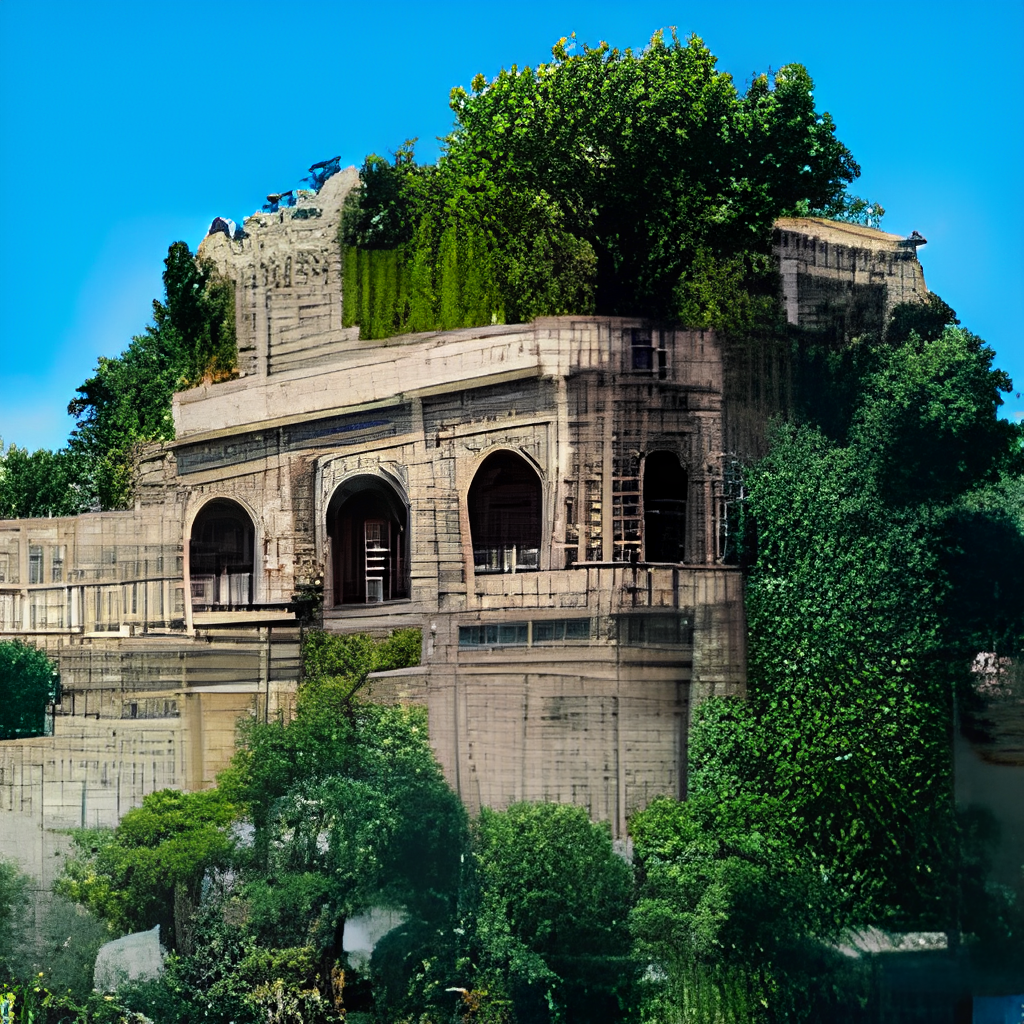
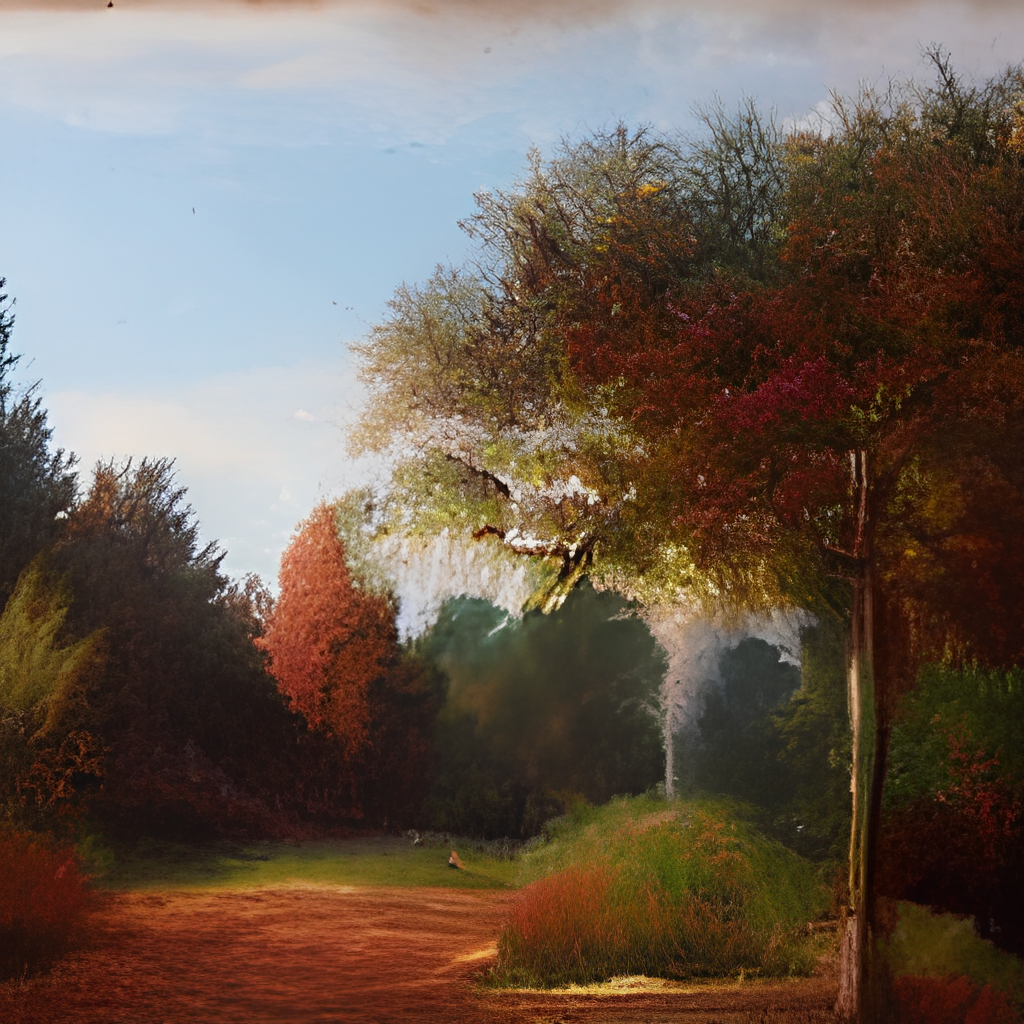
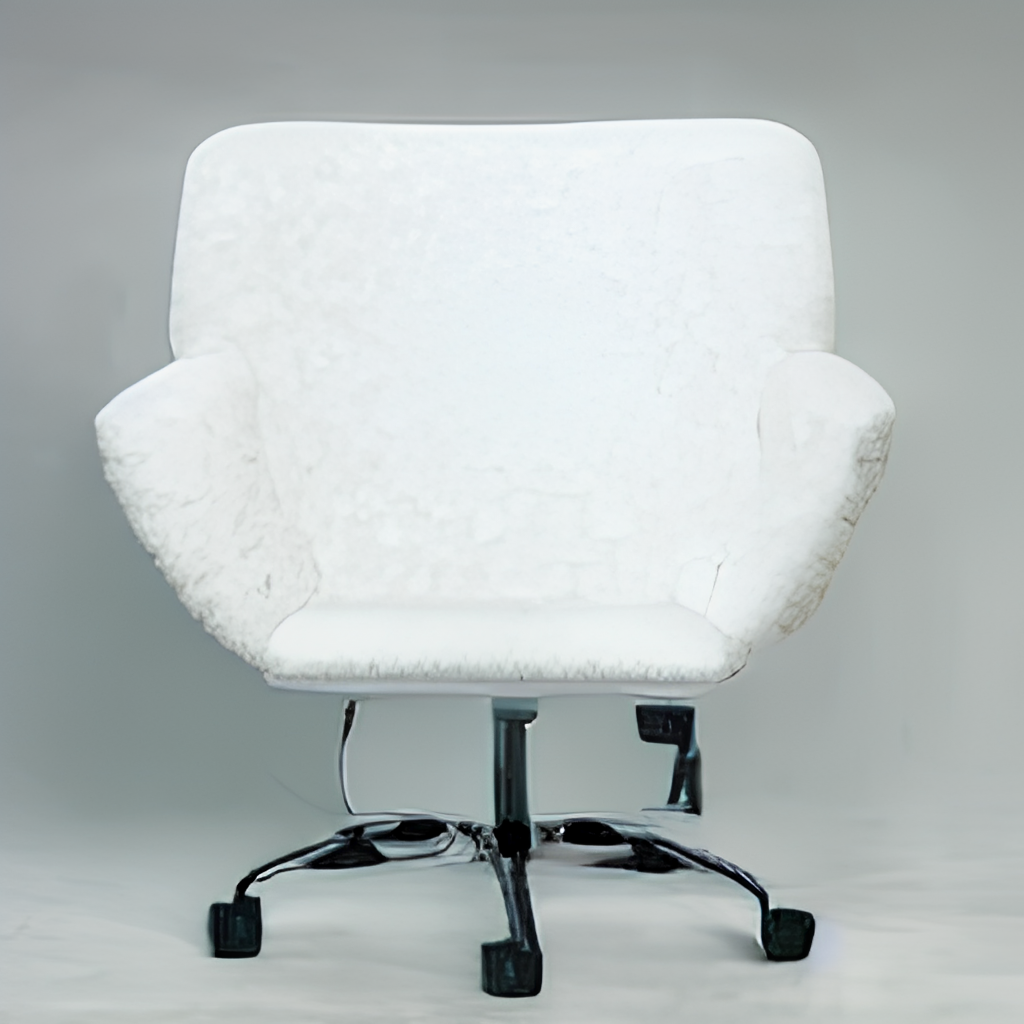

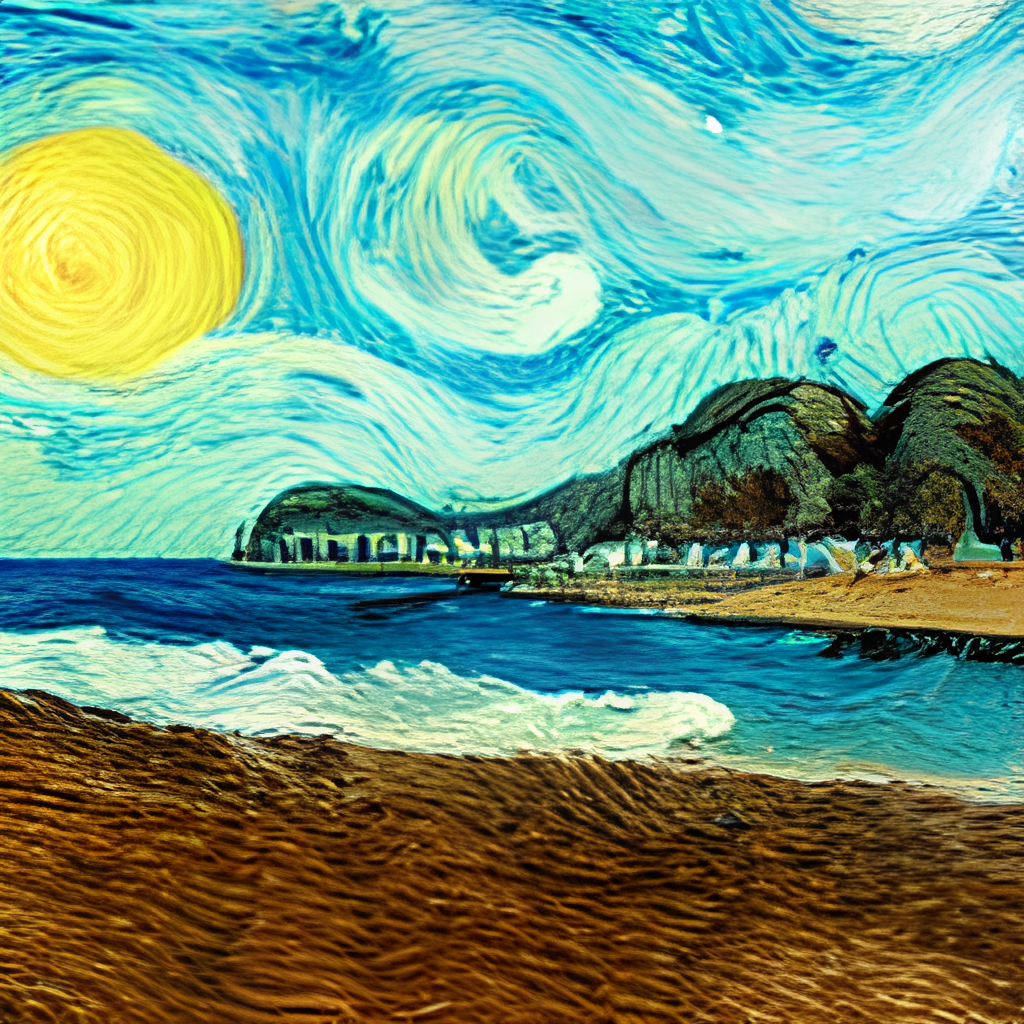
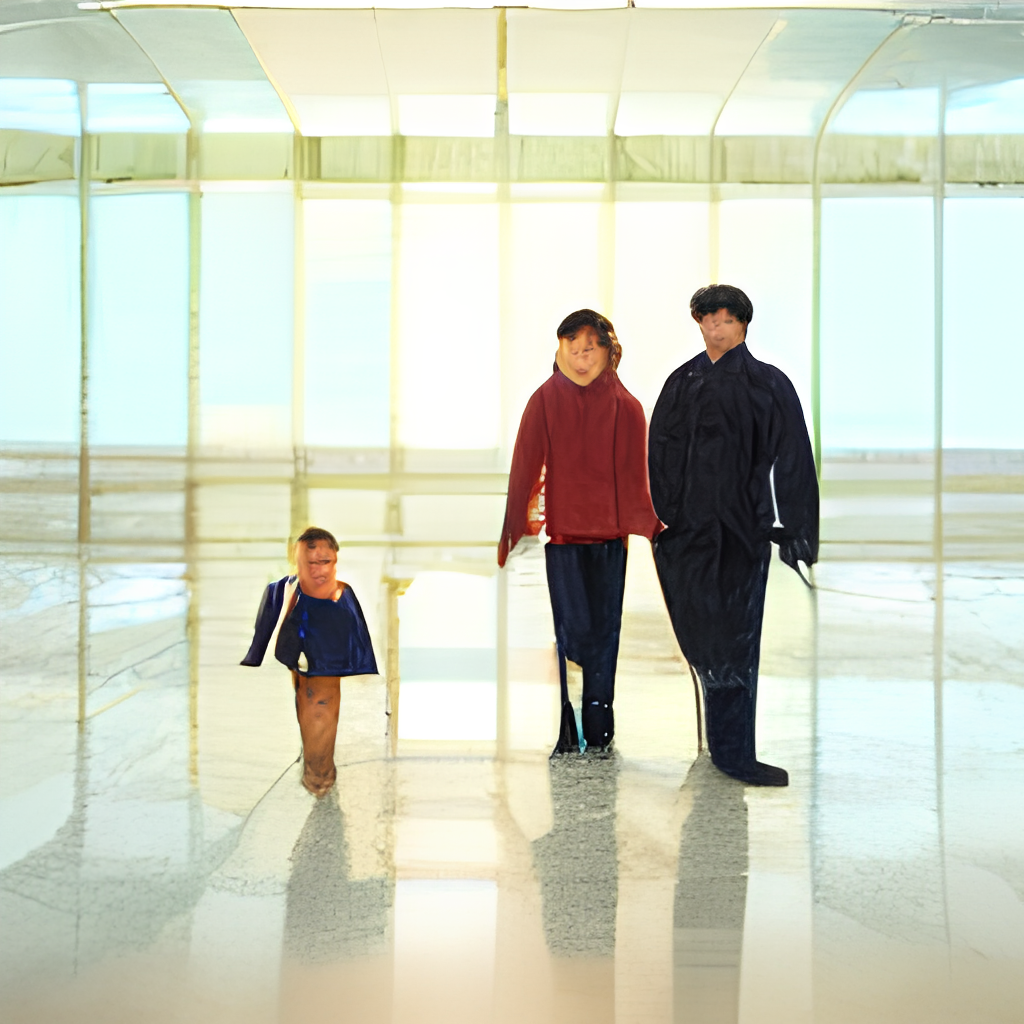
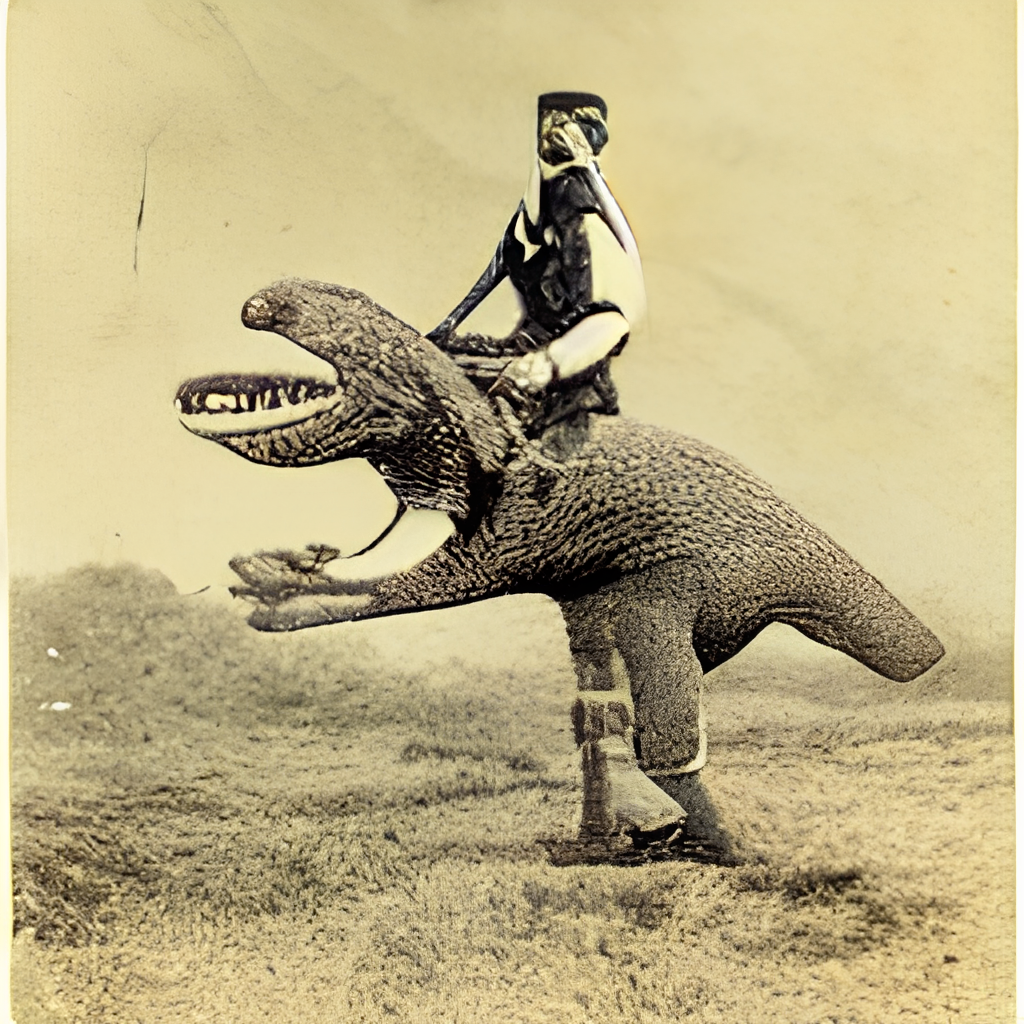
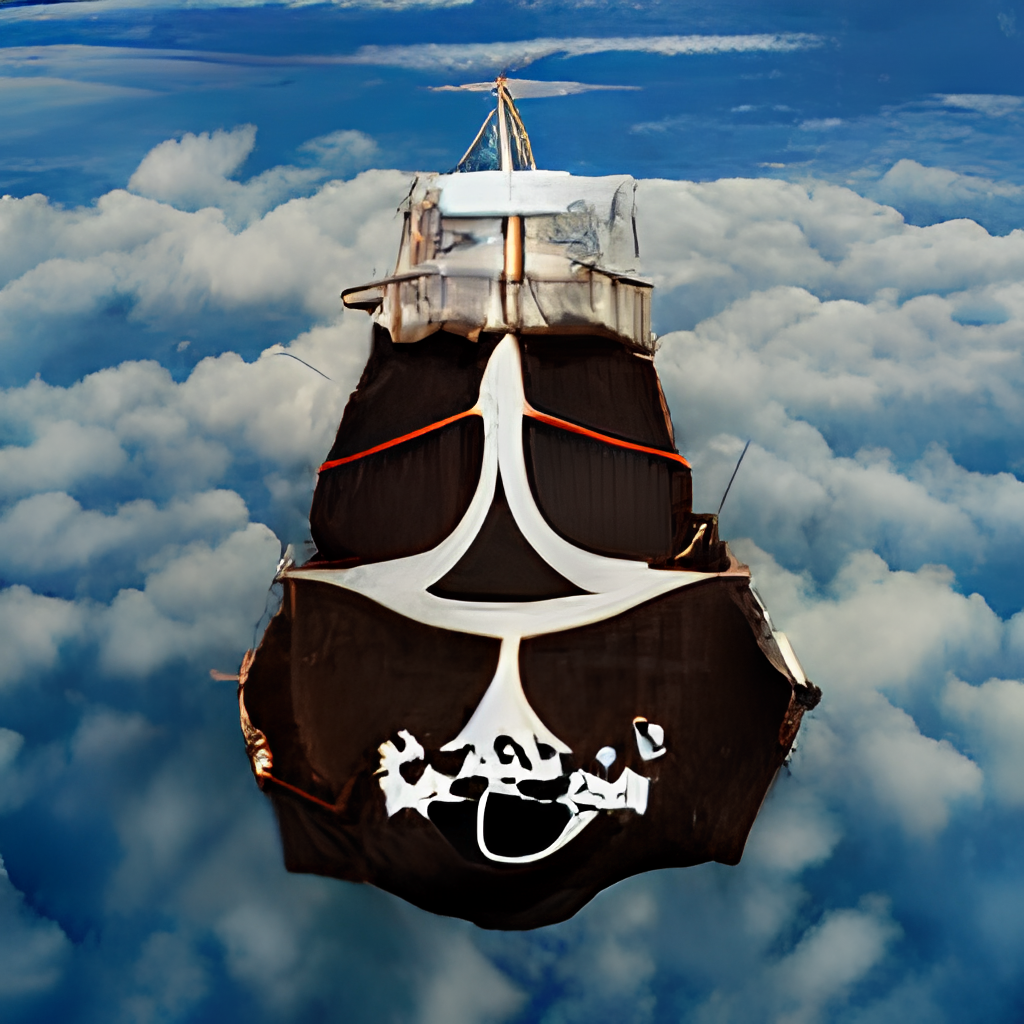
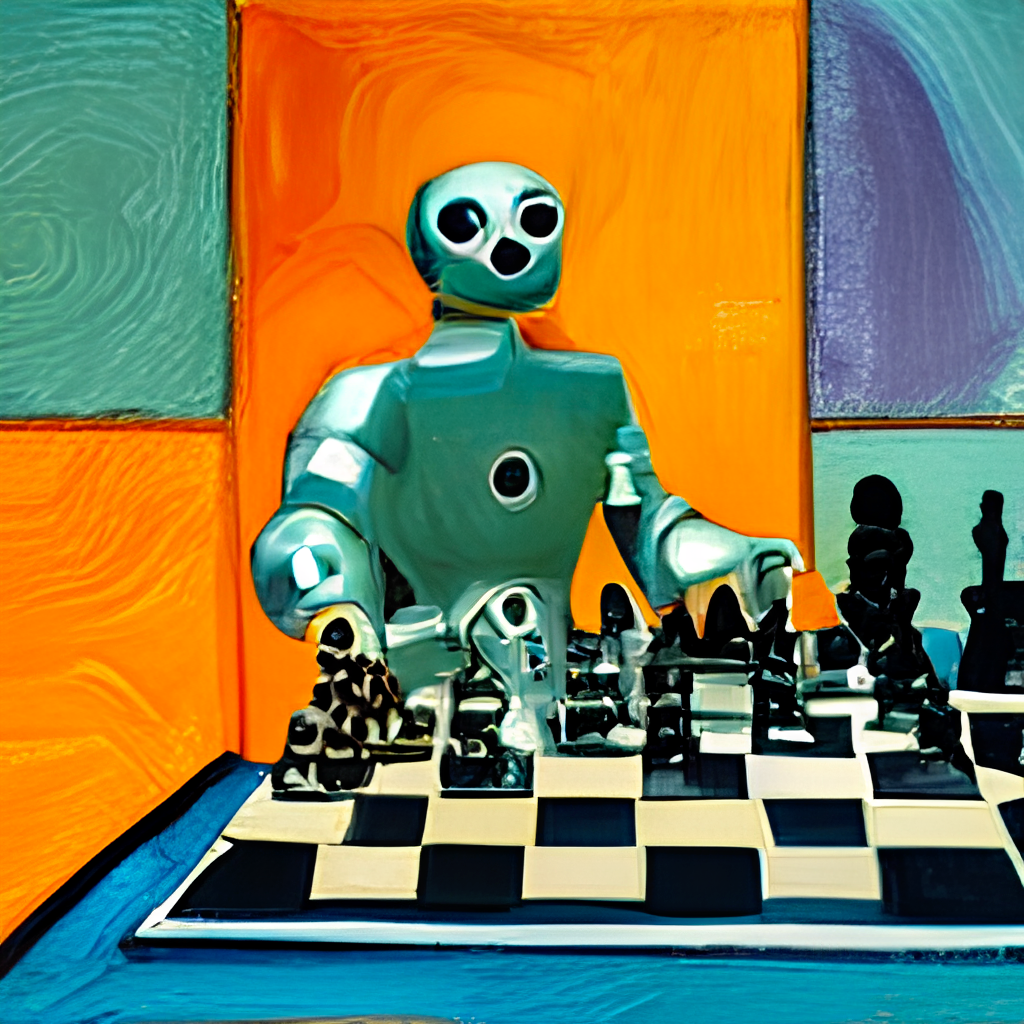
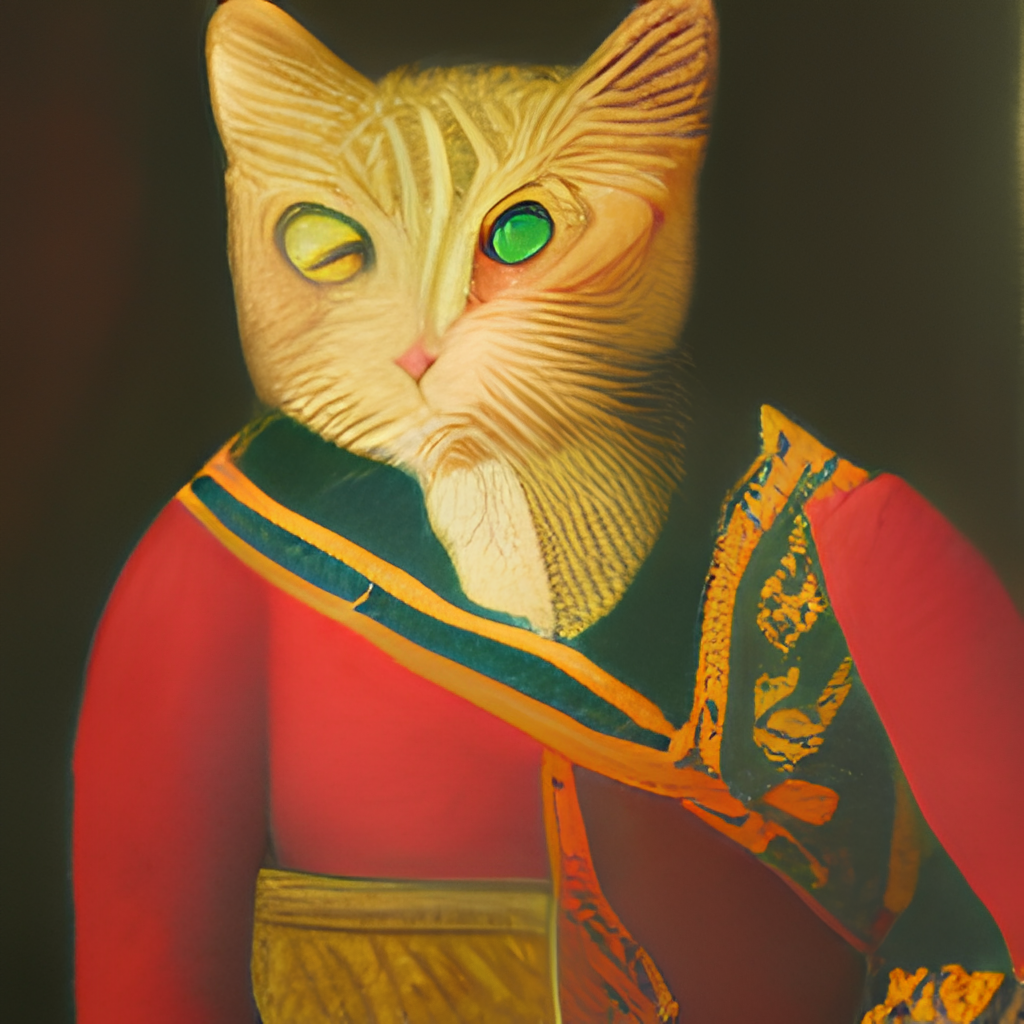
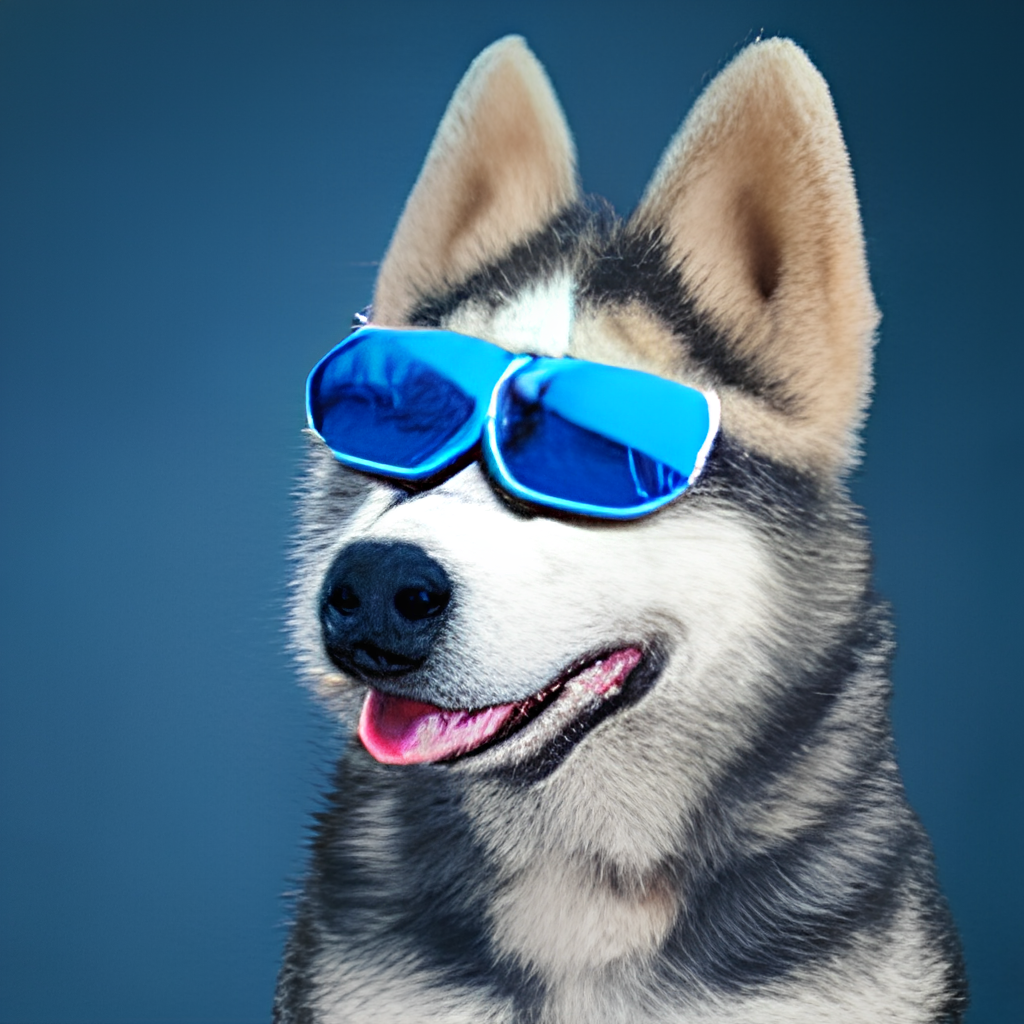
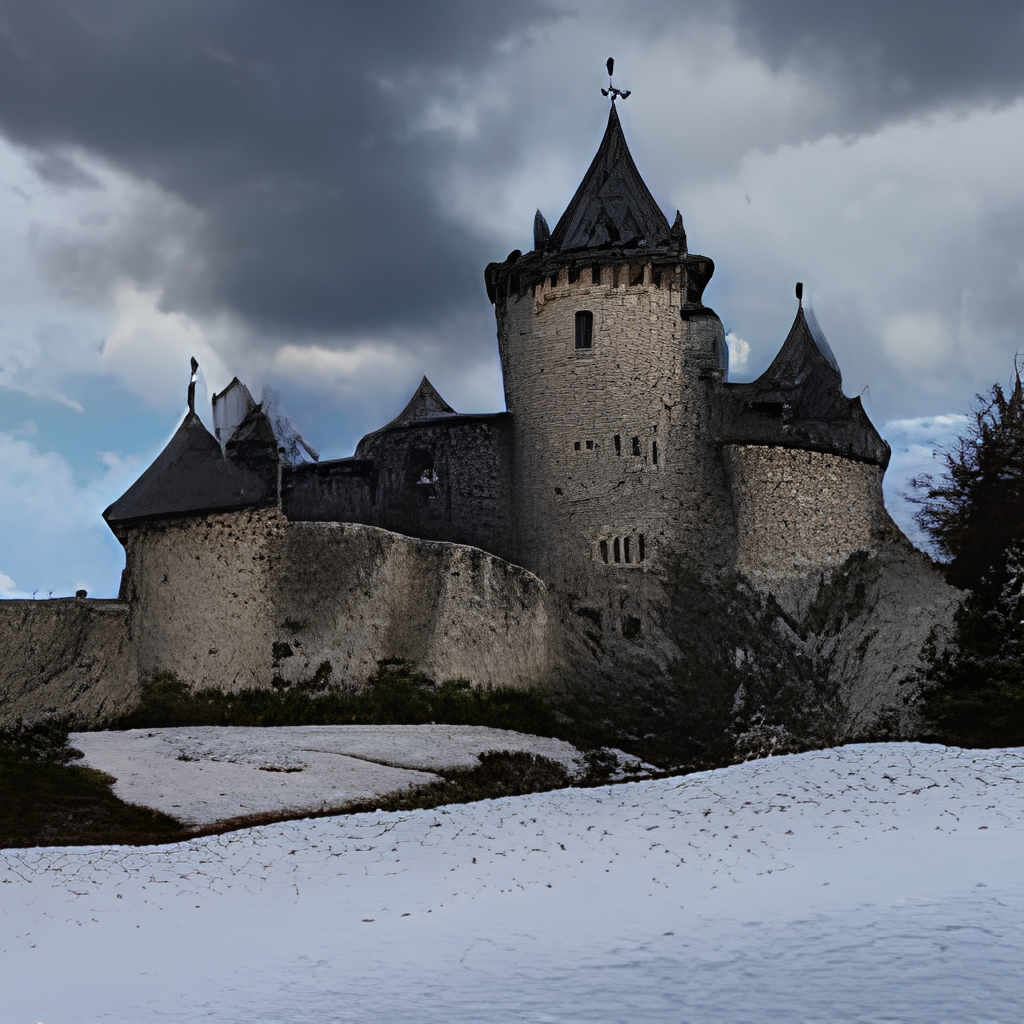
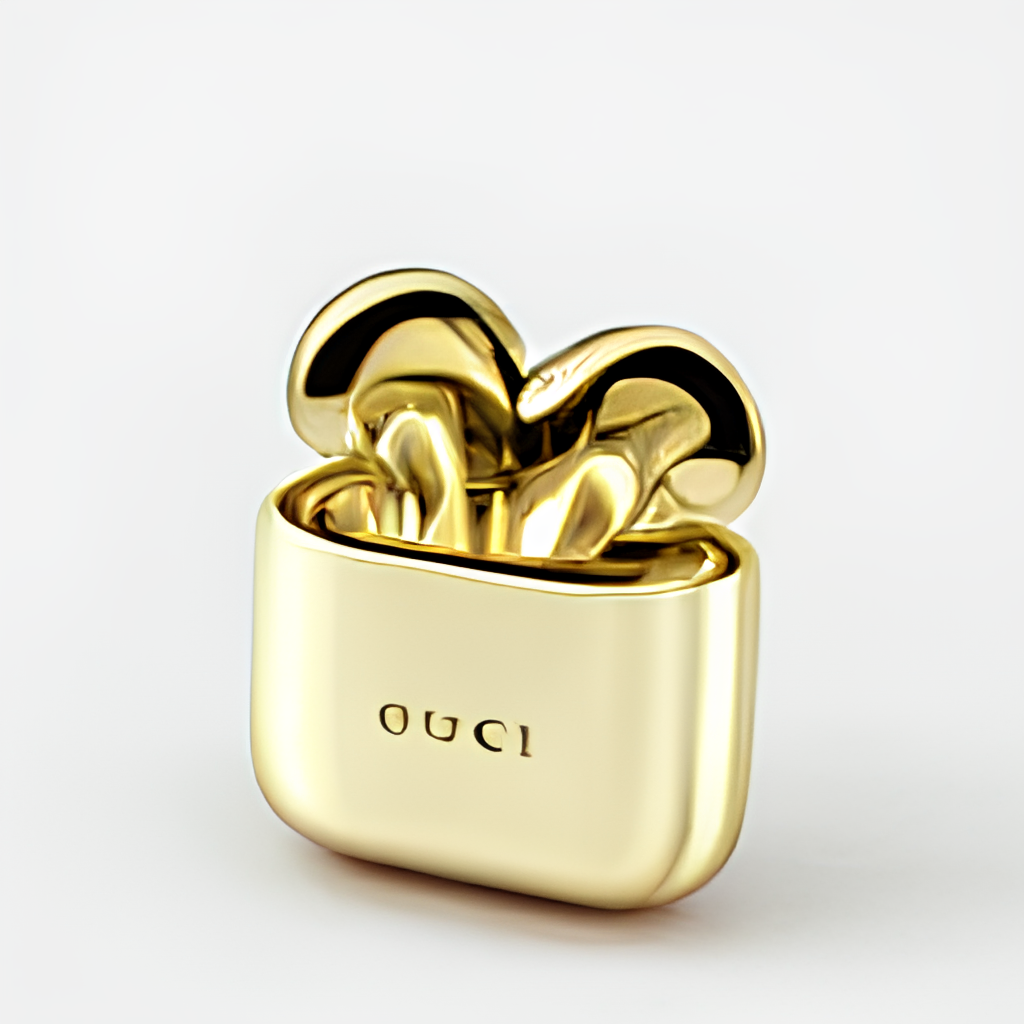
Client

Using client is super easy. The following steps are best run in Jupyter notebook or Google Colab.
You will need to install DocArray and Jina first:
pip install "docarray[common]>=0.13.5" jina
We have provided a demo server for you to play:
⚠️ Due to the massive requests, our server may be delay in response. Yet we are very confident on keeping the uptime high. You can also deploy your own server by following the instruction here.
server_url = 'grpc://dalle-flow.jina.ai:51005'
Step 1: Generate via DALL·E Mega
Now let's define the prompt:
prompt = 'an oil painting of a humanoid robot playing chess in the style of Matisse'
Let's submit it to the server and visualize the results:
from docarray import Document

doc = Document(text=prompt).post(server_url, parameters={'num_images': 8})
da = doc.matches

da.plot_image_sprites(fig_size=(10,10), show_index=True)
Here we generate 24 candidates, 8 from DALLE-mega, 8 from GLID3 XL, and 8 from Stable Diffusion, this is as defined in num_images, which takes about ~2 minutes. You can use a smaller value if it is too long for you.

Step 2: Select and refinement via GLID3 XL
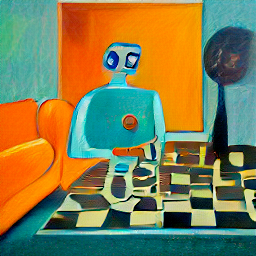
The 24 candidates are sorted by CLIP-as-service, with index-0 as the best candidate judged by CLIP. Of course, you may think differently. Notice the number in the top-left corner? Select the one you like the most and get a better view:
fav_id = 3
fav = da[fav_id]
fav.embedding = doc.embedding
fav.display()
Now let's submit the selected candidates to the server for diffusion.
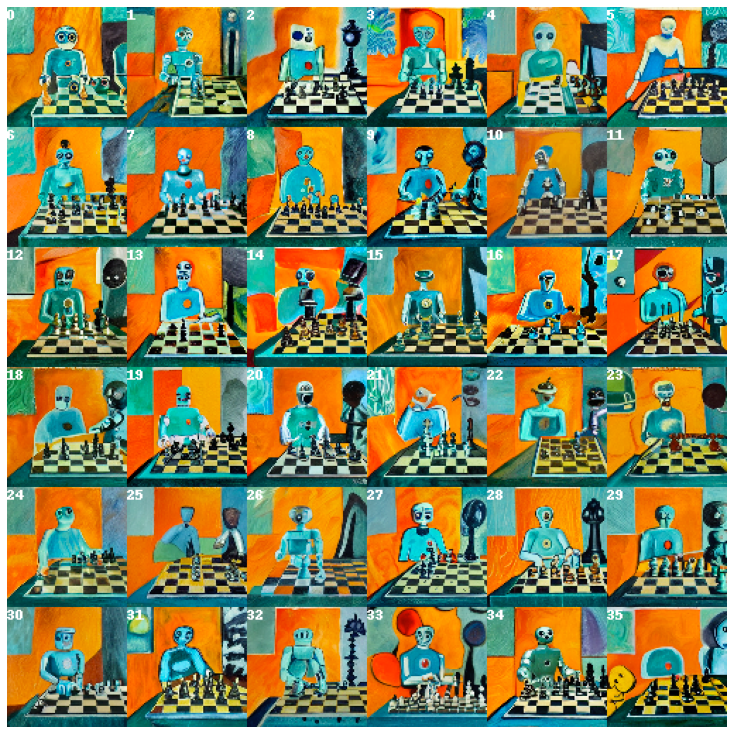
diffused = fav.post(f'{server_url}', parameters={'skip_rate': 0.5, 'num_images': 36}, target_executor='diffusion').matches

diffused.plot_image_sprites(fig_size=(10,10), show_index=True)
This will give 36 images based on the selected image. You may allow the model to improvise more by giving skip_rate a near-zero value, or a near-one value to force its closeness to the given image. The whole procedure takes about ~2 minutes.
Step 3: Select and upscale via SwinIR
Select the image you like the most, and give it a closer look:
dfav_id = 34
fav = diffused[dfav_id]
fav.display()

Finally, submit to the server for the last step: upscaling to 1024 x 1024px.
fav = fav.post(f'{server_url}/upscale')
fav.display()
That's it! It is the one. If not satisfied, please repeat the procedure.

Btw, DocArray is a powerful and easy-to-use data structure for unstructured data. It is super productive for data scientists who work in cross-/multi-modal domain. To learn more about DocArray, please check out the docs.
Server
You can host your own server by following the instruction below.
Hardware requirements
DALL·E Flow needs one GPU with 21GB VRAM at its peak. All services are squeezed into this one GPU, this includes (roughly)
- DALLE ~9GB
- GLID Diffusion ~6GB
- Stable Diffusion ~7GB (batch_size=1 in
config.yml, 512x512, slower) or ~14GB (batch_size=4 inconfig.yml, 512x512, slightly faster) - SwinIR ~3GB
- CLIP ViT-L/14-336px ~3GB
The following reasonable tricks can be used for further reducing VRAM:
- SwinIR can be moved to CPU (-3GB)
- CLIP can be delegated to CLIP-as-service free server (-3GB)
It requires at least 50GB free space on the hard drive, mostly
Tag summary
Content type
Image
Digest
sha256:4bef53176…
Size
8.9 GB
Last updated
almost 4 years ago
docker pull jinaai/dalle-flow