saniewski/mongo-express-docker-extension
Run Mongo Express in Docker Desktop and connect to any MongoDB server.
50K+
saniewski/mongo-express-docker-extension repository overview
Mongo Express Docker Extension
Run Mongo Express in Docker Desktop and connect to any MongoDB server.
Mongo Express Docker Extension allows you to connect to any (local or remote) MongoDB server without having to install Mongo Express locally or manually create a Mongo Express Docker container.
Features
- Run Mongo Express in Docker Desktop.
- Specify the MongoDB server to connect to.
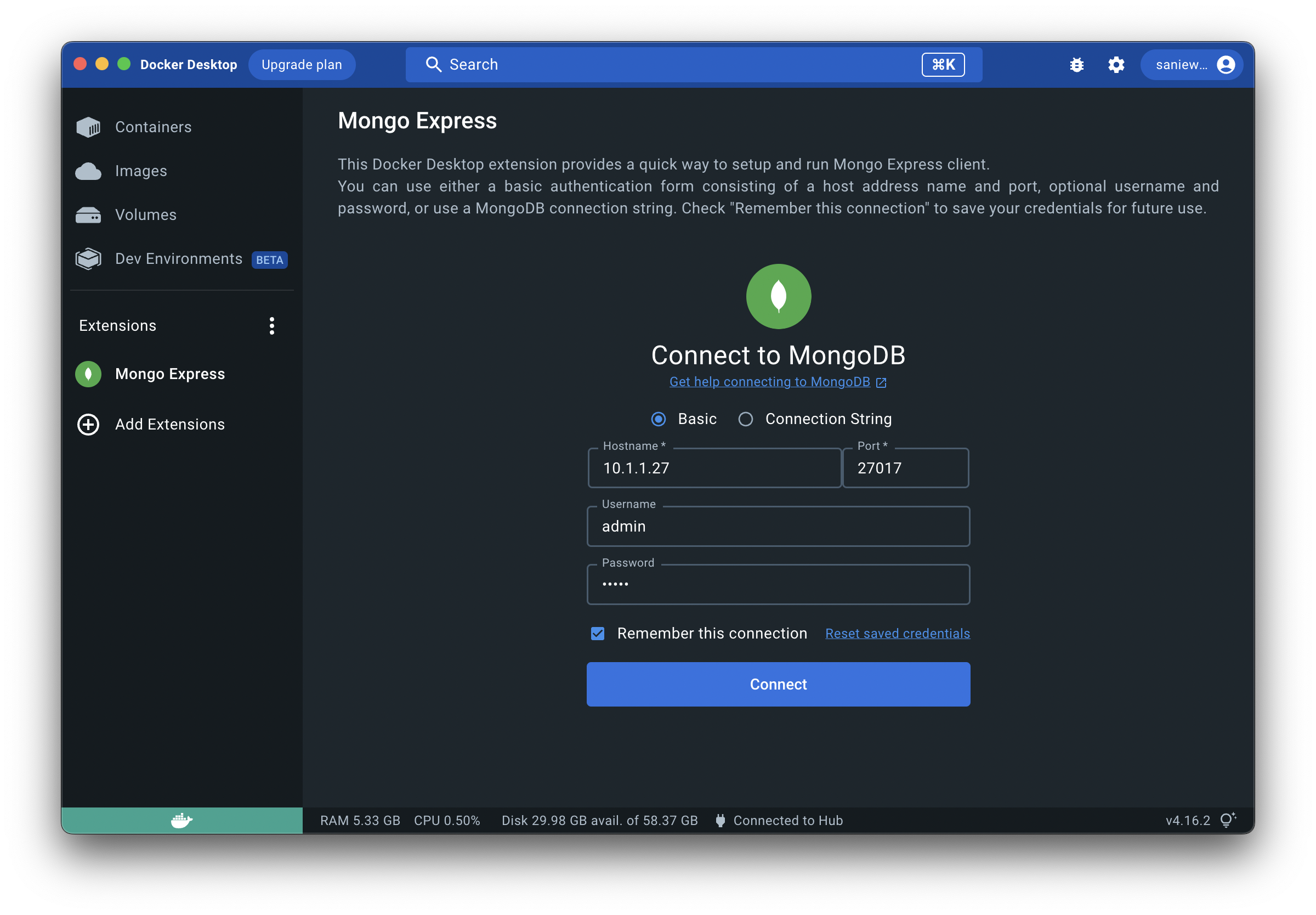
- Save credentials for future use.
Installation
You can install the extension directly from the Docker Desktop marketplace using this link:
Alternatively, you can install it manually by running the following command in your terminal:
docker extension install saniewski/mongo-express-docker-extension:1.0.2
Usage
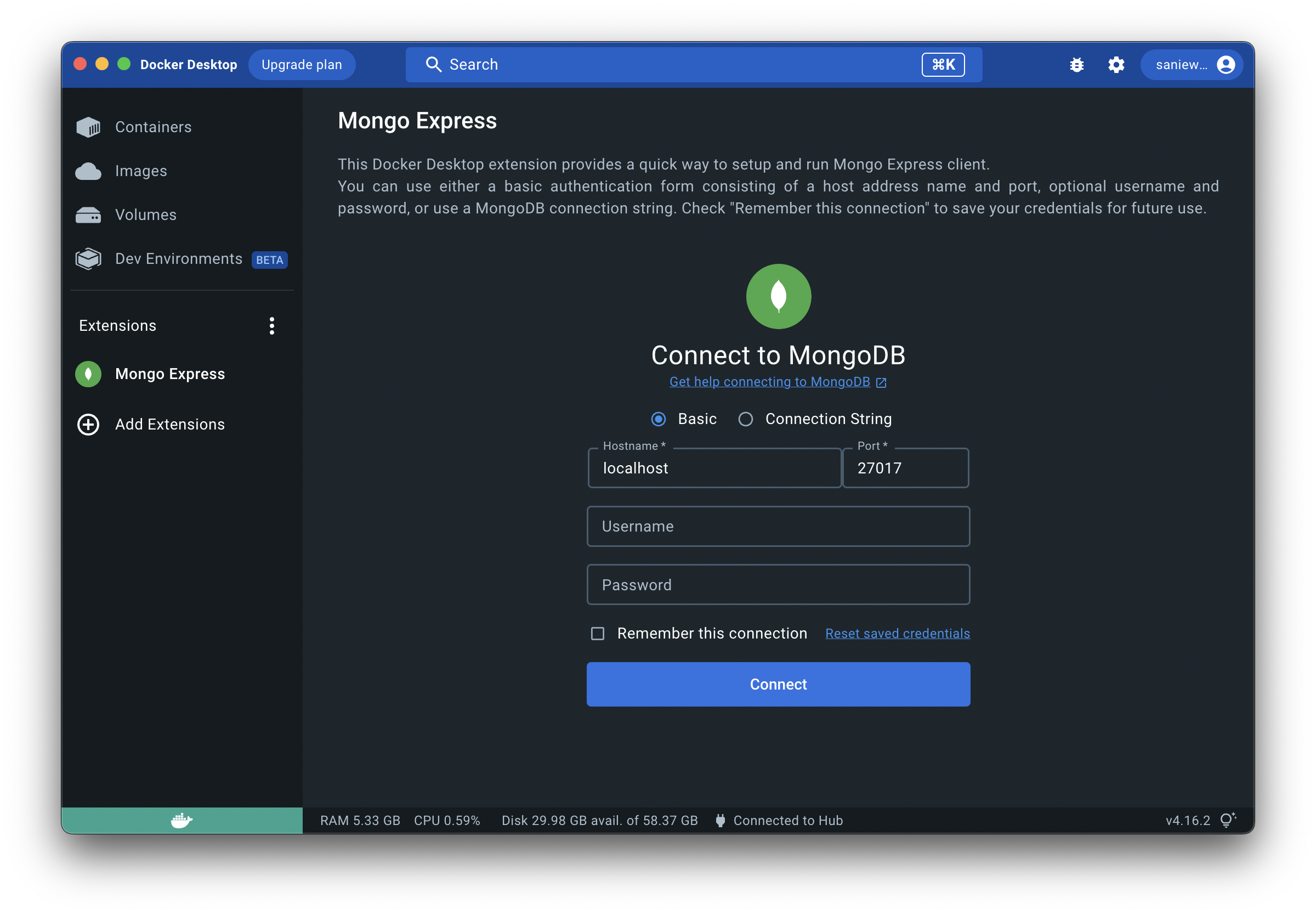
To connect to a MongoDB server, you can use the Basic authentication method by providing a hostname and a port of the
MongoDB instance. Specifying a username and password is optional, depending on the security of your MongoDB server.
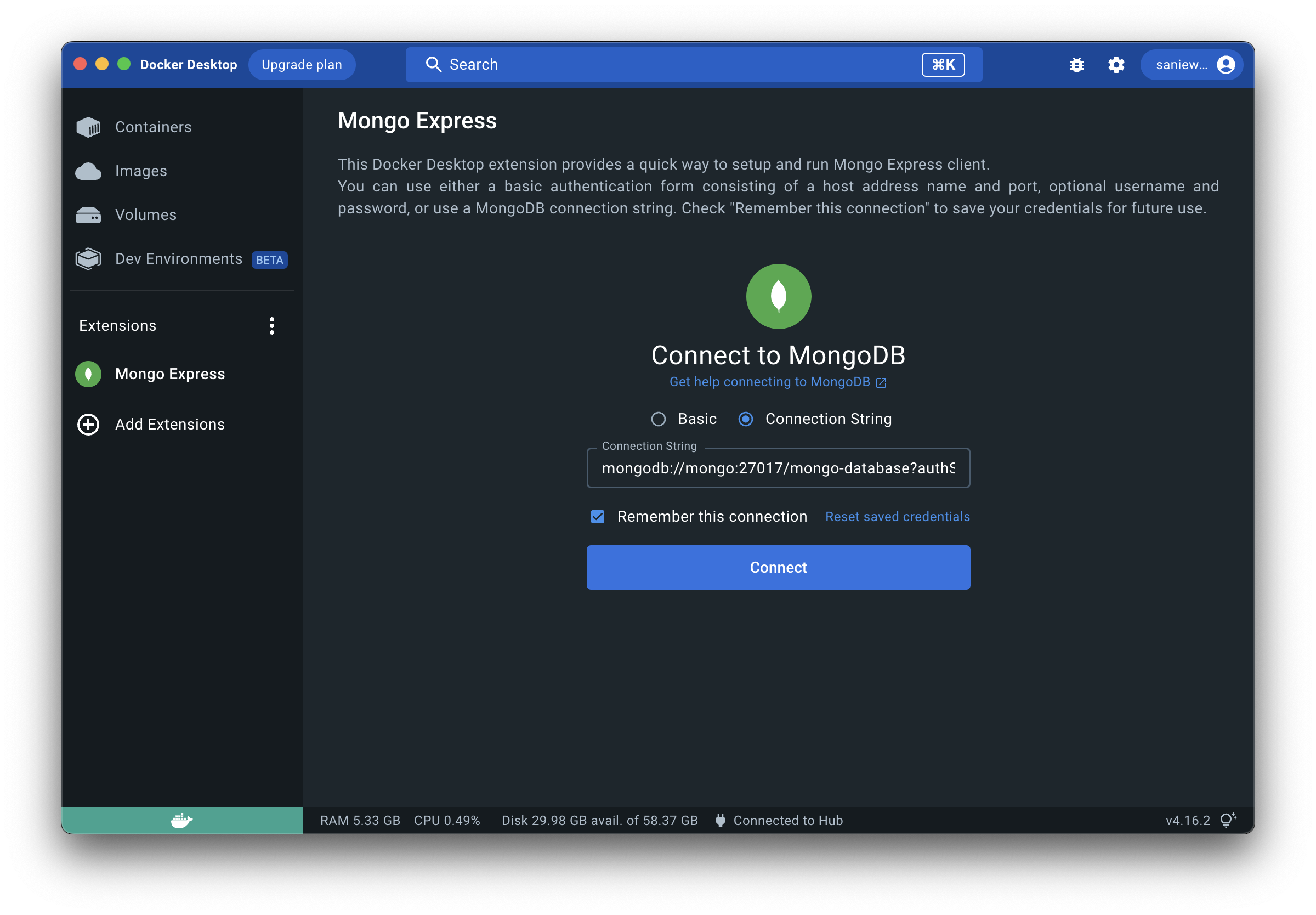
Alternatively, you can use the Connection String authentication method by providing a valid MongoDB connection string.
For instructions on how to use MongoDB connection strings, please, refer to the official MongoDB documentation.
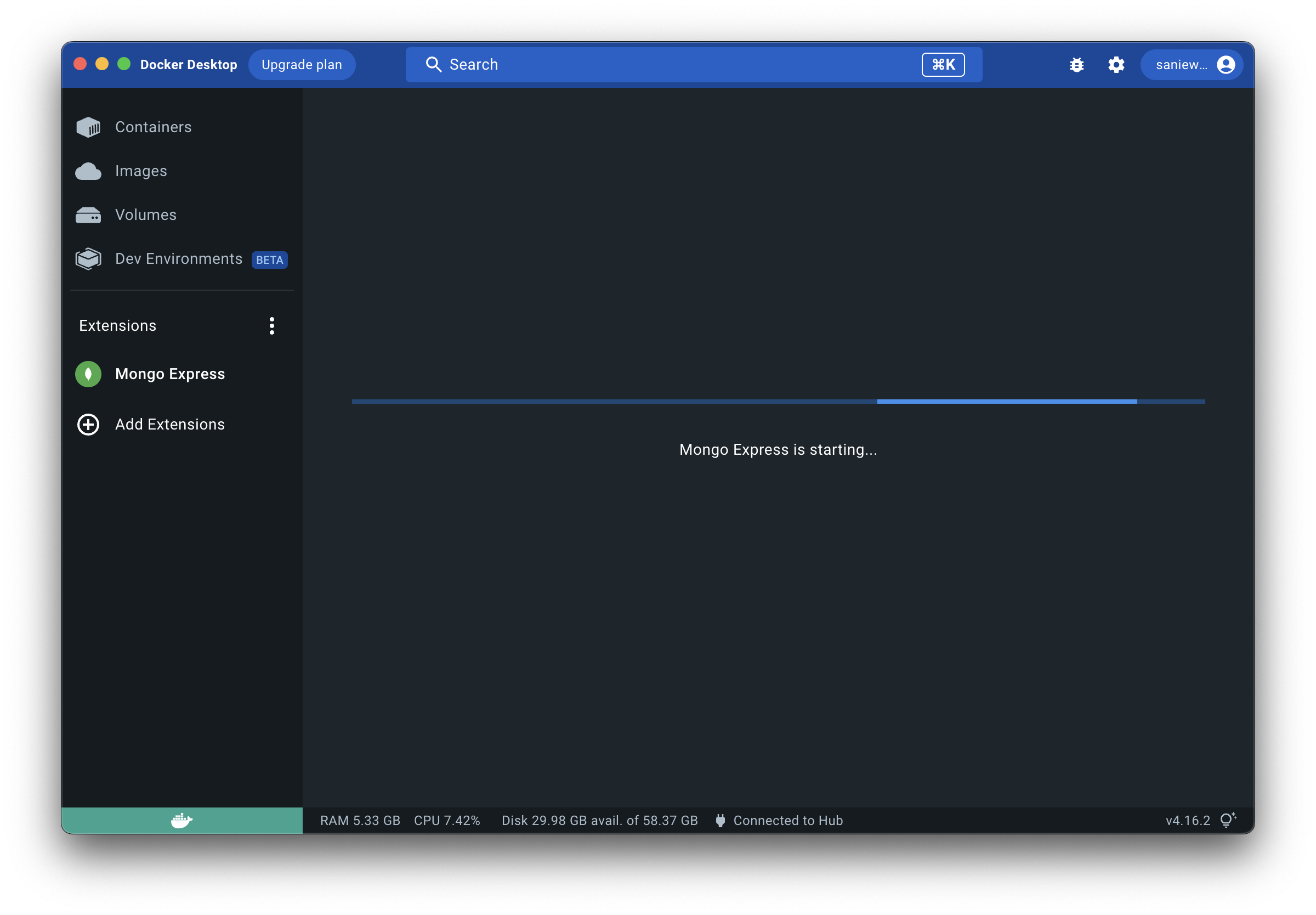
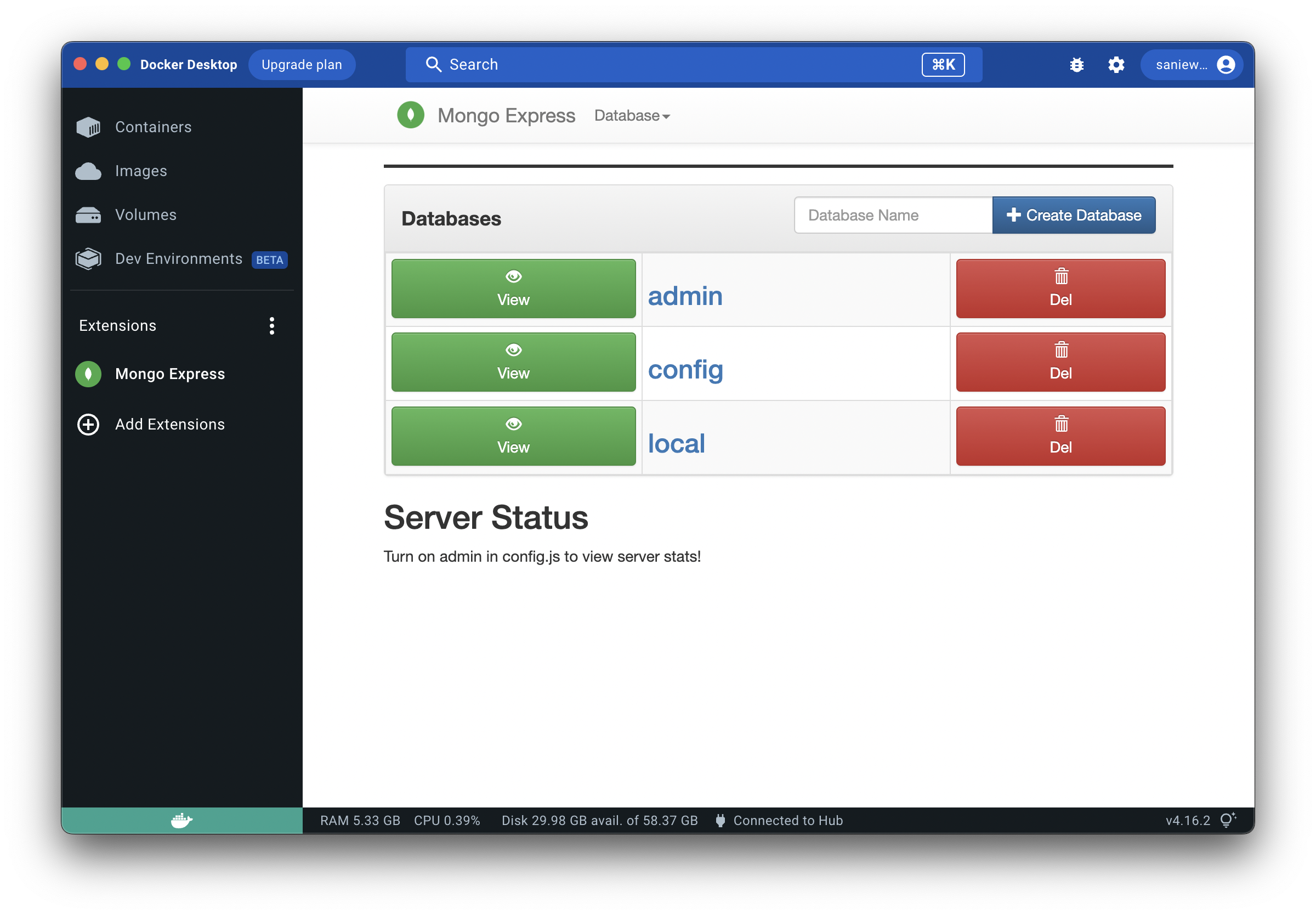
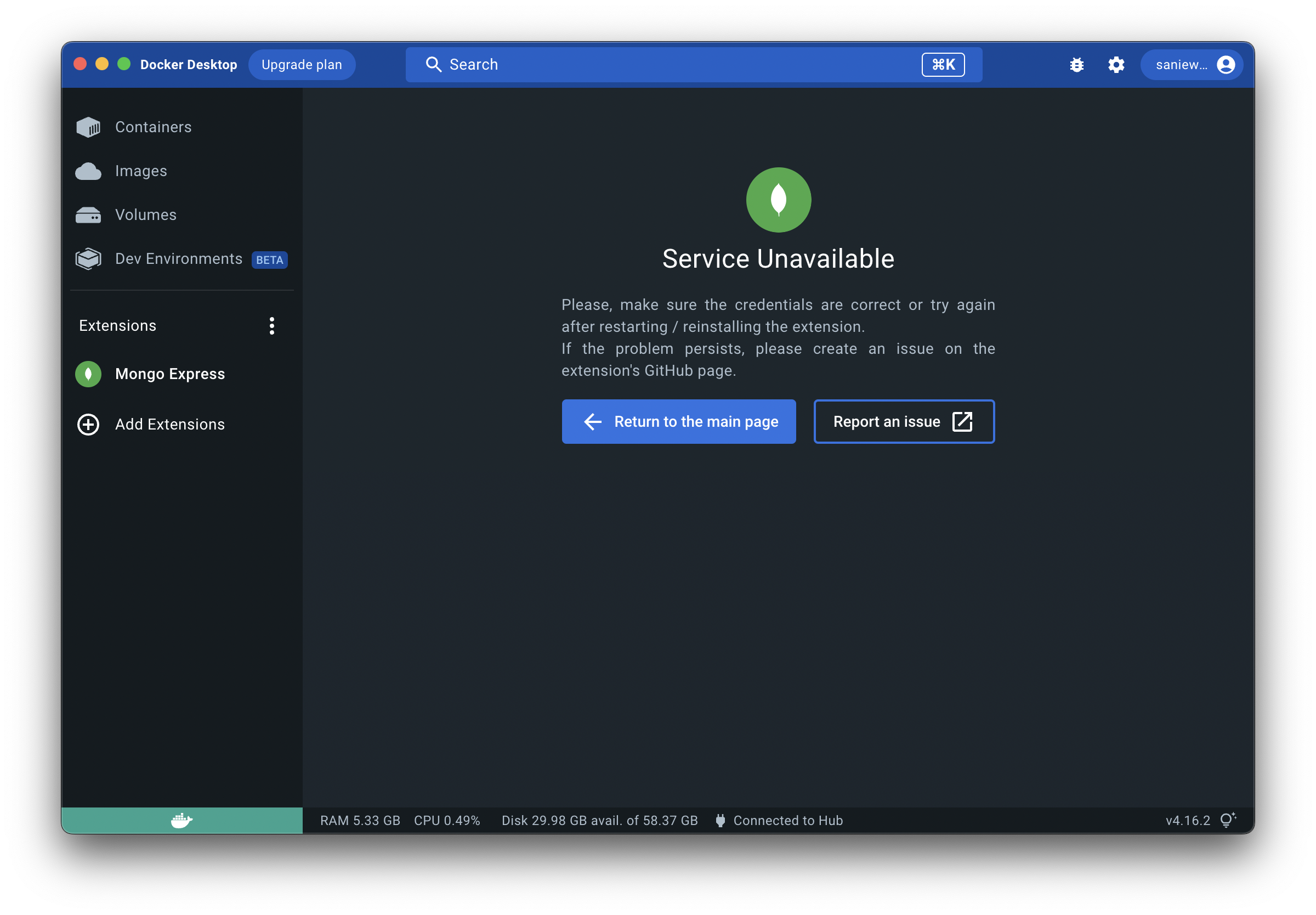
Screenshots
Tag summary
Content type
Image
Digest
sha256:71460506a…
Size
6.1 MB
Last updated
over 3 years ago
docker pull saniewski/mongo-express-docker-extension