vibhuvioio/ldap-manager
Modern web-based management UI for OpenLDAP, multi-cluster, secure password caching
586
vibhuvioio/ldap-manager repository overview
LDAP Manager - 📖 Docs




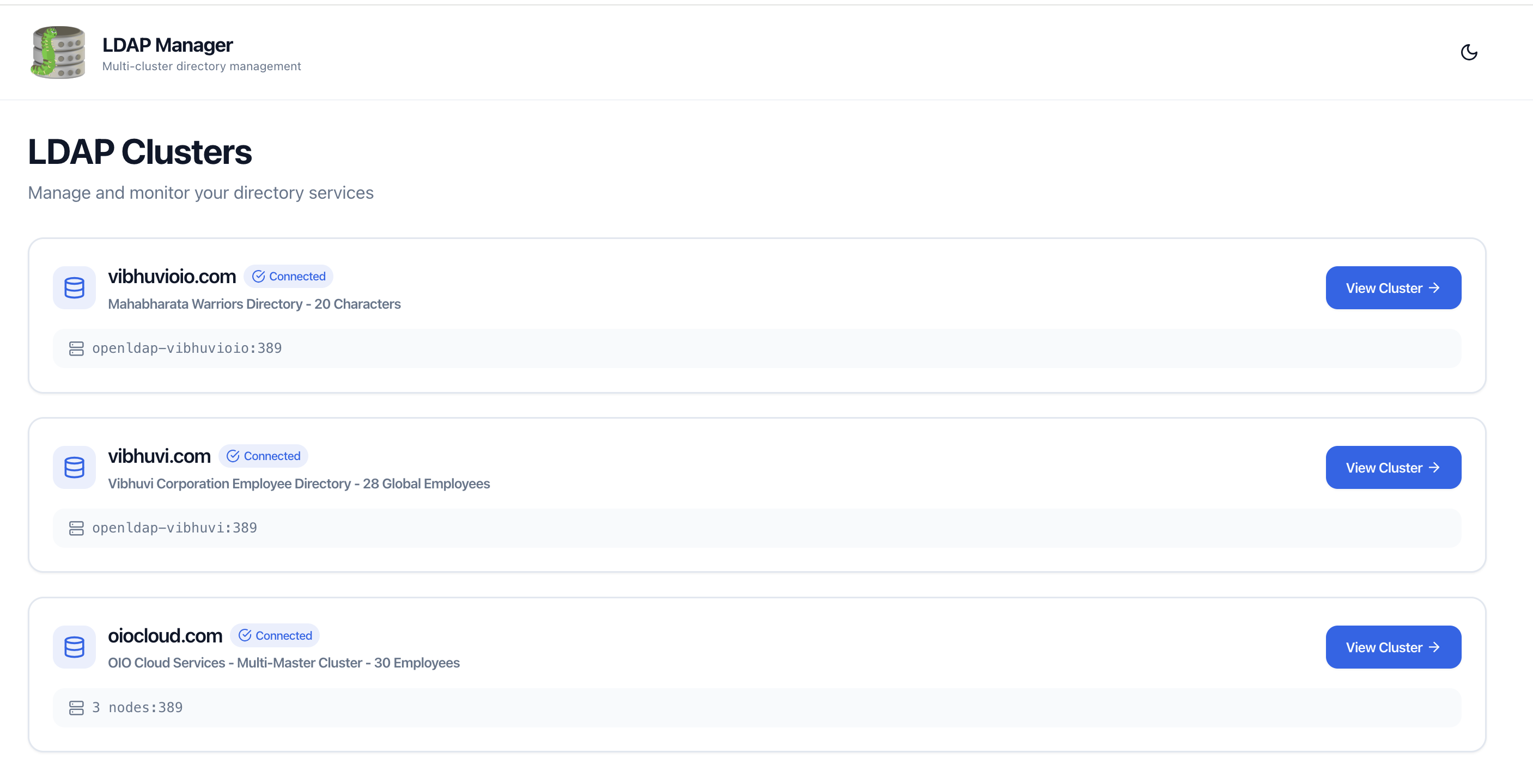
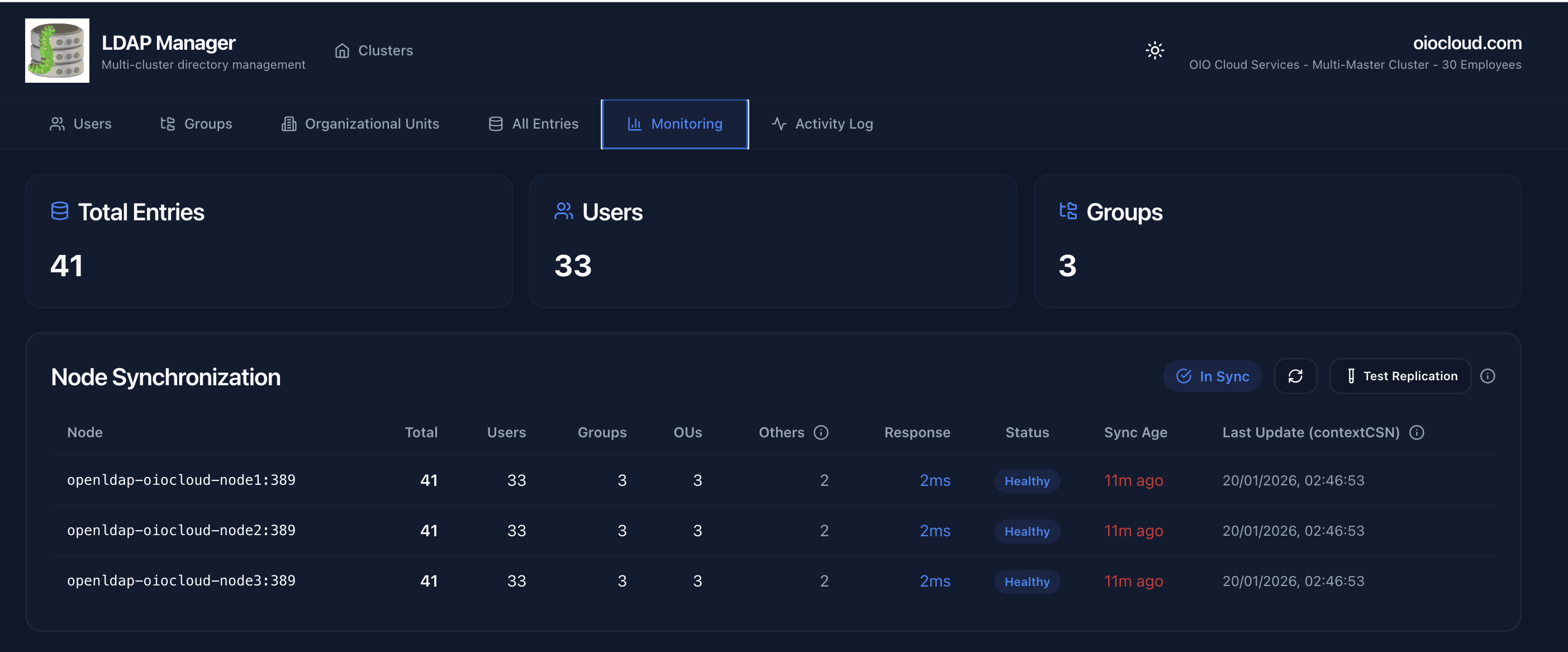
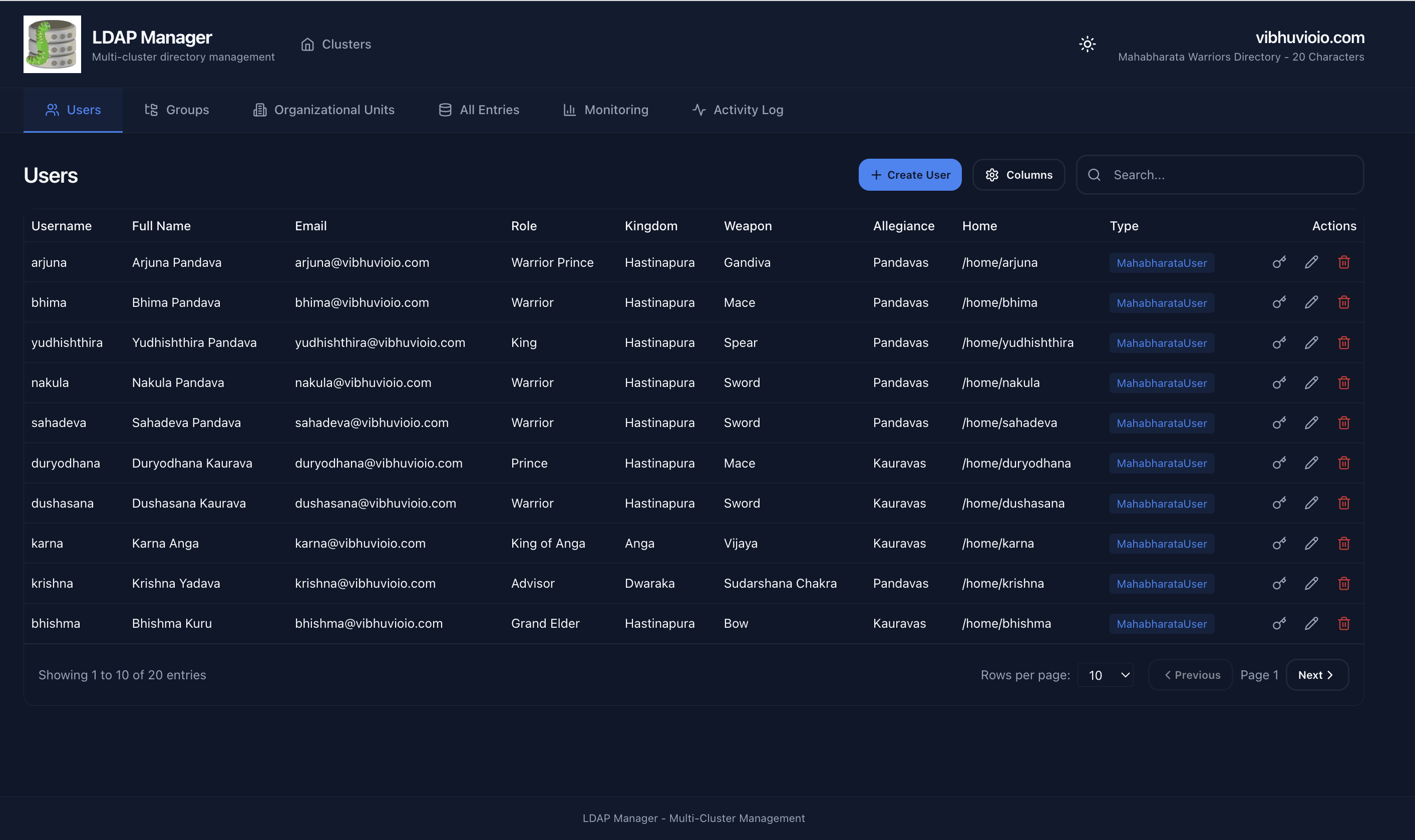
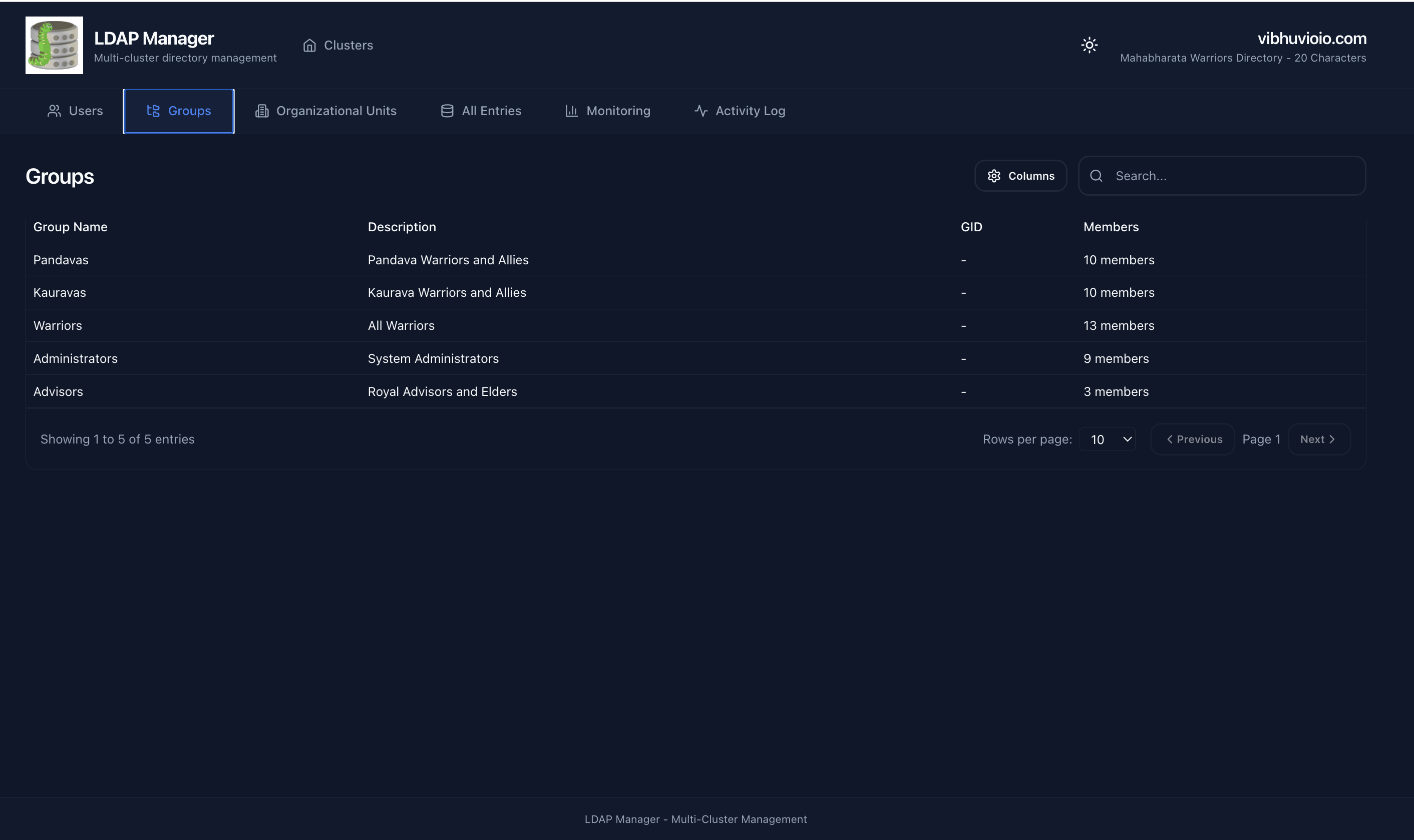
Modern web-based management interface for OpenLDAP servers with a React + TypeScript frontend and FastAPI Python backend.
|
|
| LDAP Manager | Directory Data |
|
|
| Users | Groups |
Features
- Multi-cluster Management - Manage multiple LDAP servers from a single interface
- Server-side Pagination & Search - Efficient handling of large directories (LDAP RFC 2696)
- Secure Password Caching - Passwords are encrypted with Fernet symmetric encryption and expire automatically
- Custom Schema Support - Automatically detects and displays custom objectClasses
- Health Monitoring - Real-time cluster health status
- Modern UI - React 18 + TypeScript + shadcn/ui components
Quick Start
System Requirements
| Resource | Minimum | Recommended | Production (High Traffic) |
|---|---|---|---|
| CPU | 1 core | 2 cores | 4 cores |
| RAM | 512 MB | 1 GB | 2 GB |
| Disk | 500 MB | 1 GB | 2 GB |
Docker Run (Fastest)
# Download the config template
wget https://raw.githubusercontent.com/VibhuviOiO/ldap-manager/main/config.example.yml -O config.yml

# Edit config with your LDAP details
nano config.yml

# Run the Docker Hub image
docker run -d \
  --name ldap-manager \
  -p 8000:8000 \
  -v $(pwd)/config.yml:/app/config.yml:ro \
  vibhuvioio/ldap-manager:latest

# Access the UI at http://localhost:8000
Docker Compose (Recommended)
# Download the production compose file and config template
wget https://raw.githubusercontent.com/VibhuviOiO/ldap-manager/main/docker-compose.prod.yml
wget https://raw.githubusercontent.com/VibhuviOiO/ldap-manager/main/config.example.yml -O config.yml

# Edit config with your LDAP details
nano config.yml

# Start the application
docker compose -f docker-compose.prod.yml up -d

# Access the UI at http://localhost:8000
Registry note: The primary image is hosted on Docker Hub at
vibhuvioio/ldap-manager. The same image is also available on GHCR atghcr.io/vibhuvioio/ldap-managerif you prefer GitHub's registry.
Configuration
Basic Setup (config.yml)
clusters:
  - name: "Production LDAP"
    host: "ldap.example.com"
    port: 389
    bind_dn: "cn=Manager,dc=example,dc=com"
Multi-Master Cluster
clusters:
  - name: "LDAP Cluster"
    nodes:
      - host: "ldap1.company.com"
        port: 389
      - host: "ldap2.company.com"
        port: 389
    bind_dn: "cn=Manager,dc=company,dc=com"
Context Path (for integration)
# Production
CONTEXT_PATH=/ldap-manager docker compose -f docker-compose.prod.yml up -d

# Development
CONTEXT_PATH=/ldap-manager docker compose up
Documentation
- 📖 Full Documentation
- ⚙️ Configuration Guide
- 🧪 Testing Guide
- 🛠️ Development Setup
- 🔧 Context Path Setup
Technology Stack
Frontend: React 18, TypeScript, Vite, shadcn/ui, Tailwind CSS
Backend: FastAPI, Python 3.11+, python-ldap, PyYAML
Development
# Backend
cd backend
python -m venv venv
source venv/bin/activate
pip install -r requirements.txt
uvicorn app.main:app --reload --port 8000

# Frontend
cd frontend
npm install
npm run dev
Testing
The project uses two automated test suites:
- Backend: pytest unit and integration tests in
backend/tests/ - Frontend E2E: Playwright tests in
frontend/tests/e2e/
Both suites run in GitHub Actions on every push. Run them locally:
# Backend tests
cd backend
pytest

# Frontend E2E tests
cd frontend
npm install
npx playwright install
npx playwright test
Security
- Passwords cached with Fernet symmetric encryption (AES-128-CBC with HMAC)
- Cache files stored in
/app/.cache/and encryption keys in/app/.secrets/with0600permissions - Use read-only LDAP accounts when possible
- Enable TLS/SSL for production (
ldaps://)
Compatible LDAP Servers
✅ Tested: OpenLDAP 2.4+, OpenLDAP 2.6+
🔄 Should work (RFC 4511 compliant): 389 Directory Server, ApacheDS, Active Directory
Requirements: LDAP v3 protocol, RFC 2696 (paged results) support recommended for large directories
Contributing
- Fork the repository
- Create a feature branch (
git checkout -b feature/amazing-feature) - Commit changes (
git commit -m 'Add amazing feature') - Push to branch (
git push origin feature/amazing-feature) - Open a Pull Request
License
MIT License - See LICENSE file
Support
Developed by Vibhuvi OiO
Tag summary
Content type
Image
Digest
sha256:04ae5c7e3…
Size
141.7 MB
Last updated
3 months ago
docker pull vibhuvioio/ldap-manager