webyhomelab/ufw-gui repository overview
🛡️ UFW-GUI (Docker Edition)
Modern, secure, and aesthetic network security management for Linux via Docker.



UFW-GUI is a powerful web interface for managing the UFW system firewall and Fail2Ban. The project is designed for those who value visual control and convenience without compromising on security.
🚀 Key Features
🛠 Rule Management
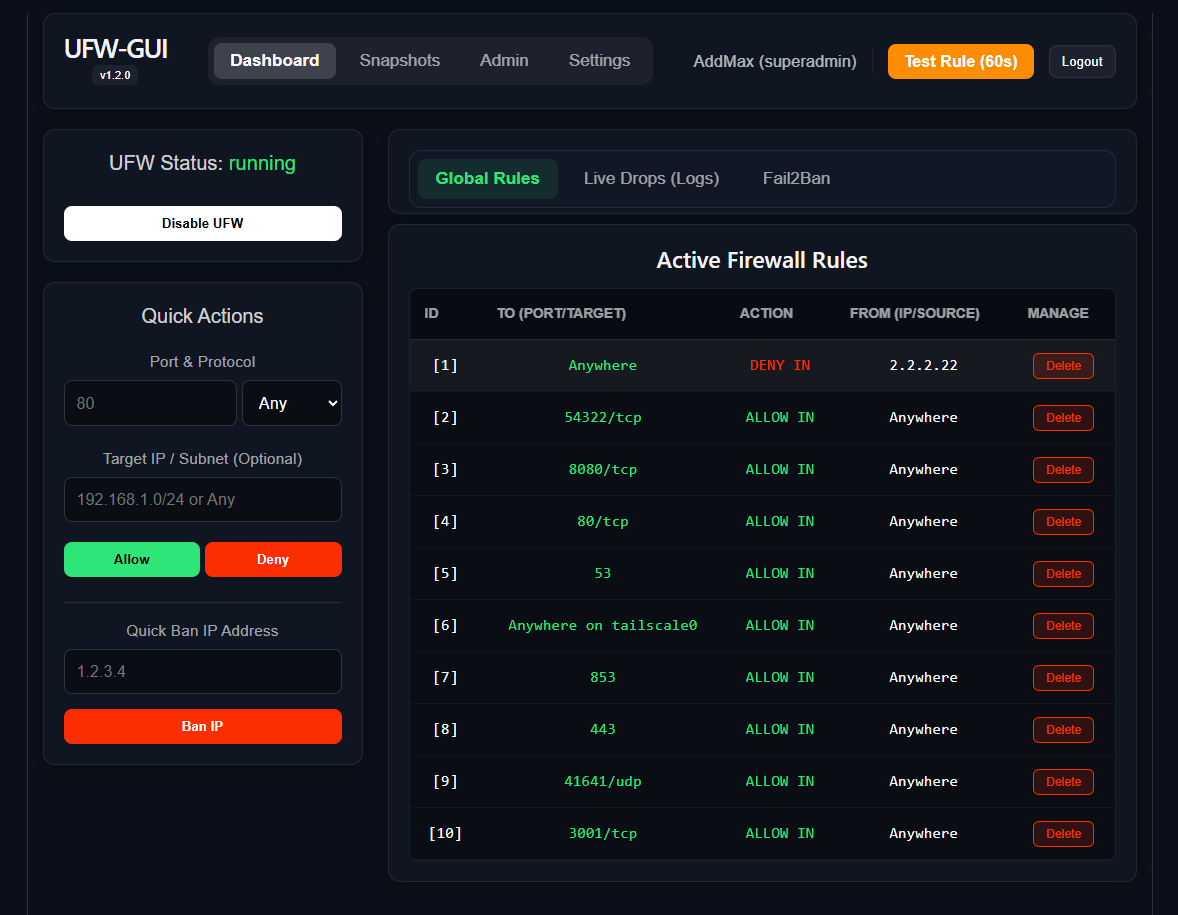
- Quick Rules: Fast addition of allows or denies for ports and IPs.
- Rule Management: View and delete active rules in one click.
- Test Mode: Safely test rules for 60 seconds with automatic rollback if connection is lost.
🔍 Analytics & Monitoring
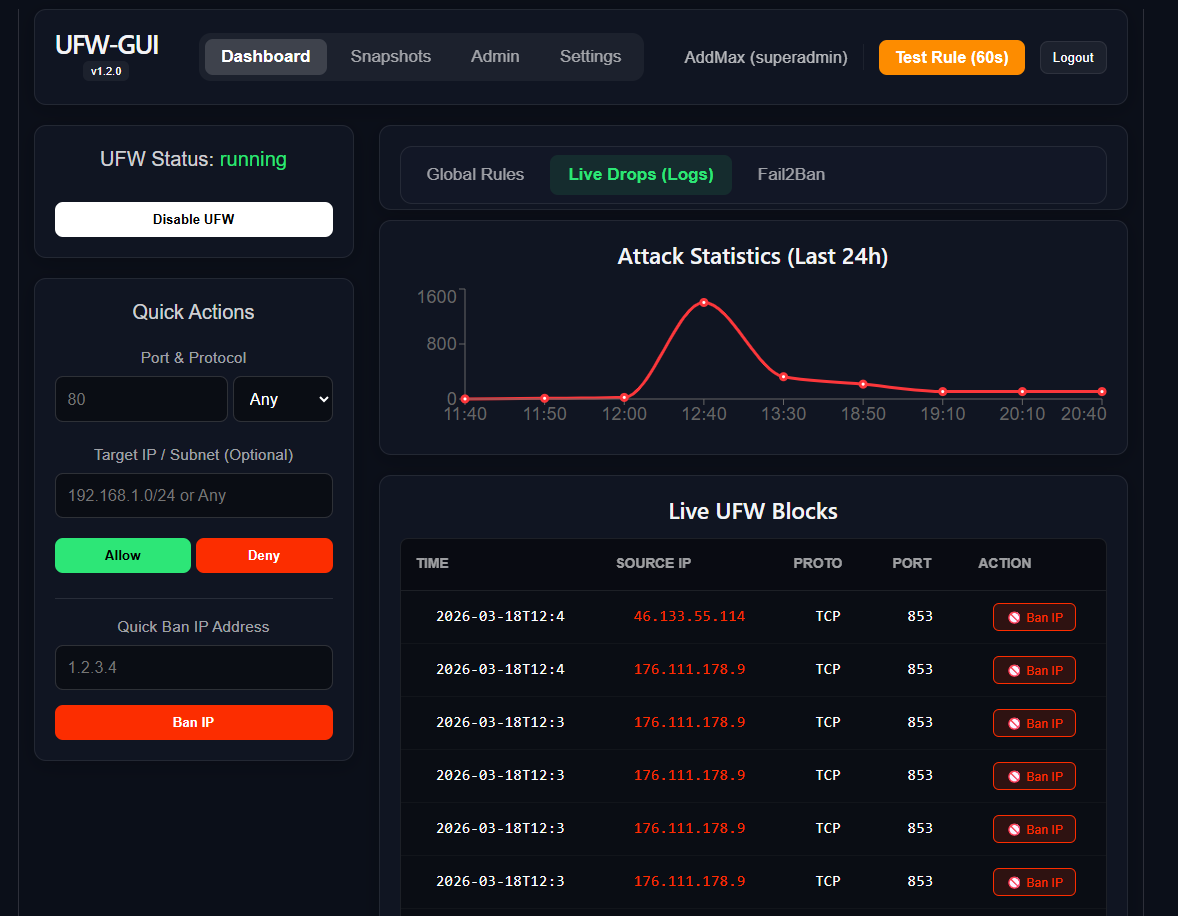
- Live Drops: Real-time monitoring of rejected packets.
- Attack Stats: Attack activity graphs for the last 24 hours (Recharts).
- Fail2Ban Integration: View blocked IPs and unban in one click.
🛡 Security & Reliability
- Time Machine: Automatic configuration snapshots.
- Audit Logs: Detailed user action logs.
- Telegram Alerts: Instant notifications of rule changes directly to your Telegram.
📦 Installation (Docker Compose)
The easiest way to run UFW-GUI is using docker-compose.yml:
-
Clone the repository:
git clone https://github.com/weby-homelab/ufw-gui.git cd ufw-gui -
Configure Environment: Create a
.envfile based onbackend/.env.exampleand setUFW_GUI_SECRET_KEY. -
Start Containers:
services: ufw-gui: image: webyhomelab/ufw-gui:latest container_name: ufw-gui network_mode: host privileged: true environment: - TZ=Europe/Kyiv - UFW_GUI_SECRET_KEY=change_me_to_a_secure_random_string_123 volumes: - ./data:/app/data - /etc/ufw:/etc/ufw - /var/run/fail2ban/fail2ban.sock:/var/run/fail2ban/fail2ban.sock - /var/log:/var/log:ro - /etc/localtime:/etc/localtime:ro restart: always
```bash
docker compose up -d
The dashboard will be available on port 8080 (or as configured in your Reverse Proxy).
📋 System Requirements
- OS: Ubuntu 22.04+, Debian 11+, AlmaLinux 9+.
- Dependencies:
docker,docker-compose,ufw,fail2ban. - Access:
rootprivileges (privileged mode) for the backend container.
Built in Ukraine under air raid sirens & blackouts ⚡
© 2026 Weby Homelab
Tag summary
Content type
Image
Digest
sha256:34c81bcee…
Size
78.7 MB
Last updated
3 months ago
docker pull webyhomelab/ufw-gui