x11vnc/docker-desktop
Docker image desktop for Ubuntu with x11vnc and novnc. Also compatible with Singularity.
1M+
x11vnc/docker-desktop repository overview
Docker/Singularity Image for Ubuntu with X11 and VNC
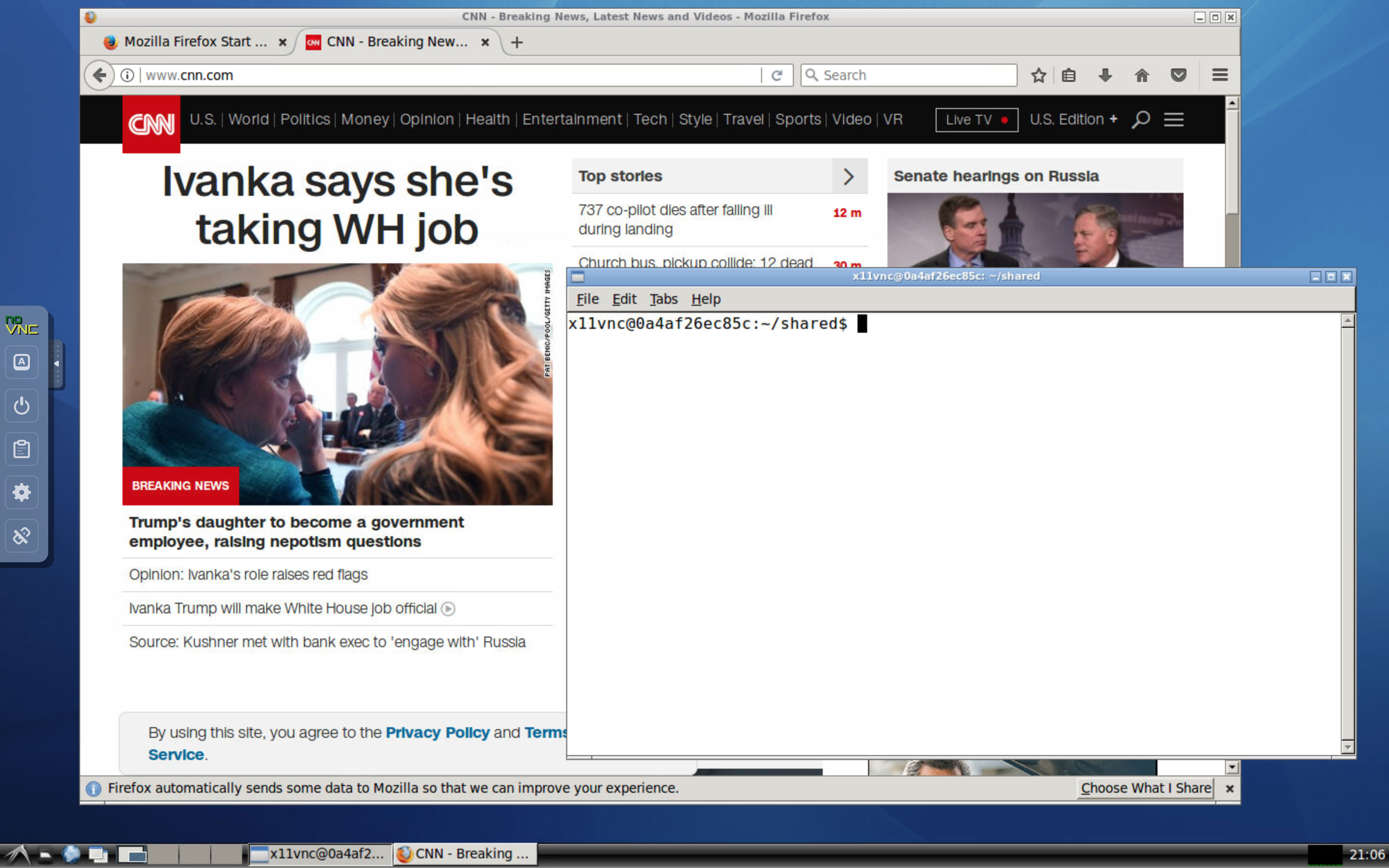
This repository offers a Docker/Singularity image for Ubuntu with X11 and VNC. It can be useful in delivering a unified enviroment for teaching programming classes, demonstrating graphical user interface, developing and debugging software programs, and visualizing simultion results on high-performance computing (HPC) platforms. It shares some similarity to fcwu/docker-ubuntu-vnc-desktop, but with several enhancements on security and features, especially for sofware developers and HPC users:
- VNC is protected by a unique random password for each session or a reused user-set password
- Desktop runs in a standard user account instead of the root account
- Supports dynamic resizing of the desktop and 24-bit true color
- Supports Ubuntu LTS releases 22.04, 20.04, and 18.04, with very fast launching
- Supports Simplified Chinese (add
-t zh_CNto the command-line option forx11vnc_desktop.py) - Automatically shares the current work directory from the host to Docker image
- Is compatible with Singularity (tested with Singularity v3.5) for high-performance computing platforms


Preparation for Using with Docker
Before you start, you need to first install Python and Docker on your computer by following the steps below.
Installing Python
If you use Linux or Mac, Python is probably already installed on your computer, so you can skip this step.
If you use Windows, you need to install Python if you have not yet done so. The easiest way is to install Miniconda, which you can download at https://repo.continuum.io/miniconda/Miniconda3-latest-Windows-x86_64.exe. You can use the default options during installation.
Installing Docker
Download the Docker Community Edition for free at https://www.docker.com/community-edition#/download and run the installer. Note that you need the administrator's privilege to install Docker. After installation, make sure you launch Docker before proceeding to the next step.
Notes for Windows Users
- Docker only supports 64-bit Windows 10 Pro or higher. If you have Windows 8 or Windows 10 Home, you need to upgrade your Windows operating system before installing Docker. Note that the older Docker Toolbox supports older versions of Windows but should not be used.
- After installing Docker, you may need to restart your computer to enable virtualization.
- When you use Docker for the first time, you must change its settings to make the C drive shared. To do this, right-click the Docker icon in the system tray, and then click on
Settings.... Go toShared Drivestab and check the C drive.
Notes for Linux Users
- After you install Docker, make sure you add yourself to the Docker group by running the command:
sudo adduser $USER docker
Then, log out and log back in before you can use Docker.
Running the Docker Image
To run the Docker image, first download the script x11vnc_desktop.py
and save it to the working directory where you will store your codes and data. You can download the script using the command line: On Windows, start Windows PowerShell, use the cd command to change to the working directory where you will store your codes and data, and then run the following command:
curl https://raw.githubusercontent.com/x11vnc/x11vnc-desktop/master/x11vnc_desktop.py -outfile x11vnc_desktop.py
On Linux or Mac, start a terminal, use the cd command to change to the working directory, and then run the following command:
curl -s -O https://raw.githubusercontent.com/x11vnc/x11vnc-desktop/master/x11vnc_desktop.py
After downloading the script, you can start the Docker image using the command
python x11vnc_desktop.py -p
This will download and run the Docker image and then launch your default web browser to show the desktop environment. The -p option is optional, and it instructs the Python script to pull and update the image to the latest version. The work directory by default will be mapped to the current working directory on your host.
To use the Chinese localization, use the command
python x11vnc_desktop.py -t zh_CN
For additional command-line options, use the command
python x11vnc_desktop.py -h
Building Your Own Images
To build your own image, run the following commands:
git clone https://github.com/x11vnc/x11vnc-desktop.git
docker build --rm -t x11vnc/docker-desktop x11vnc-desktop
and then use the x11vnc_desktop.py command.
Use with Singularity
This Docker image is constructed to be compatible with Singularity. This has been tested with Singularity v3.5. If your system does not yet have Singularity, you may need to install it by following these instructions. You must have root access to install Singularity, but you can use Singularity as a regular user after it has been installed. If you do not have root access, such as on an HPC platform, ask your system administrator to install Singularity for you. It is recommended you use Singularity v2.6 or later.
To use the Docker image with Singularity, please issue the command
singularity run -c -B $HOME docker://x11vnc/docker-desktop:latest
It will automatically mount some minimal /dev directories and $HOME in Singularity
but does not mount most others (such as /run, /tmp, etc.). If you do not want to
mount your home directory, then remove the -B $HOME option.
Alternatively, if you use Singularity v3.x, you may use the commands
singularity pull x11vnc-desktop:latest.sif docker://x11vnc/docker-desktop:latest
singularity run -c -B $HOME ./x11vnc-desktop:latest.sif
Notes regarding Singularity:
- When using Singularity, the user name in the container will be the same as that on the host. You will still have read access to /home/$DOCKER_USER.
- To avoid conflict with the user configuration on the host when using
Singularity, this image uses /bin/zsh as the login shell in the container.
By default, /home/$DOCKER_USER/.zprofile and /home/$DOCKER_USER/.zshrc
will be copied to your home directory if they do not yet exist. This works
the best if you use another login shell (such as /bin/bash) on the host.
If you are a
zshuser, you may need to edit your.zshrcand.zprofileto work both on the host and in the Singularity image. - To avoid potential conflict with your X11 configuration, this image uses LXDE for the desktop manager. This works best if you do not use LXDE on your host.
Forks and Pull Requests
You are welcome to fork the project and customize it for your own purpose. This repository uses Github Actions to build the Docker images automatically and then push the images onto Docker Hub. For Github Actions to work in your fork correctly, please do the following three steps:
- If you do not yet have a Docker Hub account, please
create an account. Set the Github repository secret
DOCKER_HUB_USERNAMEto your Docker username. - Set the Github repository secrets
DOCKER_HUB_USERNAMEandDOCKER_HUB_ACCESS_TOKENto your Docker Hub username and password. You can find some detailed instructions about getting Docker Hub access token at https://docs.docker.com/ci-cd/github-actions/. - Create a repository
docker-desktopin your Docker Hub account so that the built images can be pushed into your Docker Hub account.
Pull requests are also welcome. Please make sure your changes have passed the GitHub Actions CI for the pull request.
Developer
The x11vnc-desktop project was developed by Xiangmin Jiao as a tool for teaching and research at Stony Brook University. Note that this project is independent of the LibVNC/x11vnc project.
License
See the LICENSE file for details.
Related Projects
- LibVNC/x11vnc: A VNC server for real X displays originally developed by Karl Runge and now maintained by LibVNC and the GitHub community.
- novnc/noVNC: VNC client using HTML5 (Web Sockets, Canvas).
- fcwu/docker-ubuntu-vnc-desktop: An original but insecure implementation of Ubuntu desktop, without password protection.
- phusion/baseimage: A minimal Ubuntu base image modified for Docker-friendliness.
Tag summary
Content type
Image
Digest
sha256:9bd8b761c…
Size
452.7 MB
Last updated
about 3 years ago
docker pull x11vnc/docker-desktop